Introduction
In today’s fast-paced world, managing appointments and reminders effectively can make a significant difference in your business’s success. Whether you’re a freelancer, a healthcare professional, or running a salon, automation can save you time and ensure that your clients never miss an appointment. In this tutorial, we will guide you step-by-step on how to seamlessly integrate SMS reminders with your Google Calendar through our user-friendly platform.
Step 1: Setting Up Your Account
First, head over to our API & Developer Docs to create your account. The setup process is designed to be straightforward, even for those without technical knowledge. Once your account is active, log in to access the intuitive dashboard.
Step 2: Connect Google Calendar
Next, you’ll need to connect your Google Calendar to our application. Follow these simple steps:
- Navigate to the 'Integrations' section within the dashboard.
- Click on 'Connect Google Calendar.'
- Authorize the necessary permissions.
This process allows our platform to access your calendar events to automate SMS reminders effortlessly.
Step 3: Schedule SMS Reminders
Now that your calendar is connected, it’s time to schedule your SMS reminders. Here’s how:
1. Select an event from your Google Calendar.
2. Choose the number of days before the event you want the SMS to be sent (1, 2, 3, or 4 days).
3. Craft your message using dynamic keywords like [event_date], [event_start], [event_end], and [location]. For example:
"Hi! Just a quick reminder for your appointment on [event_date] at [event_start]. The meeting will take place at [location]."
This way, your clients receive personalized messages, creating a more professional touch.
Step 4: Enjoy Seamless Communication
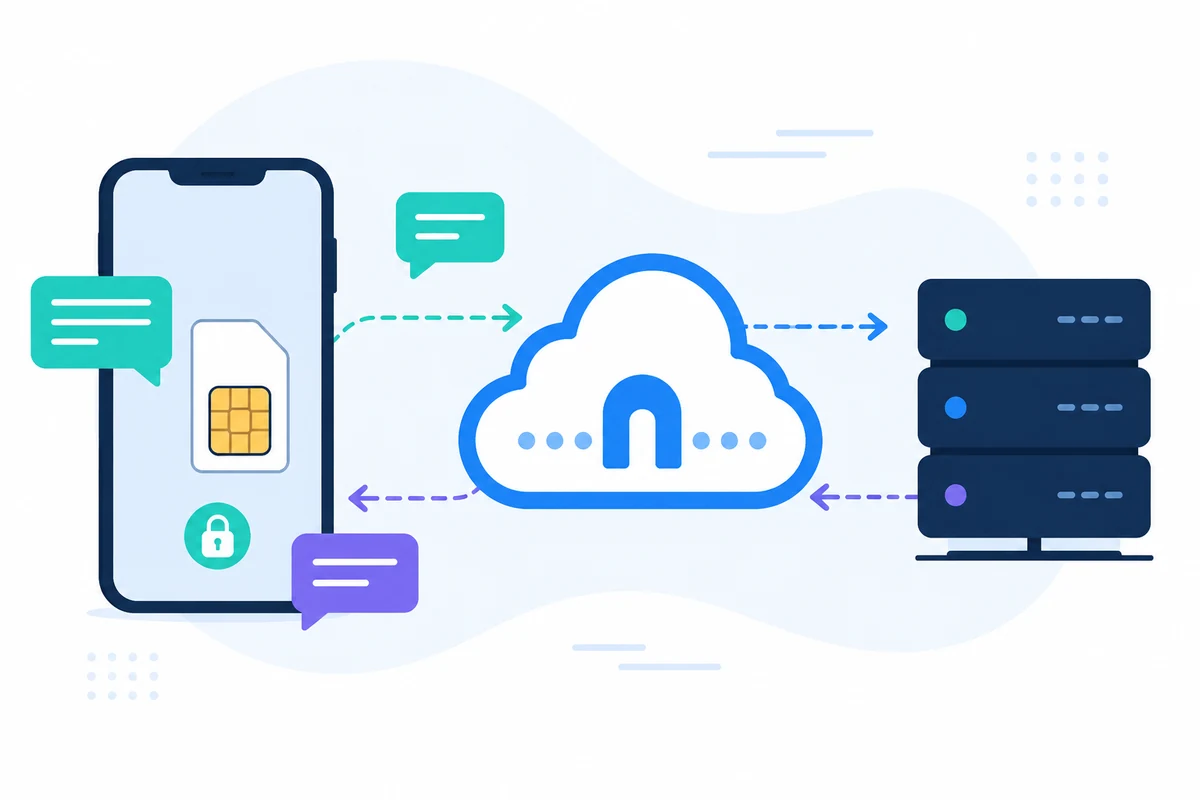
Once set up, your SMS reminders will be automatically sent from your mobile phone, so your clients recognize your usual number. They can reply directly, allowing for smooth, ongoing conversations without additional costs. All SMS is handled securely, keeping your data private.
Real Benefits
By implementing this system, you save time, reduce no-shows, and ensure efficient communication with your clients. Plus, it’s 100% private and secure, relaying all messages through your device without any data storage concerns.
Conclusion
Integrating SMS reminders with Google Calendar not only enhances your professional image but also streamlines your workflow. Don’t wait to boost your productivity! For more information and detailed guidance, visit our Tools & Changes log and learn how it works. Start transforming your appointment reminders today!