
Nhắc nhở cuộc hẹn
Trình thông báo liên lạc qua mạng cho các phòng khám, dịch vụ và các doanh nghiệp dựa trên lịch
Gửi cho họ những nhắc nhở bổ nhiệm từ số điện thoại di động kết nối của chính bạn sử dụng các bộ gây nên lịch, sự kiện CM,Zapier, Google Calendarhoặc là một hệ thống cấp cứu trực tiếp.
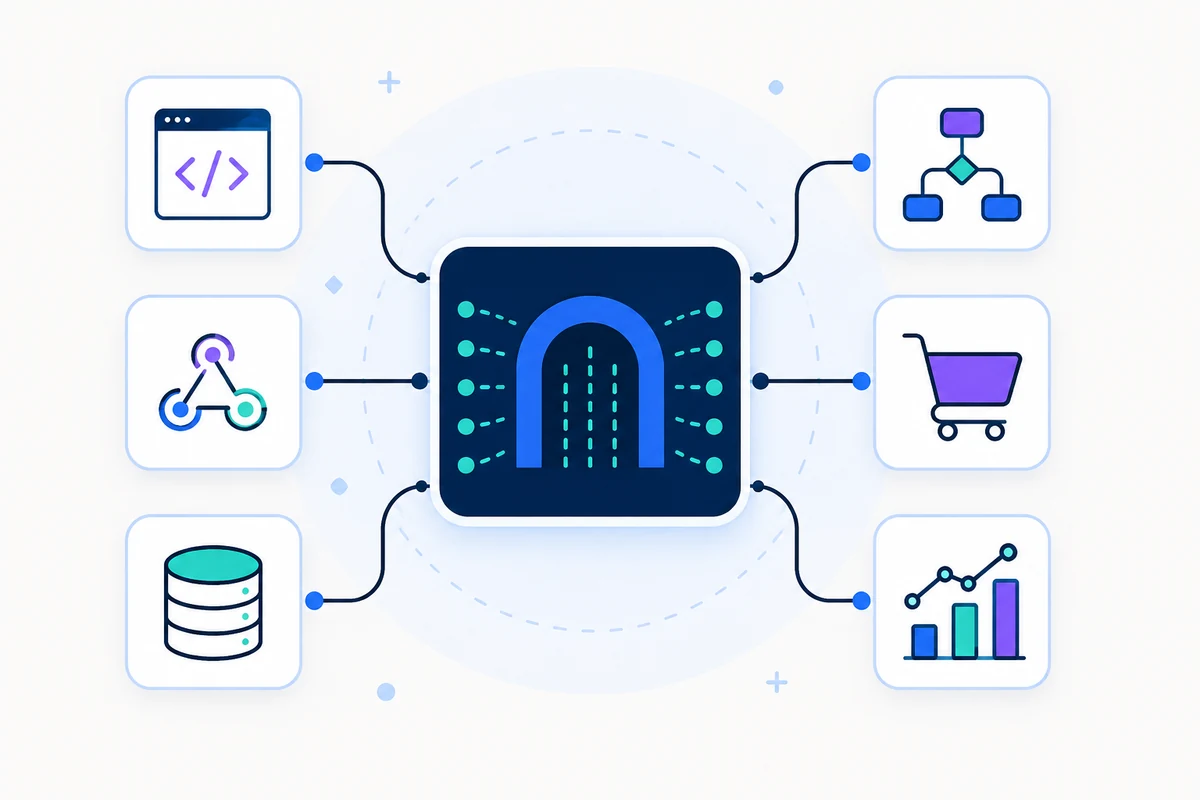
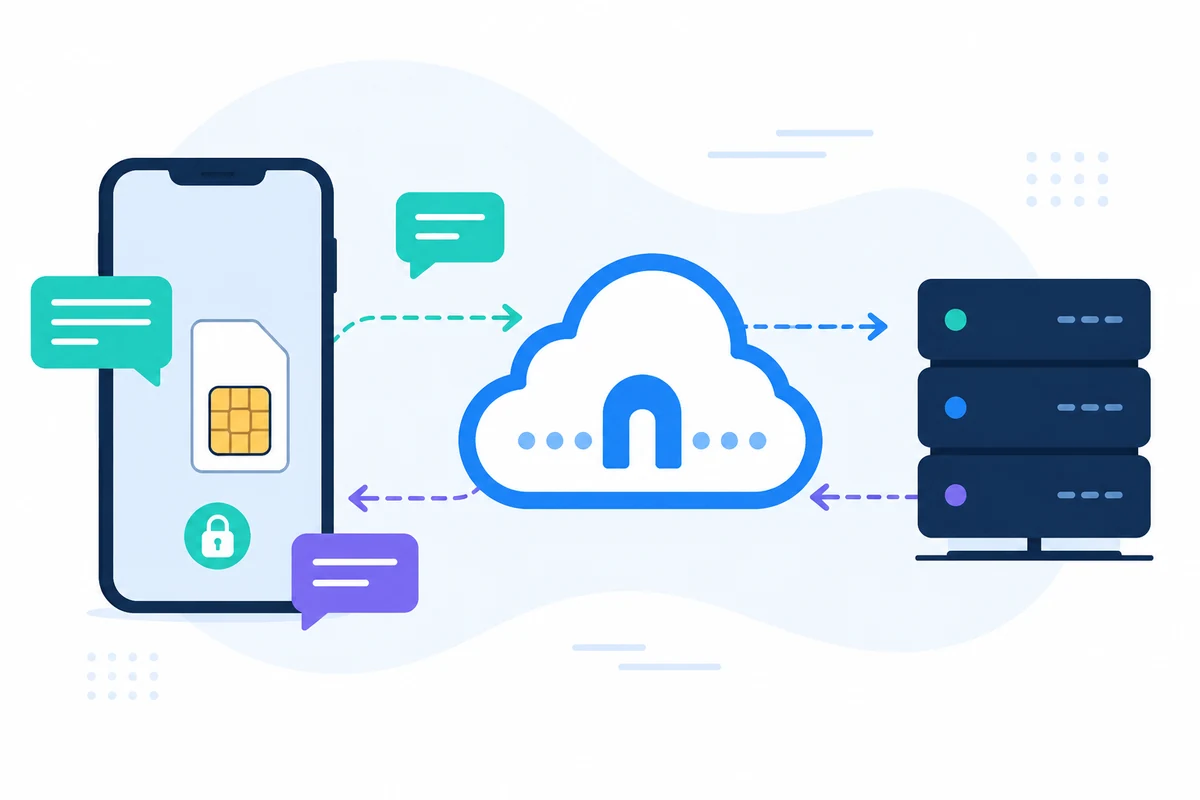
SMSMobileAPIKết nối thiết bị di động của chính mình với một bảng điều khiển chuyên nghiệp và hệ thống điều hành ROR. Ứng dụng di động tạo ra cầu nối an toàn giữa điện thoại, bảng điều khiển và phần mềm của bạn, để các đội có thể gửi tin nhắn, nhận tin nhắn, xem lại các cuộc gọi và giữ cho lịch sử hoạt động tập trung.
- Dùng số điện thoại và SIM của bạn nơi mà dòng chảy cần thiết
- Kết nối một hoặc nhiều điện thoại đến cùng tài khoản
- Giữ cho SMS, gọi các sự kiện, bản ghi và trạng thái thiết bị được hiển thị trên bảng điều khiển
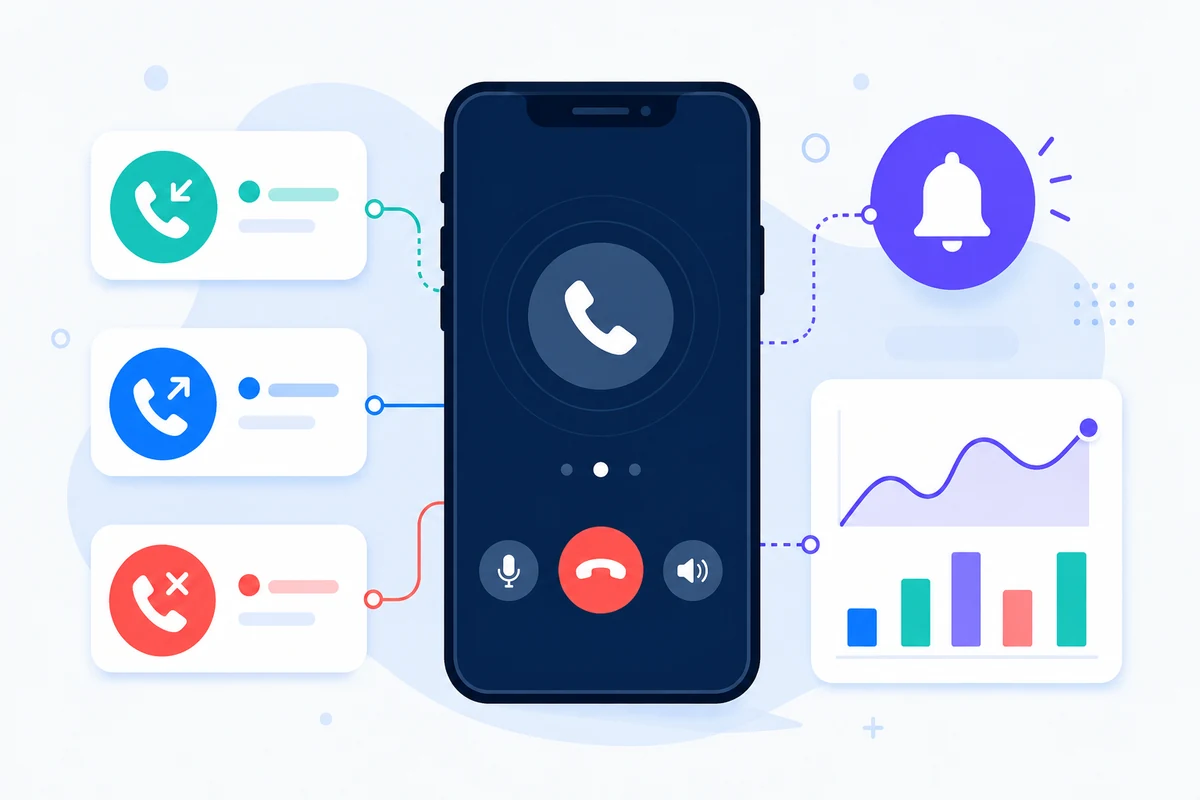
- Gửi đến SMS, và gửi SMS, cuộc gọi đến, cuộc gọi đi lại và bỏ lỡ cuộc gọi dựa trên một dòng thời gian di động chi tiết
- Hợp nhất thông qua các điểm kết thúc được ghi lưu, SDKs, bổ sung hoặc không mã hoá công cụ
- Giữ các câu hỏi giá trị hướng đến trang giá trị thay vì tiền đóng hộp
Tại sao cách tiếp cận của bộ nhắc nhở bổ nhiệm này là khác
NHẮC NHỞ
Giảm các cuộc hẹn bị trễ
Gửi ngay đến SMS trước khi có các buổi họp, thăm viếng, lớp học hoặc cuộc gọi công tác.
CHUẨN
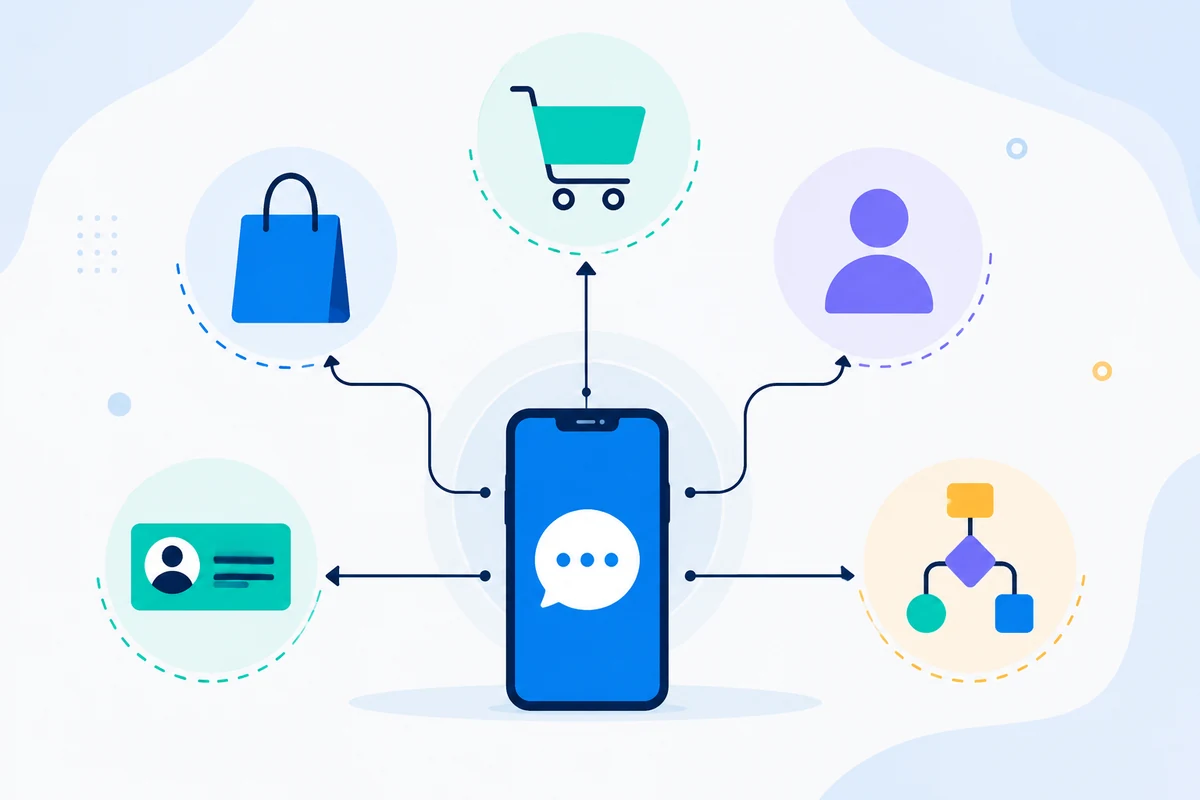
Kết nối hệ thống kế hoạch
Sử dụng Google Calendar, Zapier, GoHighLevel hoặc ứng dụng riêng của bạn như là kích hoạt.
SỐ RIÊNG
Giữ thẻ công nhận khách hàng
Thông điệp có thể đến từ một số điện thoại khách hàng của bạn đã nhận ra.
CÁC ĐỐI SỐ
Xác nhận
Nhận được SMS có thể xác nhận, hủy bỏ hoặc yêu cầu thay đổi thông qua dòng chảy làm việc hai chiều.
Ví dụ yêu cầu API
Điểm cuối chính xác tùy thuộc vào tính năng bạn dùng. Một thông tin cơ bản gửi công việc lưu trữ thông tin yêu cầu với phím API của bạn, sau đó SMSMobileAPI tuyến hành động để các ứng dụng di động kết nối.
curl 'https://api.smsmobileapi.com/sendsms/?recipients=12345678910&message=Reminder%3A%20appointment%20tomorrow%20at%2010%3A30&apikey=YOUR_API_KEY'{"result":{"error":0,"sent":"1","note":"sent by mobile"}}FAQ
Có thể tự động nhắc nhở không?
Phải. Dùng trực tiếp API, tích hợp lịch hoặc tự động công cụ để kích hoạt các thông điệp nhắc nhở.
Khách hàng có thể trả lời không?
Phải. Nhận được SMS có thể được đồng bộ hóa và xử lý trên bảng điều khiển hoặc API.
Tôi có thể dùng Google Calendar không?
Phải.SMSMobileAPIbao gồmGoogle CalendarLàm việc để được hướng dẫn về những lời nhắc nhở.
Bước tiếp theo
Xây dựng dòng chảy công việc bằng cơ sở hạ tầng di động của riêng bạn.
Bắt đầu với những tài liệu liên quan, sau đó kiểm tra với một di động kết nối trước khi phóng to lên toàn bộ hạm đội.

Ứng dụng di động chính thức
Cầu bảo mật giữa điện thoại, bảng điều khiển và API.
Kết nối và gọi đến cho chính thứcSMSMobileAPIỨng dụng được cài đặt trên điện thoại kết nối của bạn. Ứng dụng này đảm bảo kết nối thiết bị này với tài khoản của bạn, đồng bộ hoá các sự kiện cho phép và kết nối mạng di động vào bảng điều khiển và hệ thống điều khiển.
- Ký giấy phát hành qua danh sách Google Play và Apple App Store chính thức
- Xem lại nền tảng Google và Apple, ký và phân phối điều khiển
- Hai thiết bị bảo mật, HTTPS vận chuyển và xác thực quyền truy cập API
- Chỉ quyền hạn cần thiết cho các tính năng di động bạn bật


