Muistutukset ajanvarauksista
SMS API for Appointment Reminders for clinics, services and appointment-based businesses
Send appointment reminders from your own connected mobile number using calendar triggers, CRM events, Zapier, Google Calendar or a direct REST API.
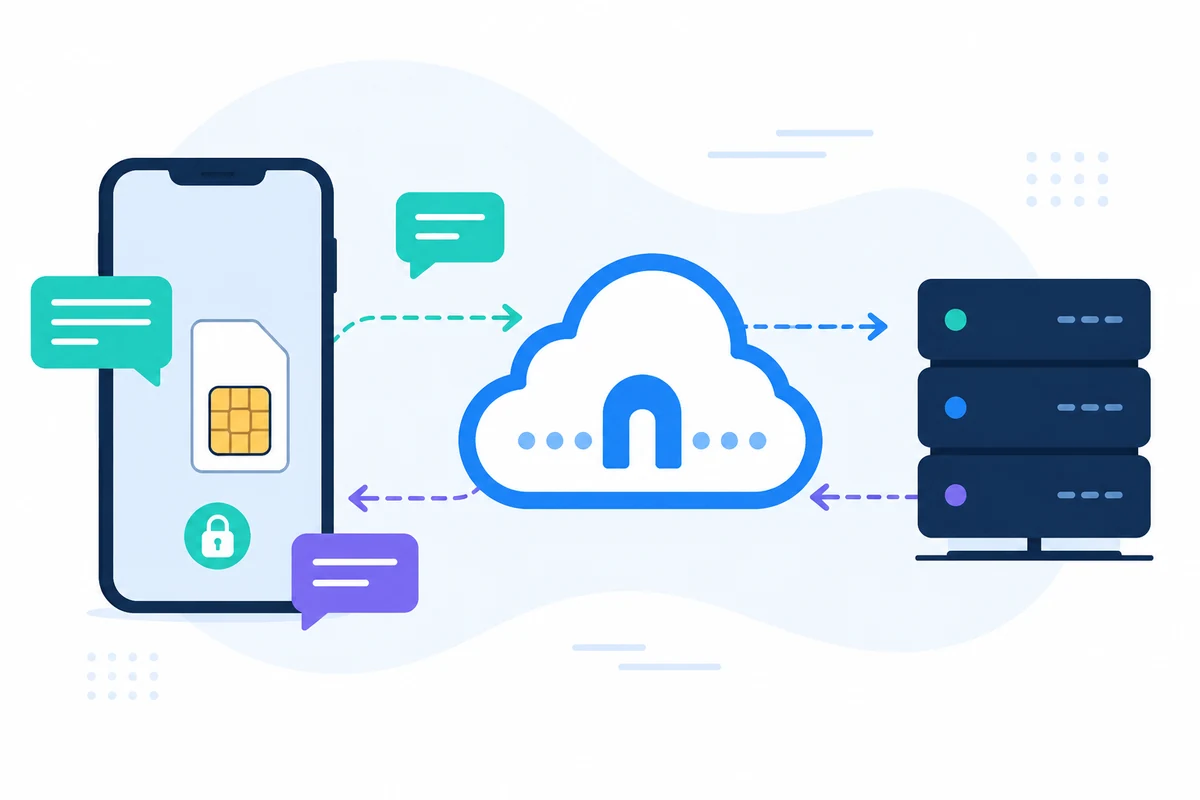
SMSMobileAPI connects your own mobile device to a professional dashboard and REST API. The mobile app creates the secure bridge between the phone, the dashboard and your software, so teams can send SMS, receive SMS, review call events and keep operational history centralized.
- Use your own mobile number and SIM where the workflow requires it
- Connect one or several phones to the same account
- Keep SMS, call events, logs and device status visible in the dashboard
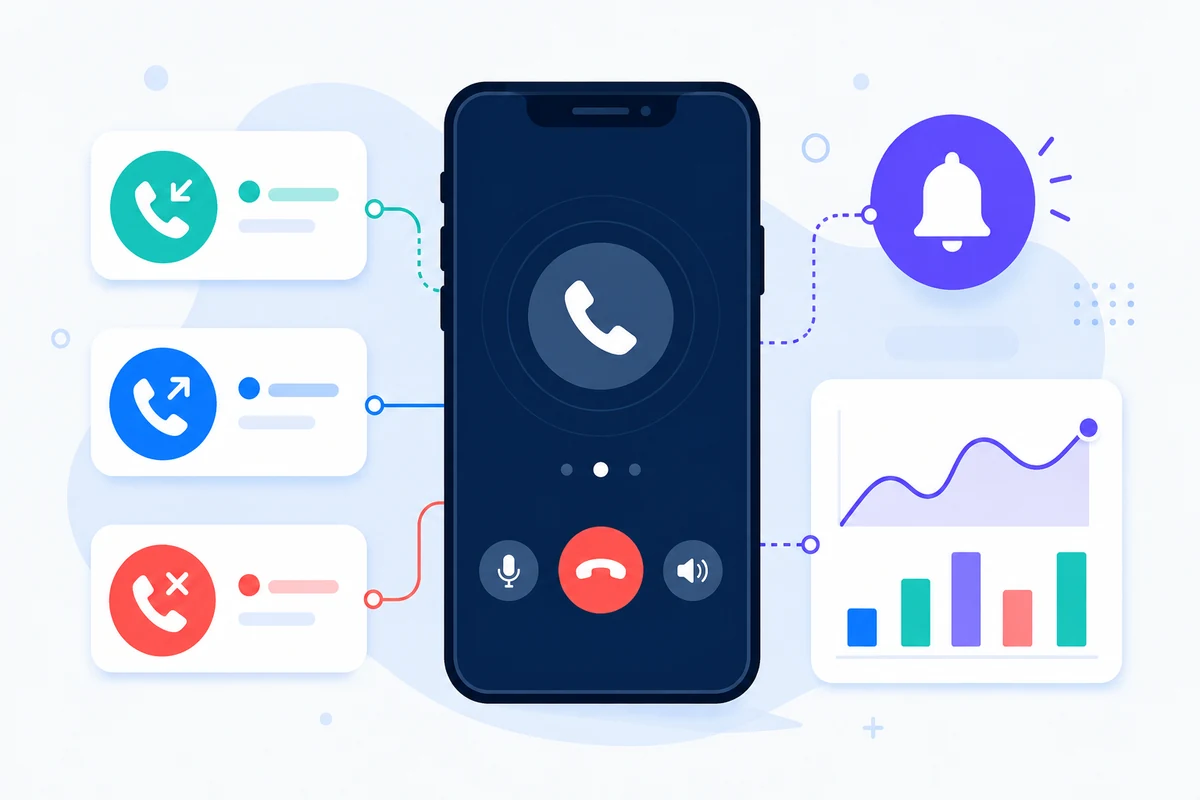
- Represent received SMS, sent SMS, incoming calls, outgoing calls and missed calls on a detailed period-based mobile activity timeline
- Integrate through documented REST endpoints, SDKs, plugins or no-code tools
- Keep pricing questions directed to the pricing page instead of hard-coding amounts
Why this SMS API for Appointment Reminders approach is different
REMINDERS
Reduce missed appointments
Send timely SMS before meetings, visits, classes or service calls.
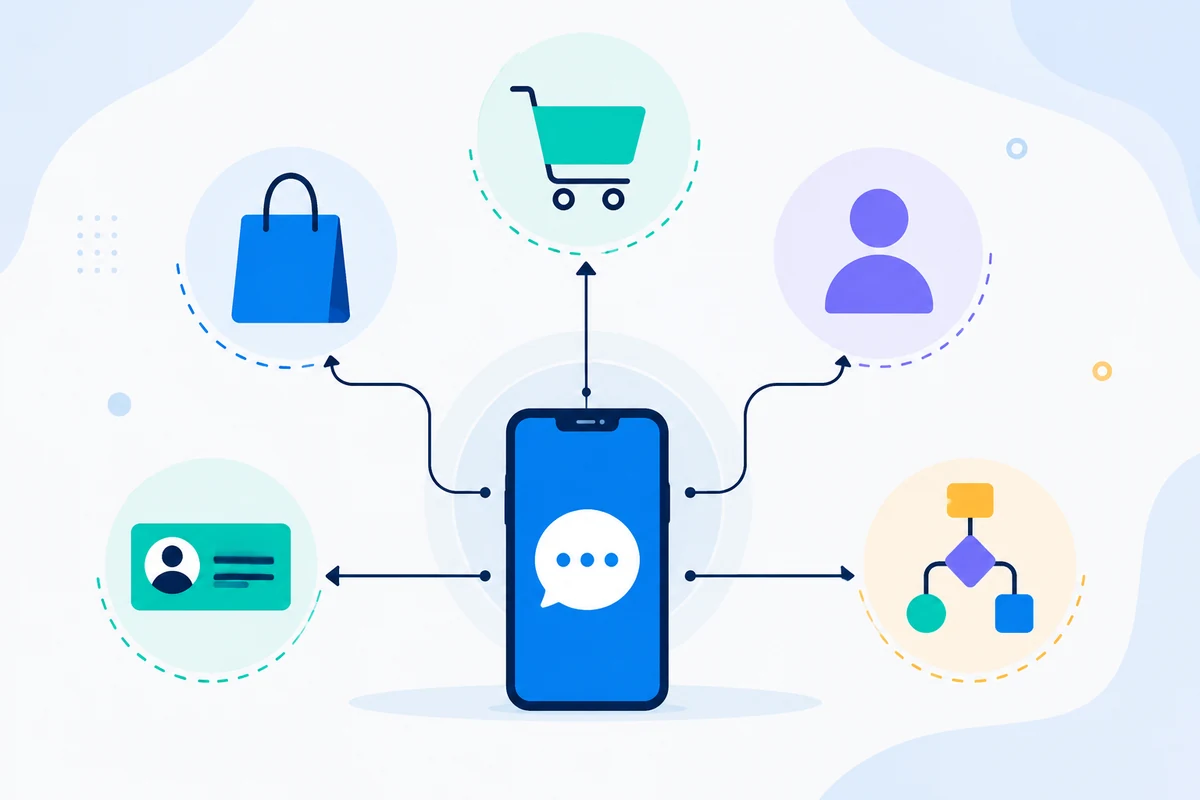
CALENDAR
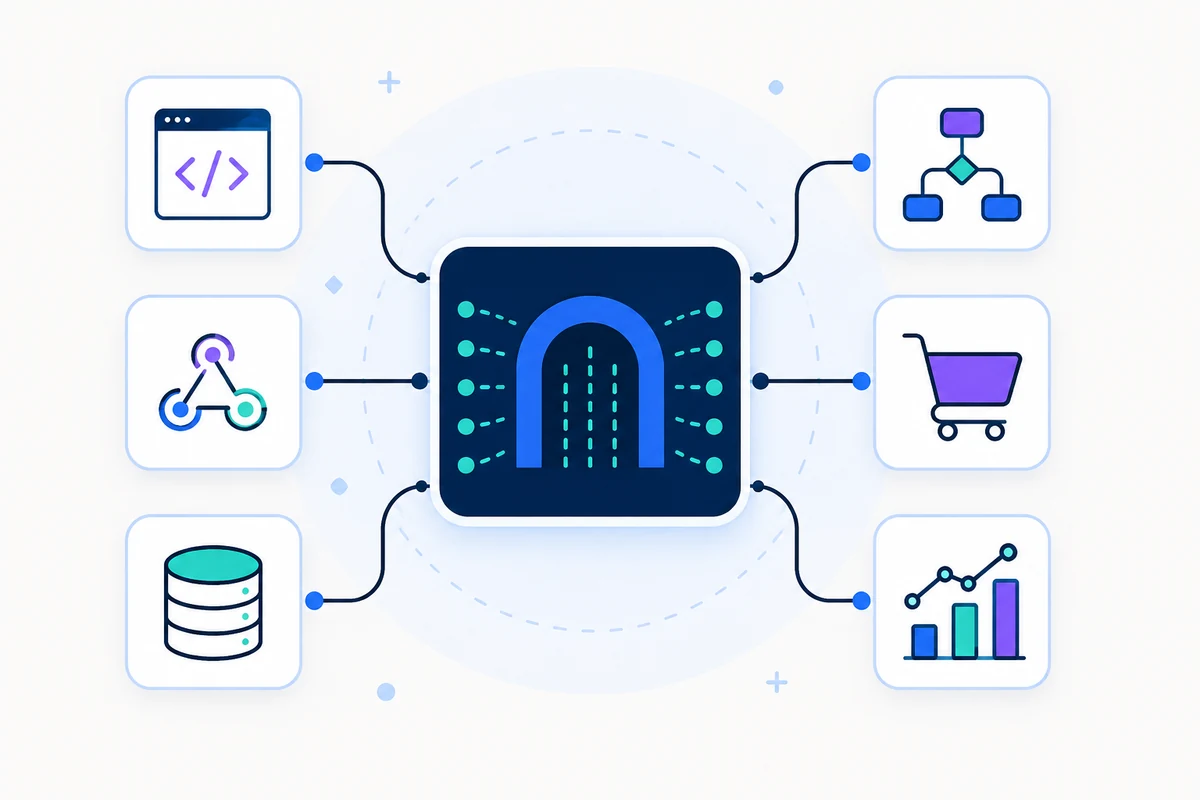
Connect scheduling systems
Use Google Calendar, Zapier, GoHighLevel or your own app as the trigger.
OWN NUMBER
Keep customer recognition
Messages can come from a mobile number your customers already recognize.
REPLIES
Capture confirmations
Received SMS can confirm, cancel or request changes through two-way workflows.
Example API request
The exact endpoint depends on the feature you use. A basic sending workflow authenticates the request with your API key, then SMSMobileAPI routes the action to the connected mobile app.
curl 'https://api.smsmobileapi.com/sendsms/?recipients=12345678910&message=Reminder%3A%20appointment%20tomorrow%20at%2010%3A30&apikey=YOUR_API_KEY'{"result":{"error":0,"sent":"1","note":"sent by mobile"}}FAQ
Can reminders be automated?
Yes. Use direct API calls, calendar integrations or automation tools to trigger reminder messages.
Can customers reply?
Yes. Received SMS can be synchronized and processed in the dashboard or API.
Can I use Google Calendar?
Yes. SMSMobileAPI includes Google Calendar workflow guidance for reminders.
Next step
Build the workflow with your own connected mobile infrastructure.
Start with the relevant documentation, then test with one connected mobile before scaling to a full fleet.

Official mobile application
The secure bridge between your phone, dashboard and API.
SMS and call operations pass through the official SMSMobileAPI app installed on your connected phone. The app securely pairs the device with your account, synchronizes authorized events and links the mobile network to the dashboard and REST API.
- Signed releases distributed through the official Google Play and Apple App Store listings
- Google and Apple platform review, signing and distribution controls
- Secure device pairing, HTTPS transport and authenticated API access
- Only the permissions required for the mobile features you enable


