
Påmindelser om aftaler
SMS API for Udpegning Reminders for clinics, services and exceptment- based business
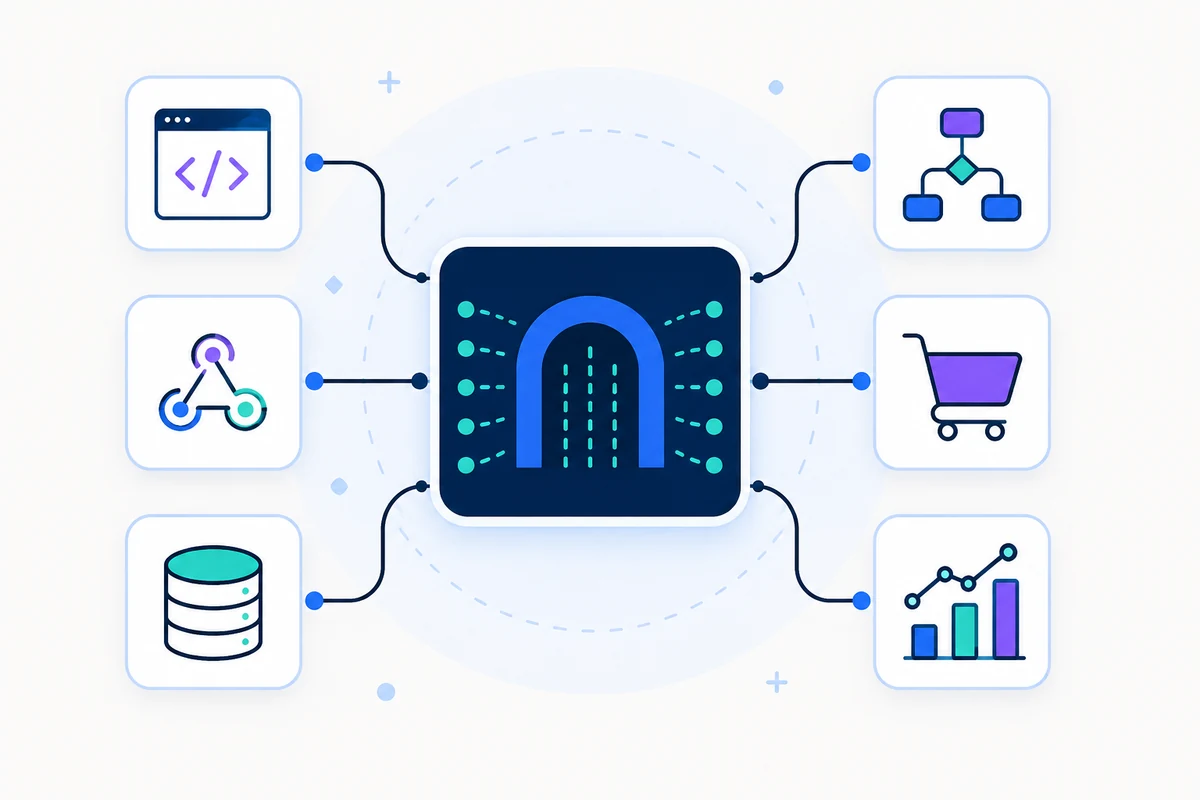
Send aftaler påmindelser fra dit eget tilsluttede mobilnummer ved hjælp af kalender udløser, CRM begivenheder, Zapier, Google Calendar eller en direkte REST API.
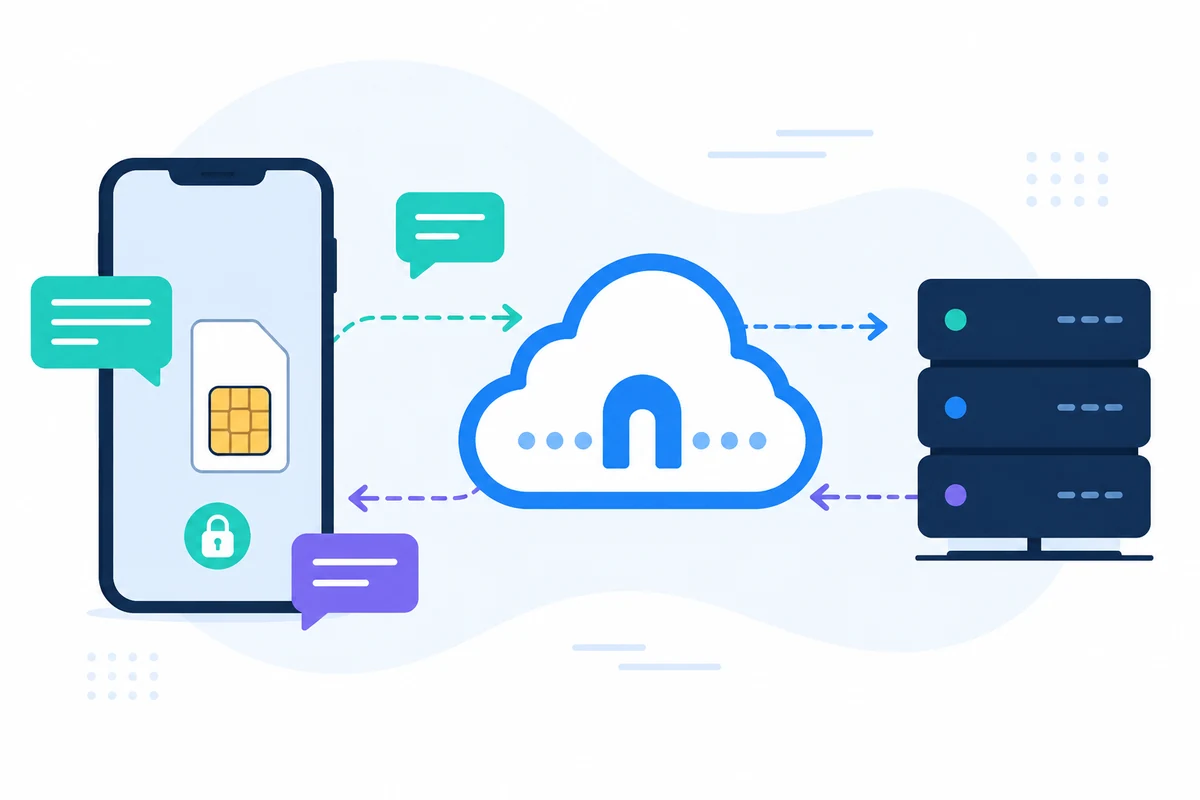
SMSMobileAPI forbinder din egen mobile enhed til et professionelt dashboard og REST API. Den mobile app skaber den sikre bro mellem telefonen, instrumentbrættet og din software, så teams kan sende SMS, modtage SMS, gennemgå opkald begivenheder og holde operationelle historie centraliseret.
- Brug dit eget mobilnummer og SIM, hvor arbejdsgangen kræver det
- Tilslut en eller flere telefoner til samme konto
- Hold SMS, opkaldsbegivenheder, logfiler og enhedsstatus synlig i instrumentbrættet
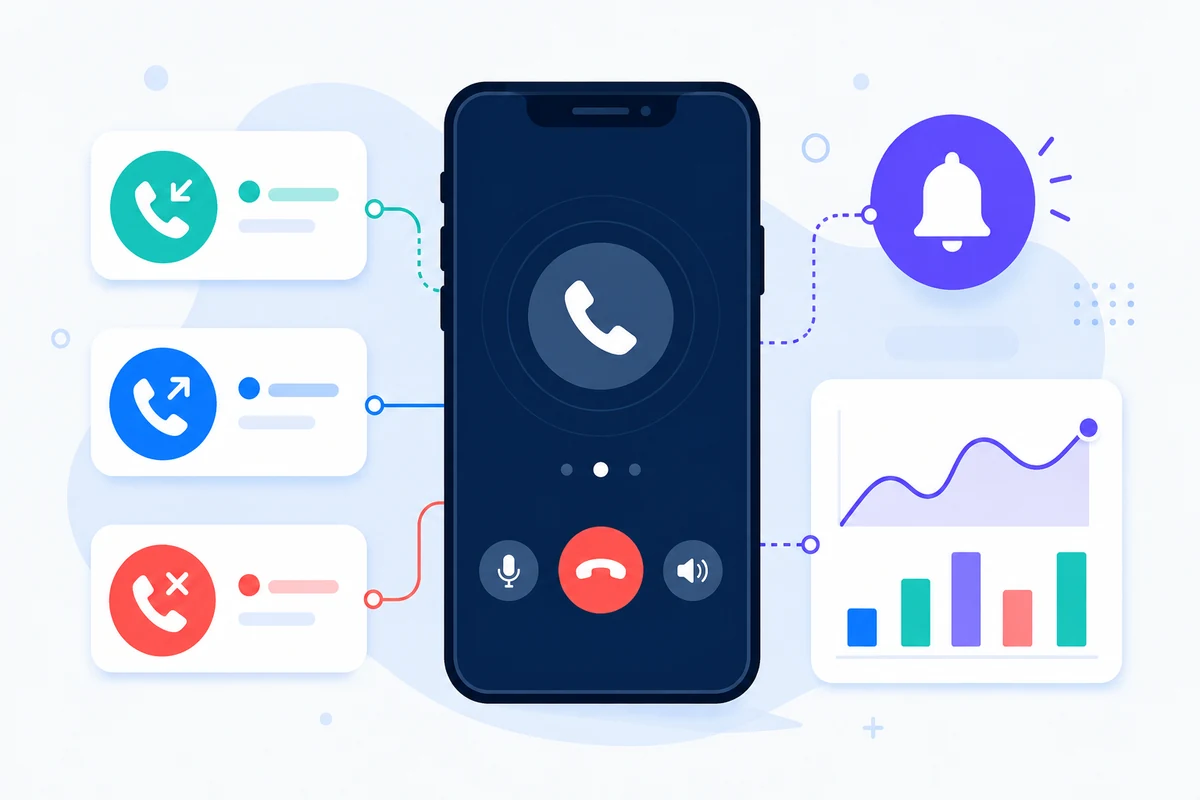
- Represent modtaget SMS, sendt SMS, indgående opkald, udgående opkald og mistede opkald på en detaljeret periodebaseret mobil aktivitet tidslinje
- Integrer gennem dokumenterede REST endepunkter, SDKs, plugins eller no- kode værktøjer
- Hold prissætning spørgsmål rettet til prissætning side i stedet for hard- kodning beløb
Hvorfor denne SMS API for udnævnelse Reminders tilgang er forskellig
PÅMINDELSER
Reducer de manglende udnævnelser
Send rettidig SMS før møder, besøg, klasser eller serviceopkald.
KALENDER
Tilslut fartplanssystemer
Brug Google Calendar, Zapier, GoHighLevel eller din egen app som udløseren.
EGET NUMMER
Hold kundegenkendelse
Meddelelser kan komme fra et mobilnummer, dine kunder allerede genkende.
SVAR
Bekræftelser af optagelse
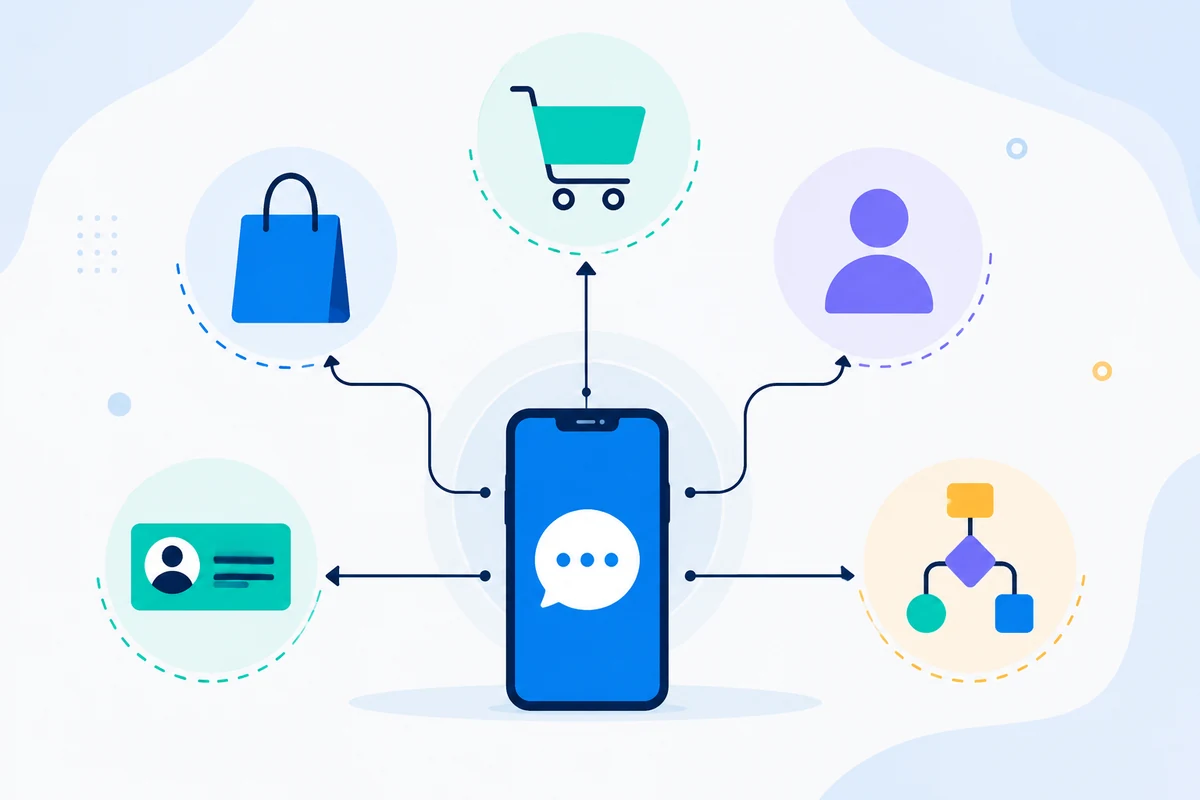
Modtagne SMS kan bekræfte, annullere eller anmode om ændringer gennem to-vejs arbejdsgange.
Eksempel på API-anmodning
Det nøjagtige endepunkt afhænger af den funktion, du bruger. En grundlæggende sende workflow autentificerer anmodningen med din API-nøgle, derefter SMSMobileAPI ruter handlingen til den tilsluttede mobile app.
curl 'https://api.smsmobileapi.com/sendsms/?recipients=12345678910&message=Reminder%3A%20appointment%20tomorrow%20at%2010%3A30&apikey=YOUR_API_KEY'{"result":{"error":0,"sent":"1","note":"sent by mobile"}}FAQ
Kan påmindelser automatiseres?
Ja. Brug direkte API-opkald, kalenderintegrations eller automatiseringsværktøjer til at udløse påmindelser.
Kan kunderne svare?
Ja. Modtagne SMS kan synkroniseres og behandles i instrumentbrættet eller API.
Kan jeg bruge Google Calendar?
Ja. SMSMobileAPI omfatter Google Calendar workflow vejledning for påmindelser.
Næste skridt
Byg arbejdsgangen med din egen tilsluttede mobile infrastruktur.
Start med den relevante dokumentation, og test derefter med en tilsluttet mobil før skalering til en fuld flåde.

Officiel mobilapplikation
Den sikre bro mellem telefonen, instrumentbrættet og API.
SMS og opkald operationer passere gennem den officielle SMSMobileAPI app installeret på din tilsluttede telefon. App sikkert parrer enheden med din konto, synkroniserer godkendte begivenheder og forbinder mobilnetværket til instrumentbrættet og REST API.
- Signerede udgivelser distribueret gennem de officielle Google Play og Apple App Store lister
- Google og Apple platform gennemgang, signaturer og distribution kontrol
- Sikker parring af enheden, HTTPS transport og autentificeret API adgang
- Kun de tilladelser, der kræves for de mobile funktioner, du aktiverer


