
予約リマインダー
クリニック、サービス、および予約ベースのビジネスのための任命のリマインダーのためのSMS API
カレンダートリガー、CRMイベント、Zapier、Google Calendar、または直接REST APIを使用して、独自の接続された携帯電話番号から予約リマインダーを送信してください。
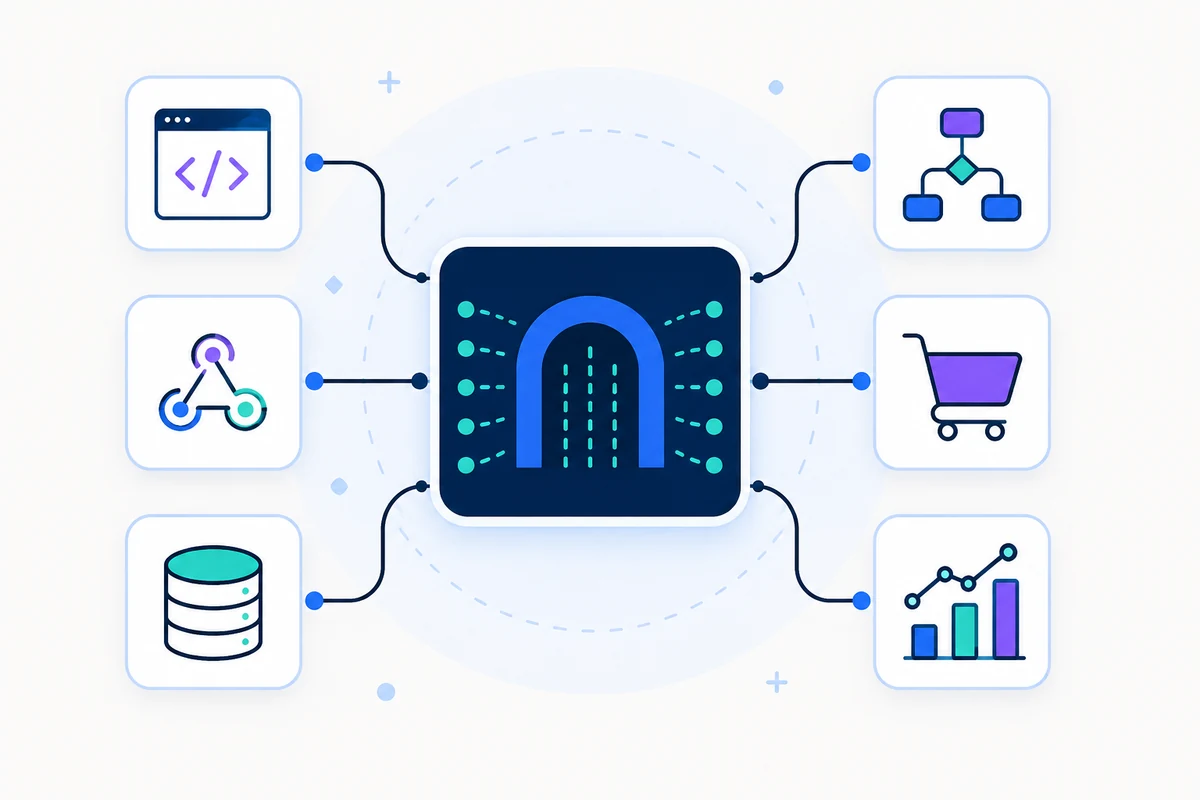
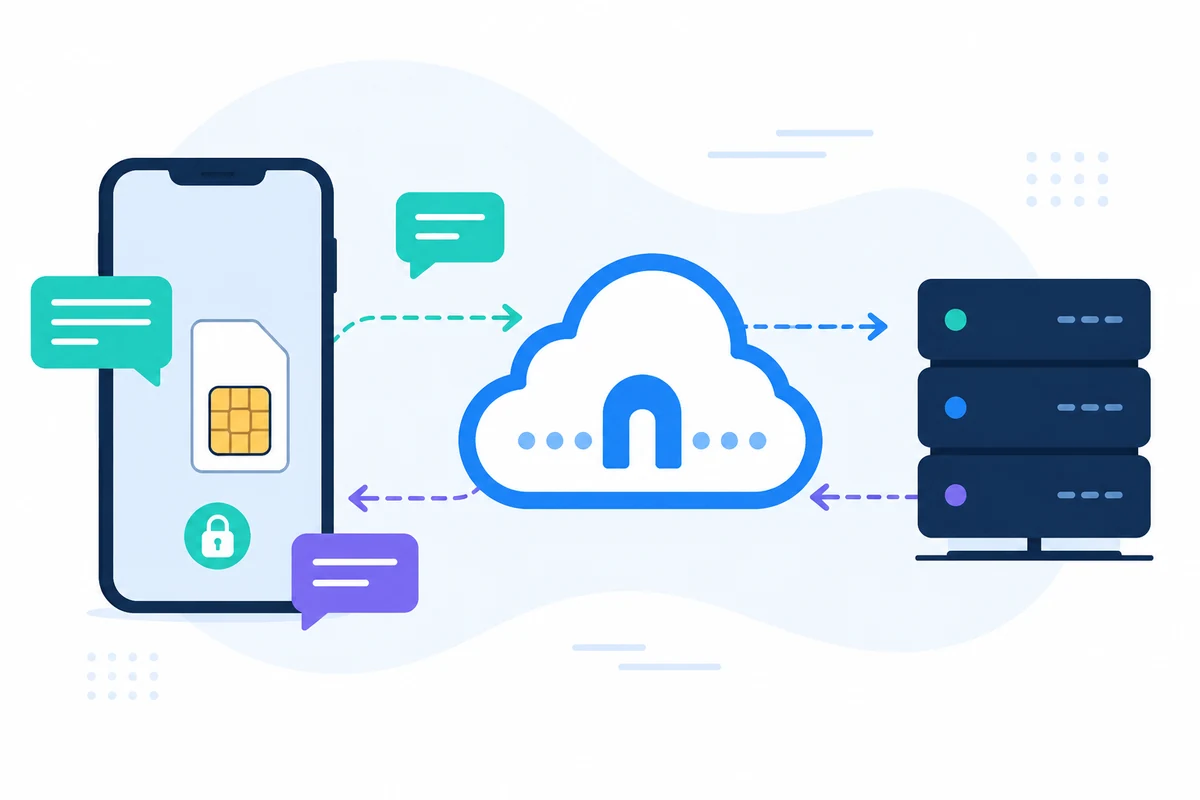
SMSMobileAPIは、独自のモバイルデバイスをプロダッシュボードとREST APIに接続します。 モバイルアプリは、電話、ダッシュボード、ソフトウェア間で安全な橋渡しを生成します。そのため、チームはSMSを送受信し、SMSを受信し、コールイベントを見直し、運用履歴を集中的に管理できます。
- ワークフローが要求する独自のモバイル番号とSIMを使用してください。
- 同一のアカウントに複数の携帯電話を接続する
- SMS を保ち、イベント、ログ、デバイスの状態をダッシュボードで表示
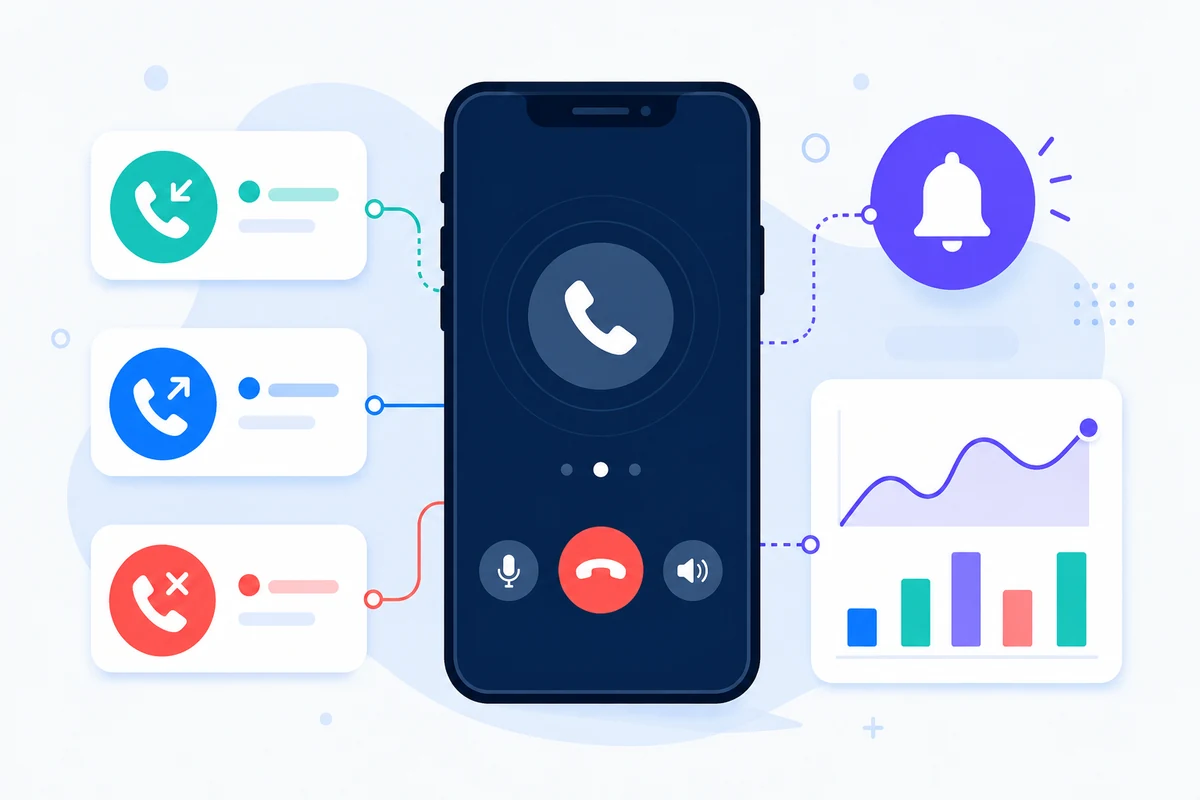
- 代表は、SMSを受け取り、SMSを送った、着信コール、発信電話の発信、詳細な期間ベースのモバイルアクティビティタイムラインでの見逃しコール
- 文書化されたRESTエンドポイント、SDK、プラグイン、またはコードなしツールを介して統合
- 符号化の難しさではなく、価格設定ページに指示された価格設定の質問をキープ
なぜこのSMS APIの任命の補強のアプローチは異なっています
再マインダー
見逃された予約を減らす
会議、訪問、クラス、またはサービスコールの前にタイムリーにSMSを送信します。
カレンダー
スケジュールシステムを接続する
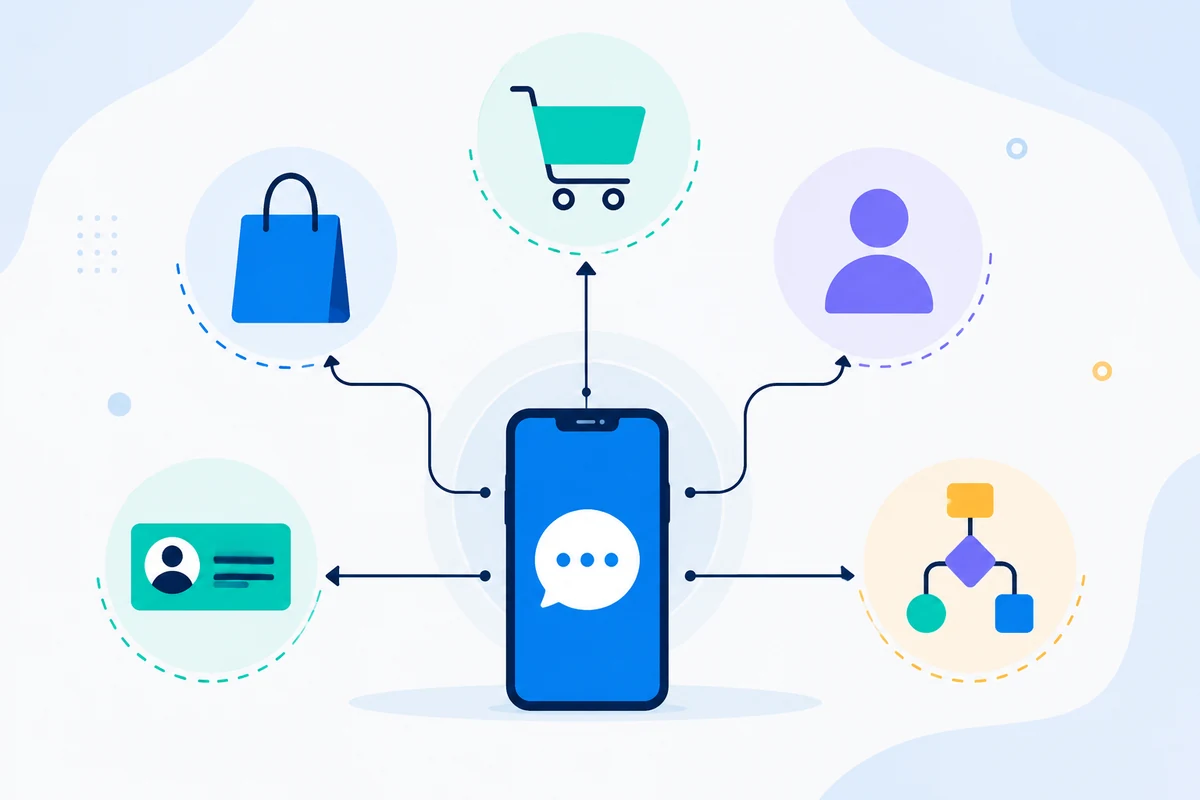
Google Calendar、Zapier、GoHighLevel、または、トリガーとして独自のアプリを使用します。
所有番号
顧客の認識を保って下さい
既にお客様のご確認をいただいている携帯電話番号からメッセージが届きます。
返信
キャプチャ確認
SMS を受信して、双方向ワークフローで変更の確認、キャンセル、またはリクエストができます。
例 API リクエスト
正確なエンドポイントは、使用する機能によって異なります。 基本的なワークフローは、APIキーでリクエストを認証し、SMSMobileAPIは接続されたモバイルアプリへのアクションをルート化します。
curl 'https://api.smsmobileapi.com/sendsms/?recipients=12345678910&message=Reminder%3A%20appointment%20tomorrow%20at%2010%3A30&apikey=YOUR_API_KEY'{"result":{"error":0,"sent":"1","note":"sent by mobile"}}FAQ
アラームが自動でできますか?
あり。 ダイレクトAPIコール、カレンダーの統合、自動化ツールを使用して、リマインダーメッセージをトリガーします。
お客様からの返信はできますか?
あり。 SMS を受け取ったと、ダッシュボードや API で同期・処理できます。
Google Calendarは使えますか?
あり。 SMSMobileAPIは、リマインダーのGoogle Calendarワークフローガイダンスが含まれています。
次のステップ
独自のモバイルインフラでワークフローを構築します。
関連する文書から始めて、フルフリートにスケーリングする前に、接続されたモバイルでテストします。

オフィシャルモバイルアプリケーション
電話、ダッシュボード、API間の安全な橋。
SMS とコール操作は、接続された電話にインストールされている公式 SMSMobileAPI アプリを通過します。 アプリは、アカウントでデバイスを安全にペアリングし、認定イベントを同期し、モバイルネットワークをダッシュボードとREST APIにリンクします。
- 正式なGoogle PlayとApple App Storeの一覧で配布されたサインされたリリース
- GoogleとAppleプラットフォームのレビュー、署名、配布制御
- セキュアなデバイスペアリング、HTTPS の輸送および認証 API アクセス
- 有効にできるモバイル機能に必要な権限のみ


