
Développeur SMS API
SMS API pour développeurs pour équipes d'ingénierie
Construisez SMS, message reçu, appel, notification, flux de travail WhatsApp et e-mail avec des paramètres REST clairs et une documentation orientée vers la production.
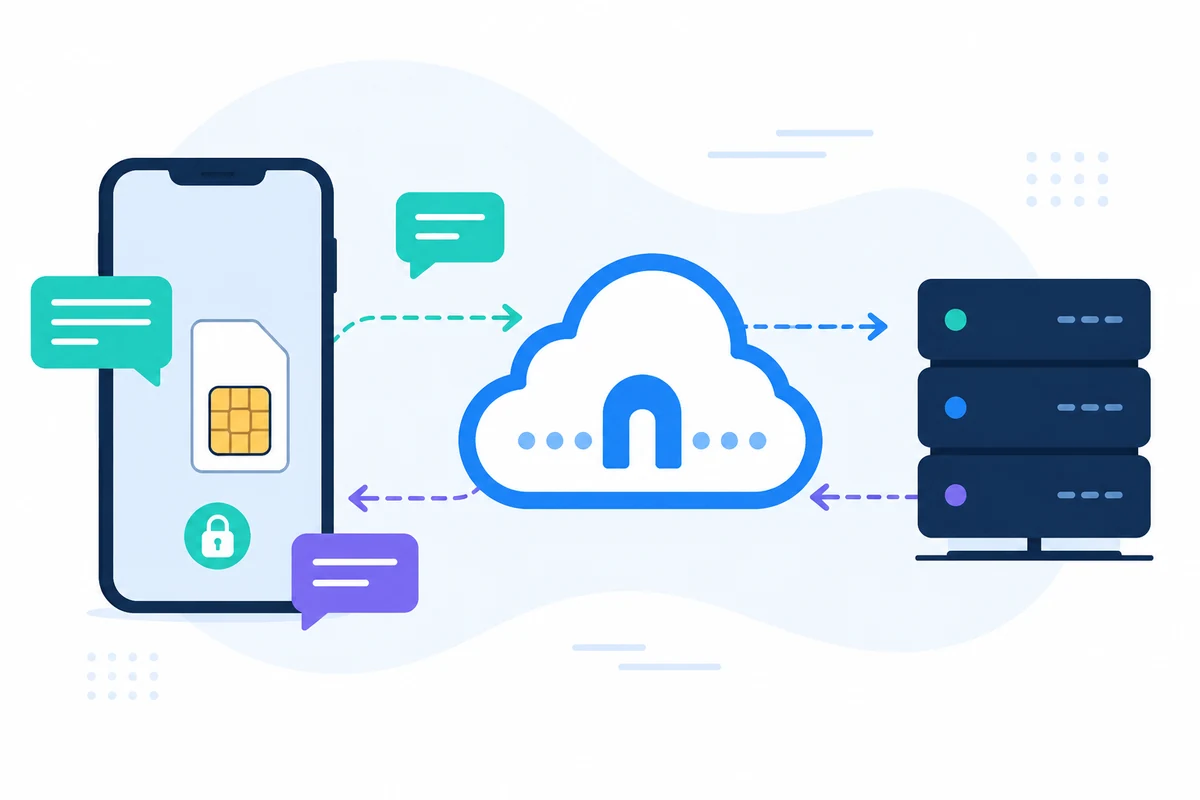
SMSMobileAPI connecte votre propre appareil mobile à un tableau de bord professionnel et REST API. L'application mobile crée le pont sécurisé entre le téléphone, le tableau de bord et votre logiciel, afin que les équipes puissent envoyer SMS, recevoir SMS, revoir les événements d'appel et garder l'historique opérationnel centralisé.
- Utilisez votre propre numéro de téléphone mobile et SIM lorsque le flux de travail le nécessite
- Connectez un ou plusieurs téléphones au même compte
- Gardez visible dans le tableau de bord les événements d'appel, les journaux et l'état du périphérique SMS
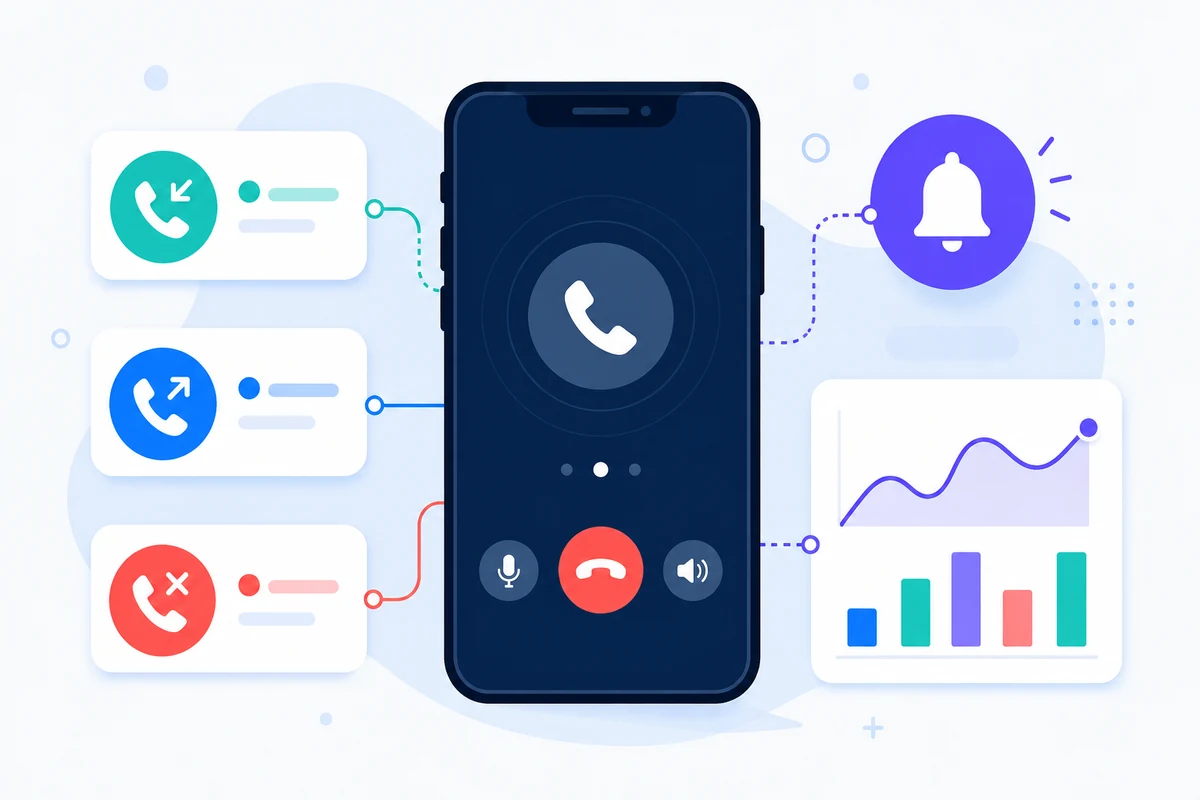
- Représenter les appels reçus SMS, les appels entrants, les appels sortants et les appels manqués sur une période détaillée basée sur le calendrier d'activité mobile
- Intégrer les paramètres REST documentés, SDKs, plugins ou outils sans code
- Gardez les questions de prix dirigées vers la page de prix au lieu de montants de codage rigide
Pourquoi cette approche SMS API pour les développeurs est différente

JSON DE LA REST
Programmations HTTP prévisibles
Les points d'extrémité utilisent des paramètres simples et des réponses JSON conçues pour l'intégration des moteurs.
DOCTEURS
Catégories API distinctes
SMS, appels, notifications, WhatsApp et e-mail ont des pages de documentation dédiées.

ESSAIS
Valider avant le déploiement
Utilisez des pages de test et des journaux de tableau de bord pour confirmer la clé API, la connectivité mobile et la gestion des réponses.

OBSERVABILITÉ
Conserver les journaux connectés à l'activité du compte
Les identifiants, les statuts et les listes de tableaux de bord facilitent le support et le débogage.
Exemple de requête API
Le point final exact dépend de la fonctionnalité que vous utilisez. Un flux de travail d'envoi de base authentifie la demande avec votre clé API, puis SMSMobileAPI conduit l'action vers l'application mobile connectée.
curl 'https://api.smsmobileapi.com/sendsms/?recipients=12345678910&message=Developer%20test&apikey=YOUR_API_KEY'{"result":{"error":0,"sent":"1","note":"sent by mobile"}}FAQ
Avec quel API dois-je commencer ?
Commencez par le hub développeur, puis choisissez la page de documentation SMS, appel, notification, WhatsApp ou e-mail.
Devrais-je exposer ma clé API dans JavaScript ?
Non, c'est pas vrai. Gardez les clés API côté serveur et ne les publiez jamais dans le code du navigateur.
Puis-je tester les paramètres de la documentation?
Oui. Les pages de documentation supportent la connexion API-key et les tests de fin d'année.
Étape suivante
Construisez le flux de travail avec votre propre infrastructure mobile connectée.
Commencez par la documentation pertinente, puis testez avec un mobile connecté avant de passer à une flotte complète.

Application mobile officielle
Le pont sécurisé entre votre téléphone, votre tableau de bord et votre API.
Les opérations SMS et appels passent par l'application officielle SMSMobileAPI installée sur votre téléphone connecté. L'application associe en toute sécurité l'appareil à votre compte, synchronise les événements autorisés et relie le réseau mobile au tableau de bord et à l'API REST.
- Communications signées distribuées via les listes officielles de Google Play et Apple App Store
- Contrôles d'examen, de signature et de distribution des plateformes Google et Apple
- Couplage sécurisé des appareils, transport HTTPS et accès API authentifié
- Uniquement les autorisations requises pour les fonctionnalités mobiles que vous activez


