
Desenvolvedor SMS API
SMS API para desenvolvedores para equipes de engenharia
Build SMS, recebeu mensagem, chamada, notificação, WhatsApp e fluxos de trabalho de e-mail com terminais REST claros e documentação orientada para a produção.
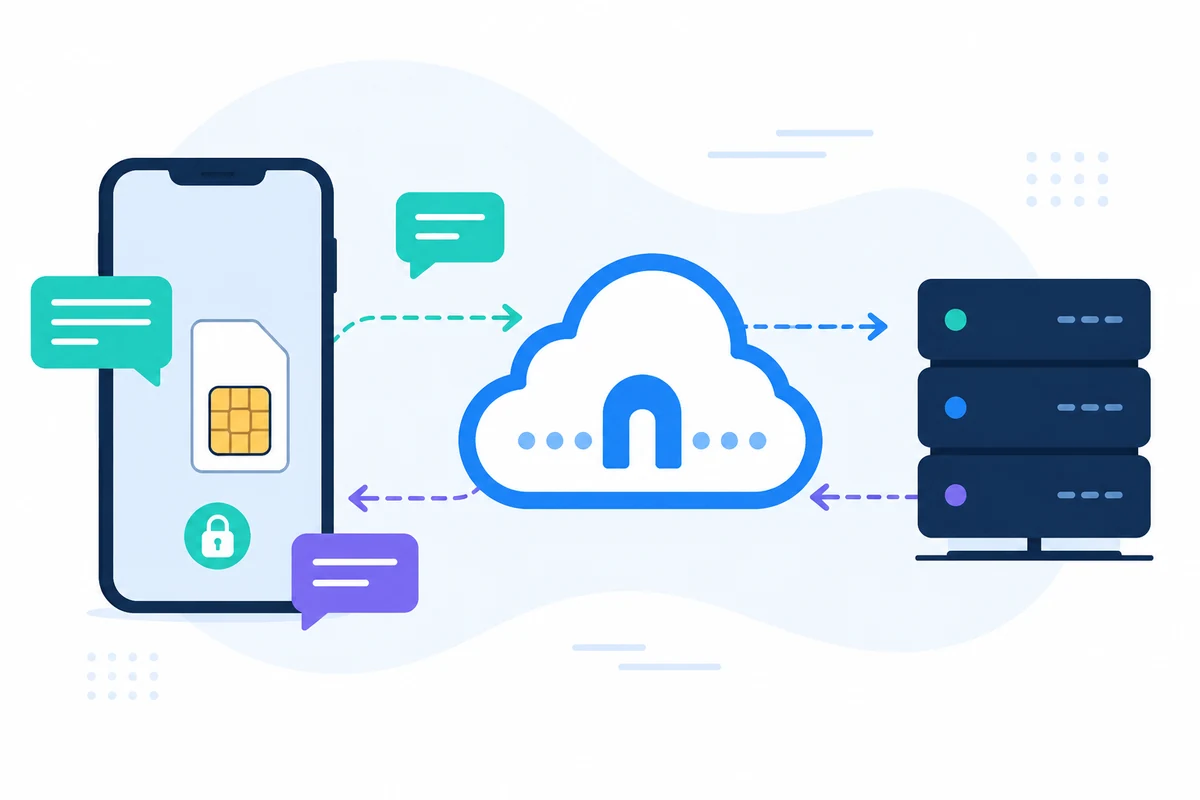
SMSMobileAPI conecta seu próprio dispositivo móvel a um painel profissional e REST API. O aplicativo móvel cria a ponte segura entre o telefone, o painel e seu software, para que as equipes possam enviar SMS, receber SMS, revisar eventos de chamada e manter o histórico operacional centralizado.
- Use seu próprio número de celular e SIM onde o fluxo de trabalho o requer
- Conecte um ou vários telefones à mesma conta
- Mantenha o SMS, eventos de chamada, registros e status do dispositivo visível no painel de controle
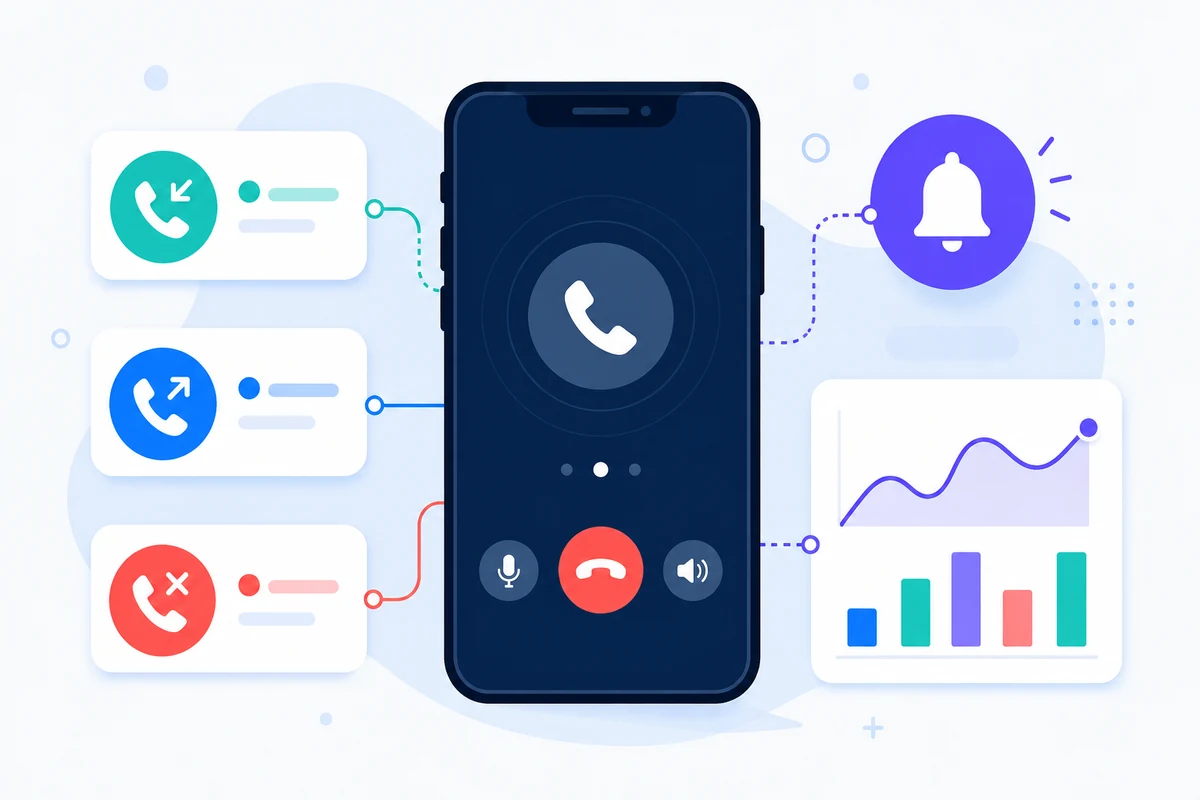
- Representar recebeu SMS, enviou SMS, chamadas recebidas, chamadas enviadas e chamadas perdidas em uma linha do tempo detalhada de atividade móvel baseada em período
- Integrar através de endpoints REST documentados, SDKs, plugins ou ferramentas sem código
- Mantenha perguntas de preços direcionadas para a página de preços em vez de quantidades de codificação dura
Por que esta abordagem SMS API para desenvolvedores é diferente

DESCANSA, JSON
Fluxos de trabalho predictáveis do HTTP
Os pontos de extremidade usam parâmetros simples e respostas JSON projetadas para integração de infraestrutura.
DOCS
Categorias API separadas
SMS, chamadas, notificações, WhatsApp e e-mail têm páginas de documentação dedicadas.

TESTE
Validar antes da implantação
Use páginas de teste e logs de painel para confirmar a chave API, conectividade móvel e manipulação de resposta.

OBSERVABILIDADE
Manter os registos ligados à actividade da conta
Identificadores, status e listas de painéis facilitam o suporte e depuração.
Exemplo de pedido API
O endpoint exato depende do recurso que você usa. Um fluxo de trabalho básico de envio autentica o pedido com sua chave API, e então o SMSMobileAPI encaminha a ação para o aplicativo móvel conectado.
curl 'https://api.smsmobileapi.com/sendsms/?recipients=12345678910&message=Developer%20test&apikey=YOUR_API_KEY'{"result":{"error":0,"sent":"1","note":"sent by mobile"}}FAQ
Com que API devo começar?
Comece com o hub do desenvolvedor, em seguida, escolha o SMS, chamada, notificação, WhatsApp ou página de documentação de e-mail.
Devo expor minha chave API em JavaScript?
Não. Mantenha o servidor API do lado das chaves e nunca publique-as no código do navegador.
Posso testar os parâmetros da documentação?
Sim. Páginas de documentação suportam conexão API-chave e testes de endpoint.
Próximo passo
Crie o fluxo de trabalho com sua própria infraestrutura móvel conectada.
Comece com a documentação relevante, e depois teste com um móvel conectado antes de escalar para uma frota completa.

Aplicação móvel oficial
A ponte segura entre o telefone, o painel e o API.
As operações de SMS e chamada passam pelo aplicativo oficial SMSMobileAPI instalado em seu telefone conectado. O aplicativo combina o dispositivo com sua conta, sincroniza eventos autorizados e liga a rede móvel ao painel de bordo e REST API.
- Lançamentos assinados distribuídos através das listas oficiais do Google Play e Apple App Store
- Controles de revisão, assinatura e distribuição da plataforma Google e Apple
- Emparelhamento seguro de dispositivo, transporte HTTPS e acesso autenticado API
- Apenas as permissões necessárias para as funcionalidades móveis que activa


