In today’s fast-paced world, managing appointments efficiently is crucial for businesses that rely on client interactions. Whether you’re a health professional, a beauty salon, or a freelancer, missed appointments can lead to lost revenue and frustrated clients. One effective solution to reduce no-shows is by sending automated SMS reminders. In this post, we’ll explore how a beauty salon can leverage SMSMobileAPI to streamline its appointment reminder process.
The Problem: High No-Show Rates
Many businesses, especially those in the service industry, face the challenge of high no-show rates. Clients often forget their appointments, leading to wasted time and resources. For beauty salons, each no-show not only affects revenue but can also disrupt the day’s schedule, impacting other clients waiting for their turn.
To combat this issue, salons can implement a systematic approach to remind clients of their upcoming appointments. Manual reminders can be time-consuming and inefficient, making it essential to find a solution that automates the process while maintaining a personal touch.
Practical Steps to Implement SMS Reminders
Here’s a step-by-step guide on how a beauty salon can set up automated SMS reminders using SMSMobileAPI:
- Connect Your Mobile: Start by connecting your existing Android or iPhone mobile device to the SMSMobileAPI dashboard. This process is straightforward and requires no technical knowledge.
- Access the Dashboard: Once connected, log into your SMSMobileAPI dashboard. Here, you’ll find all the tools needed to manage your SMS communications.
- Integrate with Google Calendar: To automate reminders, integrate your Google Calendar with SMSMobileAPI. This allows your salon to sync appointments directly with the SMS platform.
- Create SMS Templates: Draft a personalized SMS template for appointment reminders. You can use dynamic keywords such as [event_date], [event_start], and [location] to automatically personalize each message. For example:
- Schedule Reminders: Set up the timing for your reminders. You can choose to send them 1, 2, or even 3 days before the appointment. This ensures clients have ample time to remember their scheduled visit.
- Test the System: Before going live, send test messages to yourself or a colleague to ensure everything works as expected. Check that the dynamic fields populate correctly and that messages are sent from your salon’s number.
- Monitor Responses: As clients receive their reminders, any replies will be synchronized back to your mobile. This allows you to manage any questions or changes directly from your phone, just like regular SMS.
"Hi [Client Name]! Just a friendly reminder about your appointment on [event_date] at [event_start]. We look forward to seeing you at [location]."
Những giới hạn cần xem xét
While SMS reminders can significantly reduce no-show rates, there are some limitations to keep in mind:
- Message Delivery: SMS relies on mobile network coverage. Ensure your salon’s mobile device has a reliable signal to avoid missed messages.
- Client Opt-In: Make sure clients agree to receive SMS reminders. This not only complies with regulations but also ensures they are receptive to the reminders.
- Personalization Limits: Although SMSMobileAPI allows for dynamic message personalization, overly generic templates may not resonate with all clients. Tailor your messaging according to your client base.
Using SMSMobileAPI for Appointment Reminders
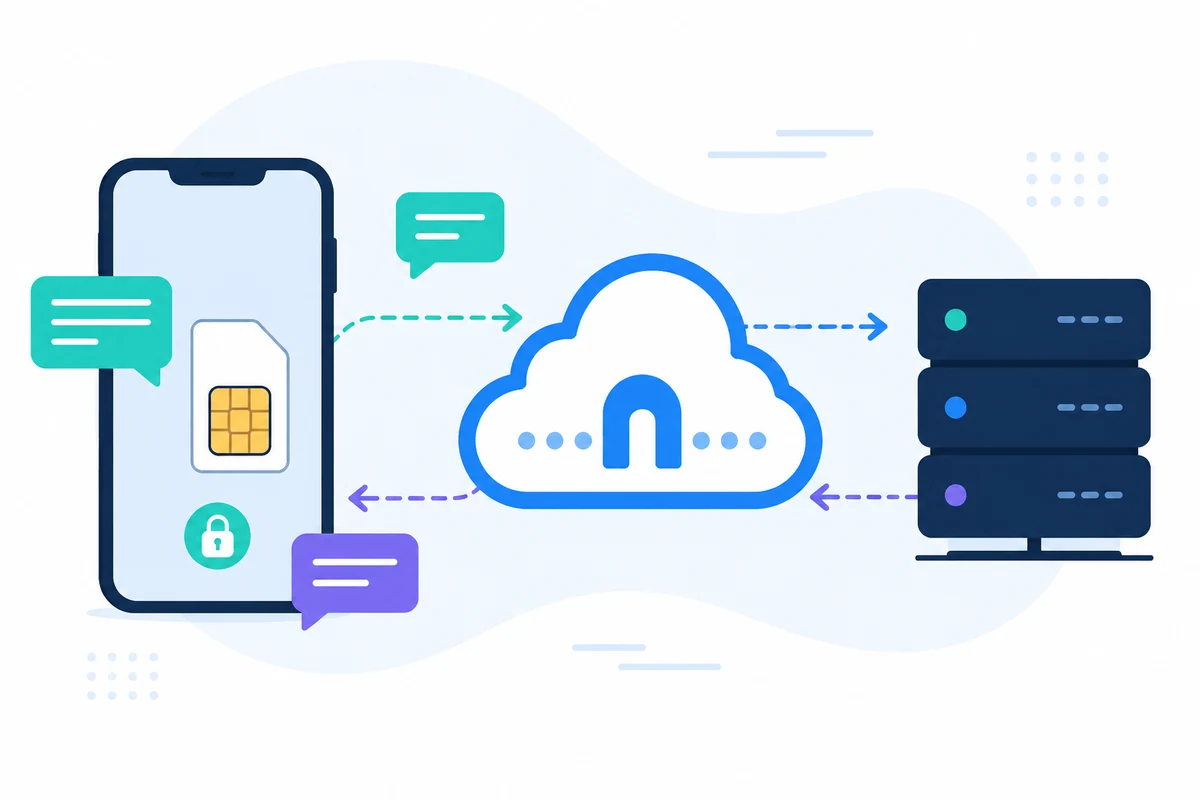
By integrating SMSMobileAPI into your salon's workflow, you can automate the appointment reminder process, ensuring that clients are promptly informed without additional manual effort. The SMSMobileAPI platform allows you to send messages directly from your mobile device, which means clients receive reminders from a familiar number, enhancing trust and response rates.
Furthermore, with the ability to manage incoming replies directly on your phone, you can easily confirm changes or address client inquiries, keeping your communication seamless and efficient. The entire process is secure, as SMS messages are sent through your mobile plan, maintaining full control over your data.
Các bước tiếp theo
Ready to streamline your appointment reminder process and reduce no-shows? Start by connecting your mobile to SMSMobileAPI today. Visit our getting started page to learn how to set up your account and begin sending automated SMS reminders.