

So aktivieren Sie den vollständigen SMS-Sendezugriff für die SMS Mobile API (Aktiv- und Hintergrundmodus)
Um eine unterbrechungsfreie SMS-Zustellung über die SMS Mobile API zu gewährleisten, muss Ihr Android-Gerät so konfiguriert sein, dass die App sowohl im aktiven Modus als auch im Hintergrund ausgeführt werden kann. Diese Anleitung erläutert die notwendigen Einstellungen für den vollständigen Zugriff, damit Nachrichten kontinuierlich gesendet werden können – auch wenn die App nicht geöffnet ist. Indem Sie den Hintergrundbetrieb zulassen und die Akkuoptimierung für die App deaktivieren, stellen Sie sicher, dass die SMS Mobile API jederzeit aktiv und zuverlässig bleibt.Schritt 1: SMS Mobile API-Einstellungen öffnen
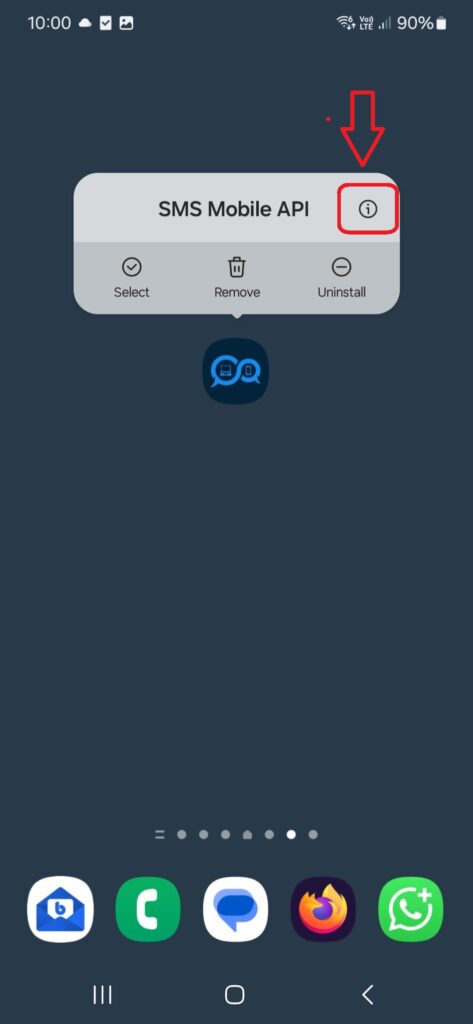
Halten Sie auf Ihrem Android-Gerät das App-Symbol der SMS Mobile API einige Sekunden lang gedrückt, bis darüber ein Menü erscheint. Tippen Sie anschließend oben rechts im Popup auf das „i“-Symbol. Sie gelangen direkt zu den Systemeinstellungen der SMS Mobile API, wo Sie Berechtigungen, Akkuverbrauch und Hintergrundverhalten anpassen können.
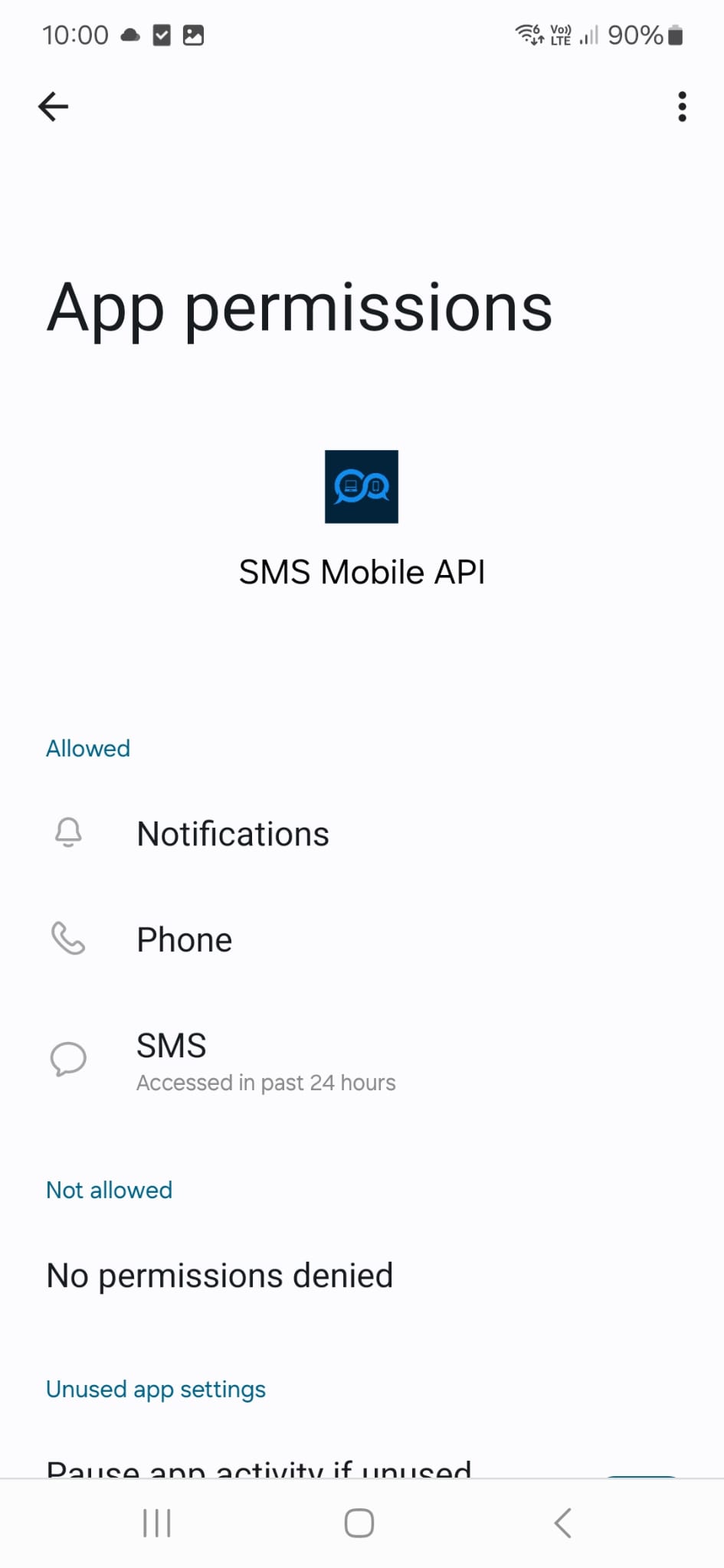
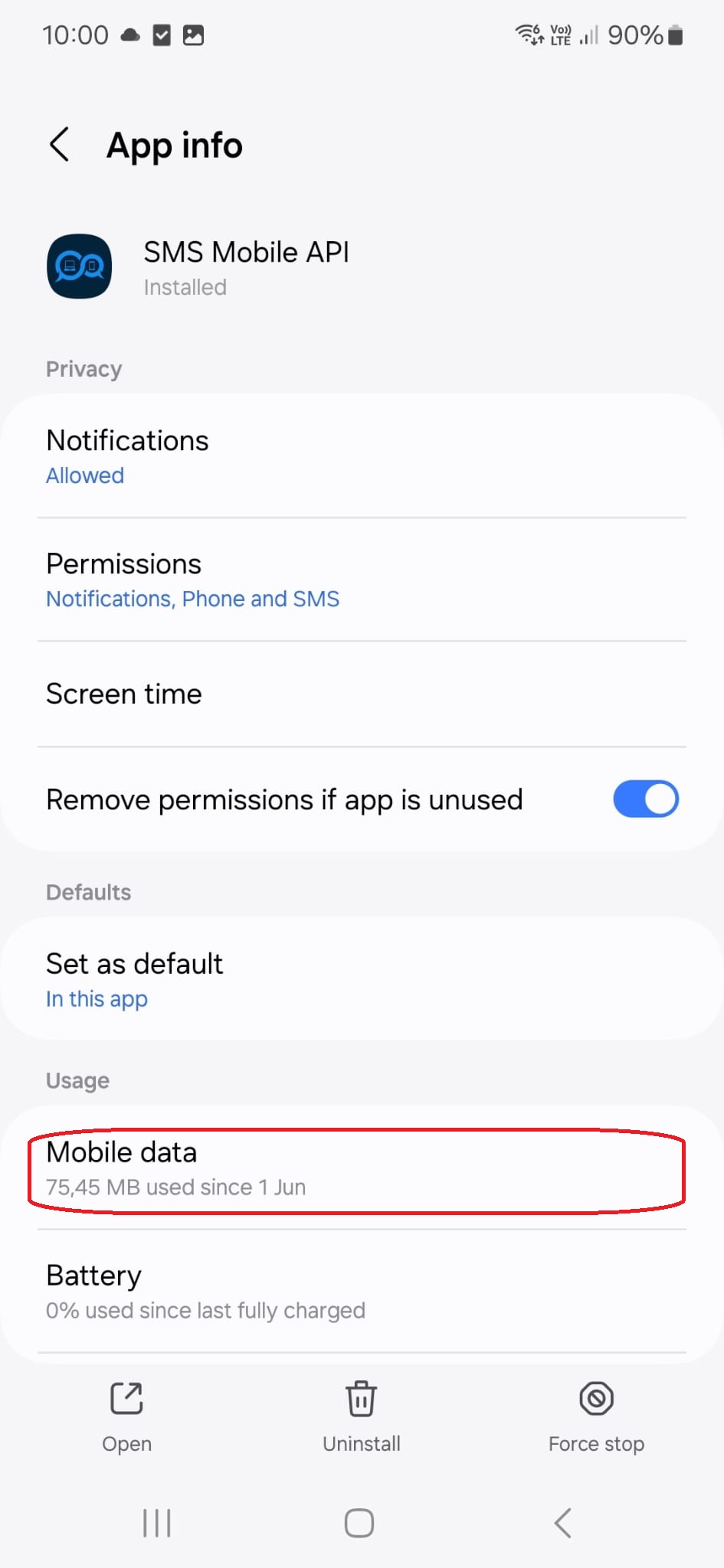
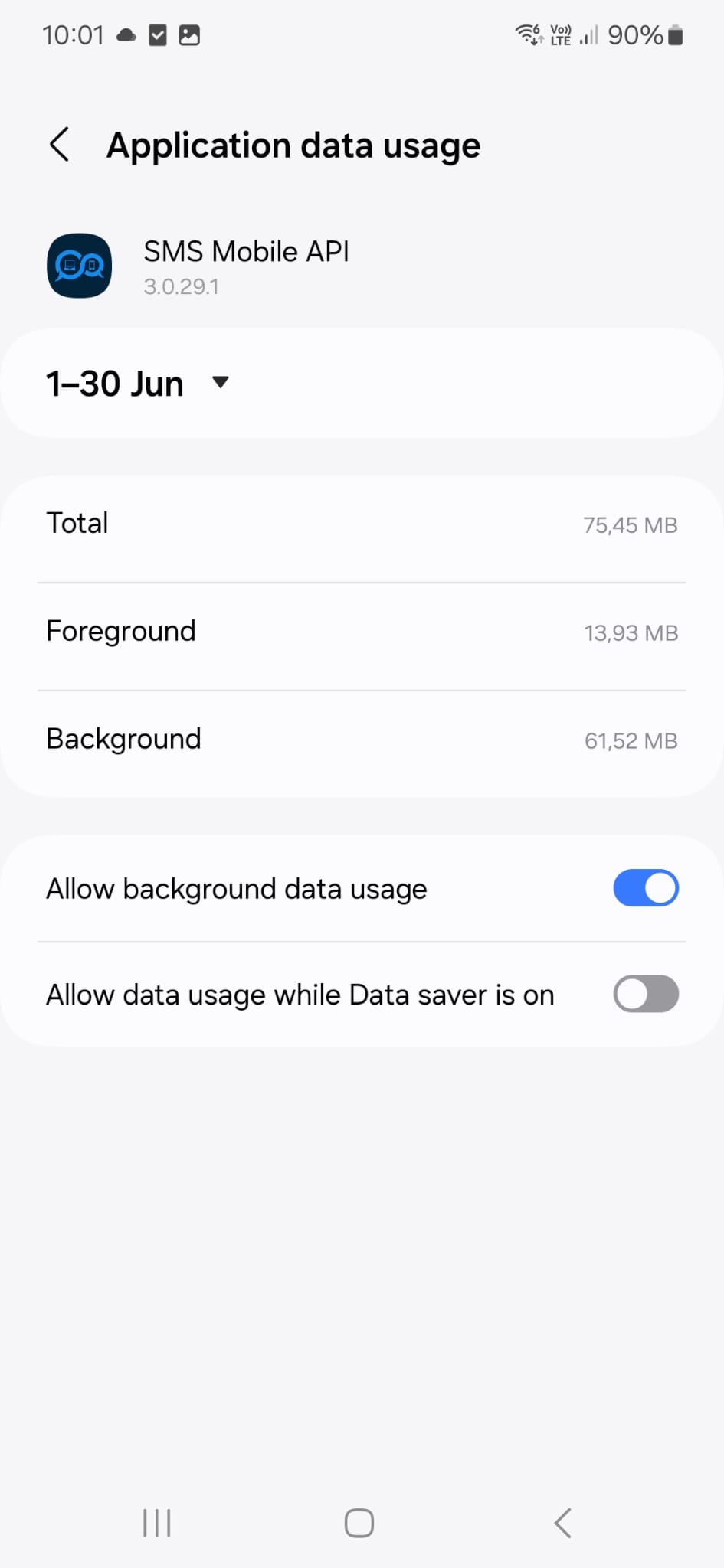
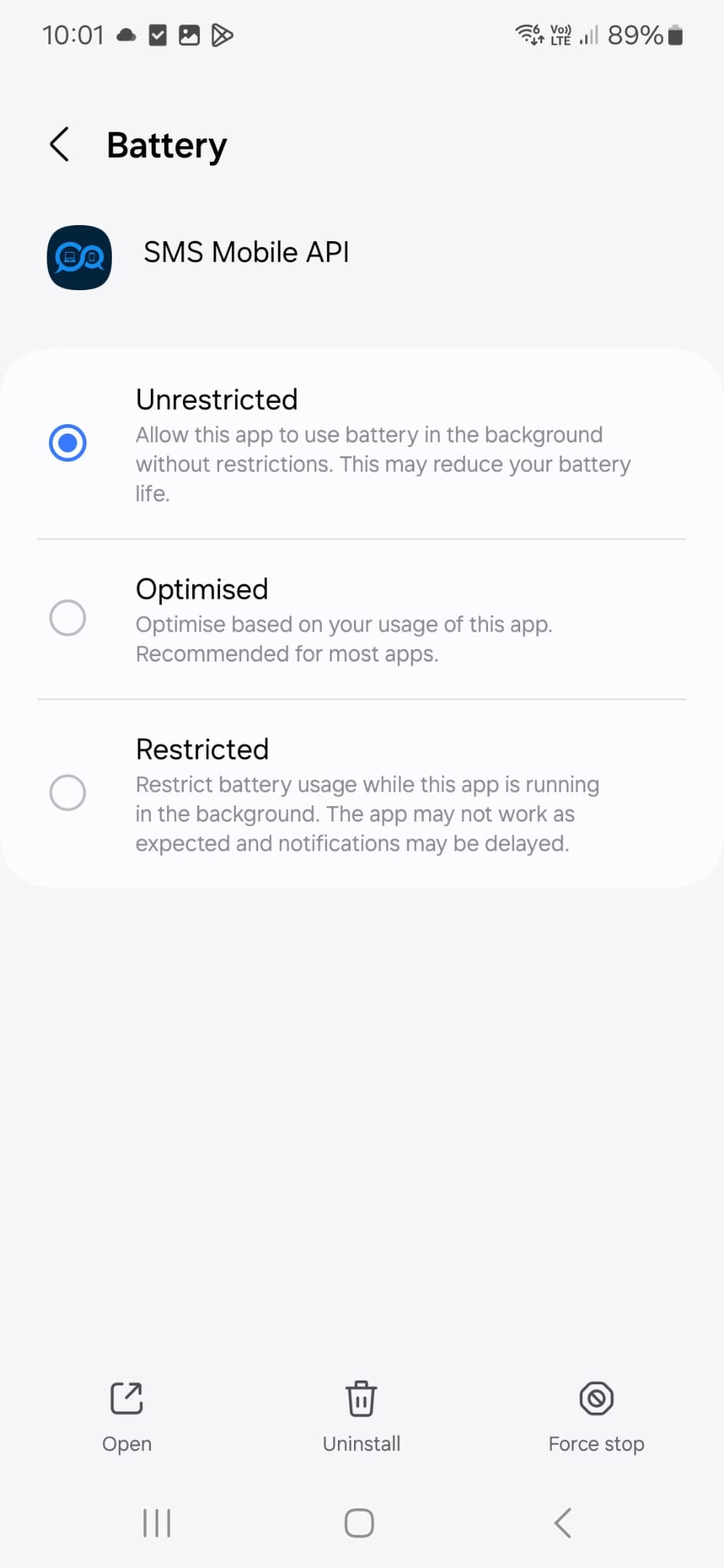
Überprüfen Sie nun in den Telefoneinstellungen, ob die angezeigte Konfiguration mit Ihrer aktuellen Konfiguration übereinstimmt. Diese Konfiguration wird von unserem technischen Support-Team persönlich verwendet und empfohlen, um sicherzustellen, dass SMS-Nachrichten zuverlässig gesendet werden – auch wenn die SMS Mobile API-App im Hintergrund läuft.
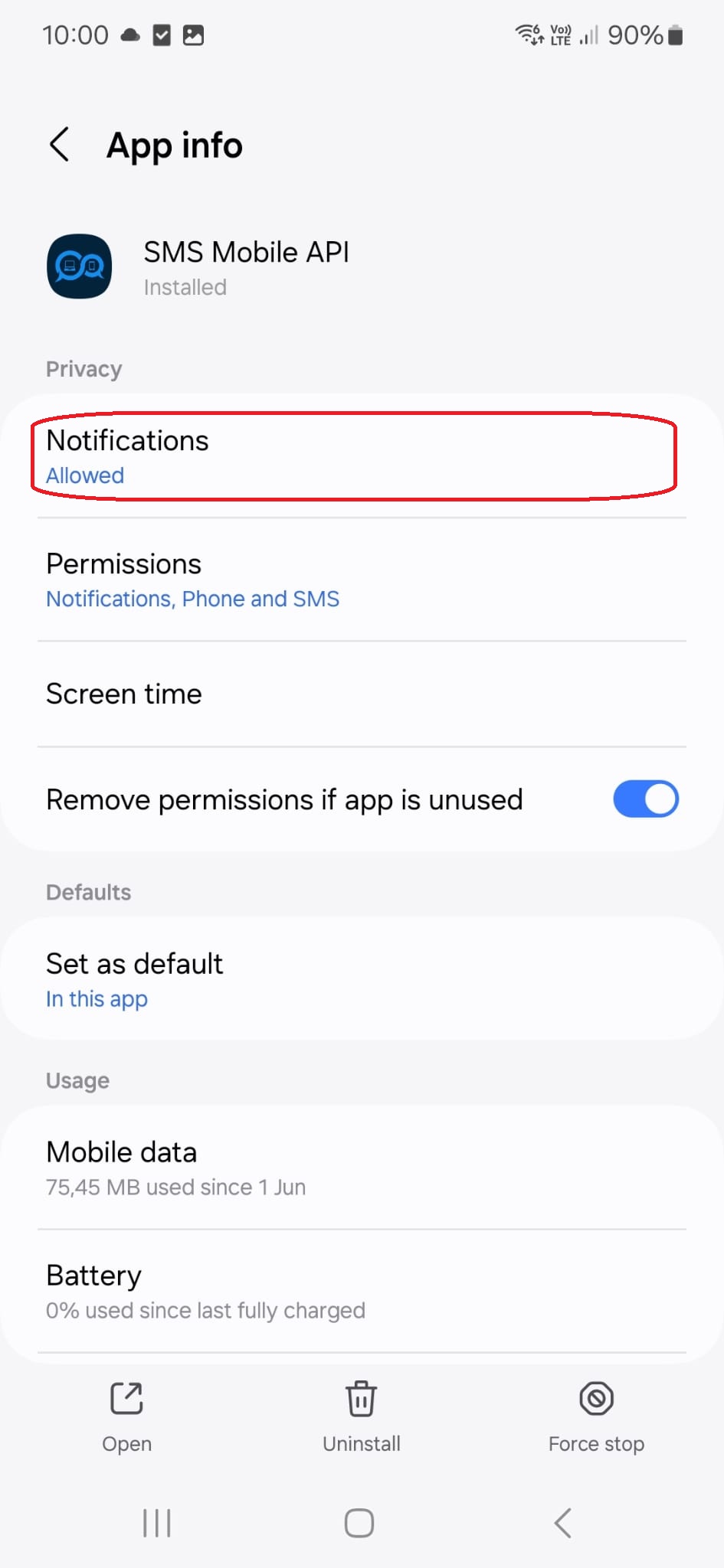
Durch Tippen auf diesen Menütitel gelangen Sie zur folgenden Konfigurationsseite:
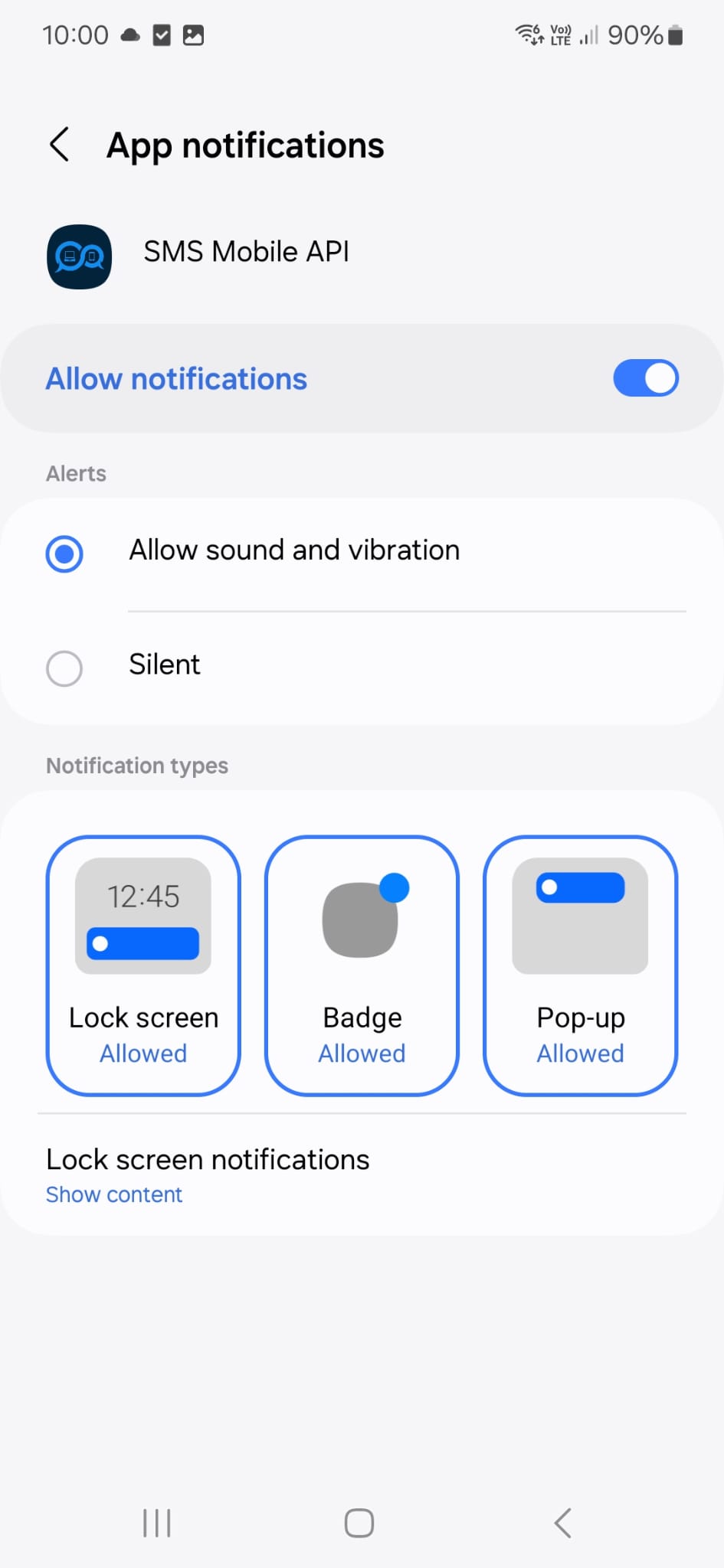
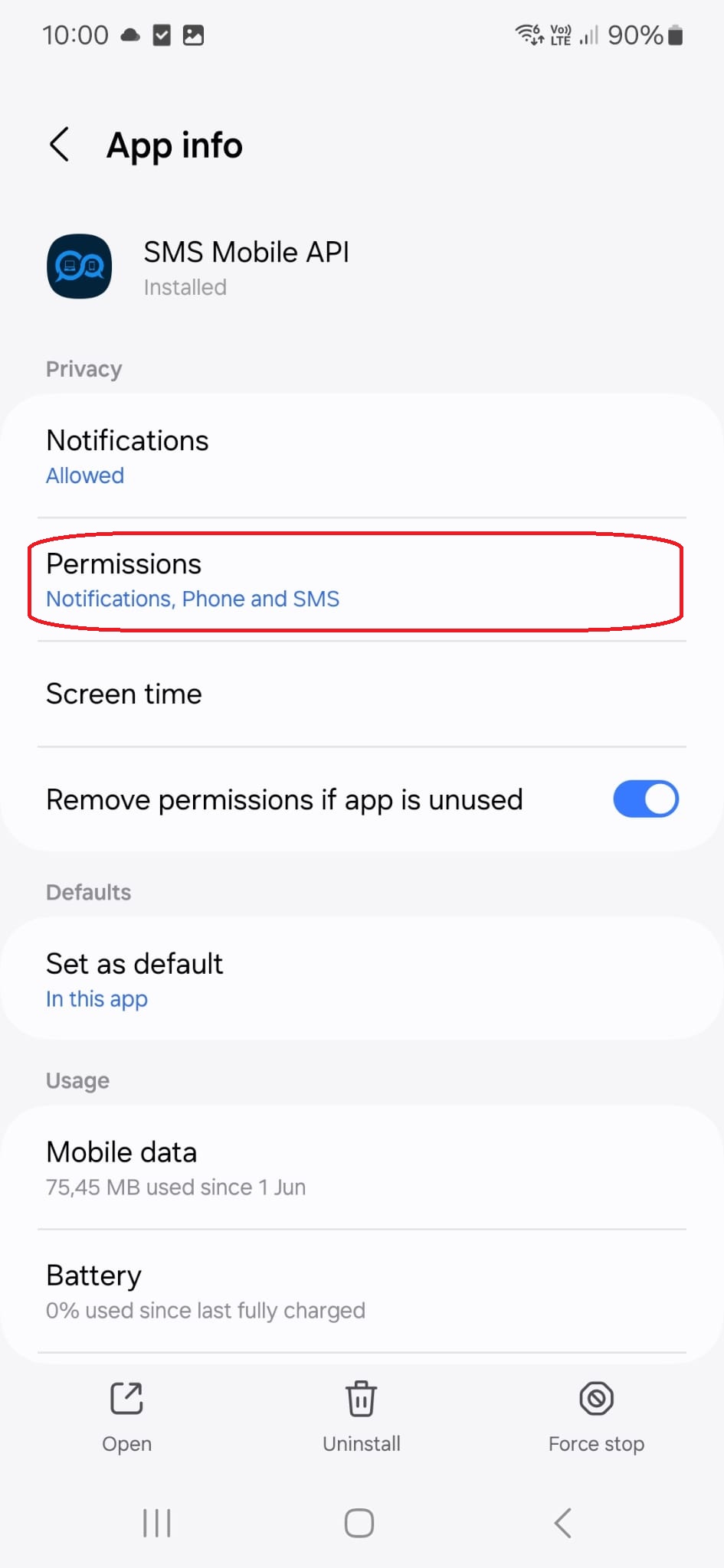
Durch Tippen auf diesen Menütitel gelangen Sie zur folgenden Konfigurationsseite:
Durch Tippen auf diesen Menütitel gelangen Sie zur folgenden Konfigurationsseite:
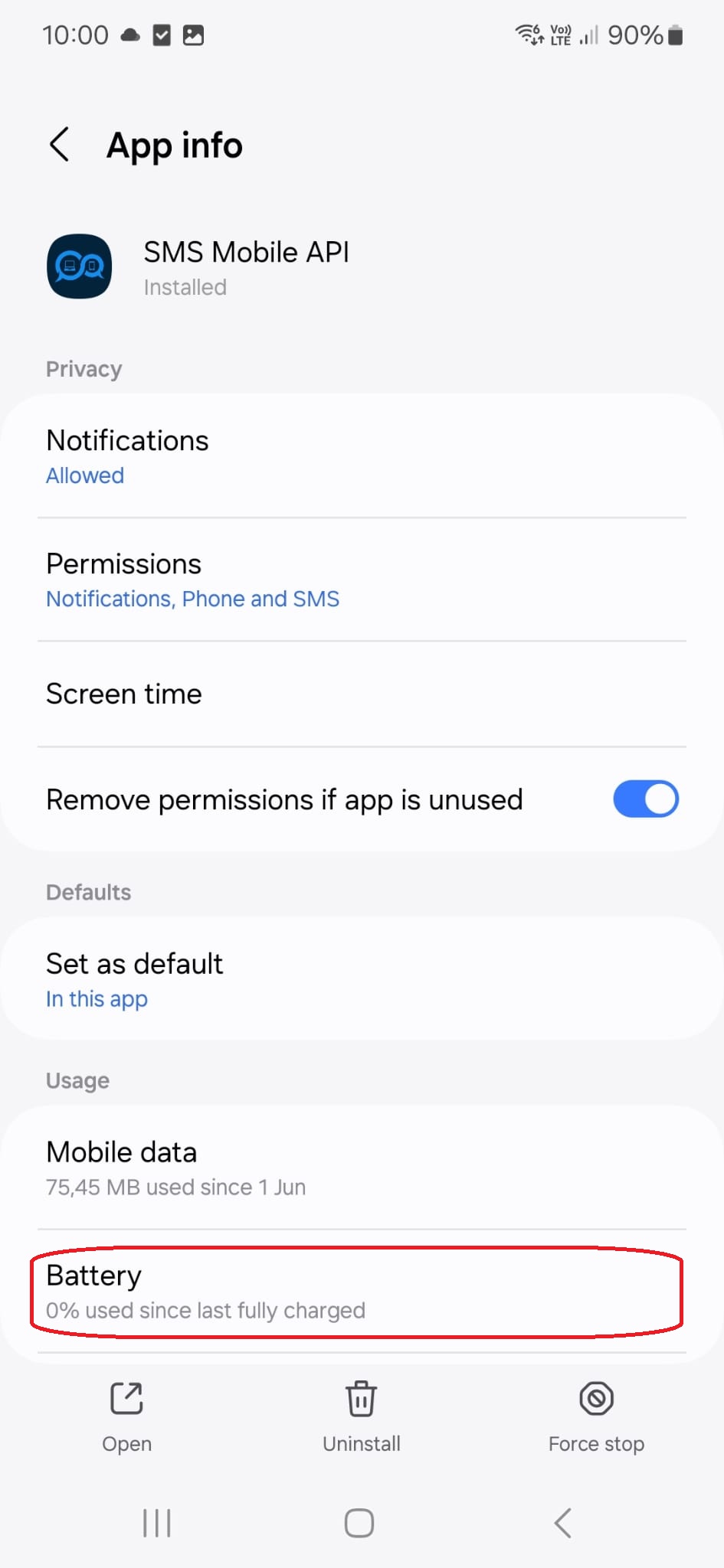
Durch Tippen auf diesen Menütitel gelangen Sie zur folgenden Konfigurationsseite:

Offizielle mobile Anwendung
Die sichere Brücke zwischen Ihrem Telefon, Dashboard und API.
SMS- und Anrufvorgänge werden über die offizielle SMSMobileAPI-App abgewickelt, die auf Ihrem angeschlossenen Telefon installiert ist. Die App koppelt das Gerät sicher mit Ihrem Konto, synchronisiert autorisierte Ereignisse und verbindet das Mobilfunknetz mit dem Dashboard und REST API.
1Mobile App AppPairs das Telefon und seine SIM
2Verschlüsselte VerbindungAuthentifizierung und Schutz von Daten im Transit
3Dashboard & APISteuerung von Workflows und Aktivitäten
- Signierte Releases, die über die offiziellen Google Play- und Apple App Store-Listen verteilt werden
- Google und Apple Plattform Überprüfung, Signierung und Verteilungskontrollen
- Sichere Gerätepaarung, HTTPS-Transport und authentifizierter API-Zugang
- Nur die Berechtigungen, die für die von Ihnen aktivierten mobilen Funktionen erforderlich sind


