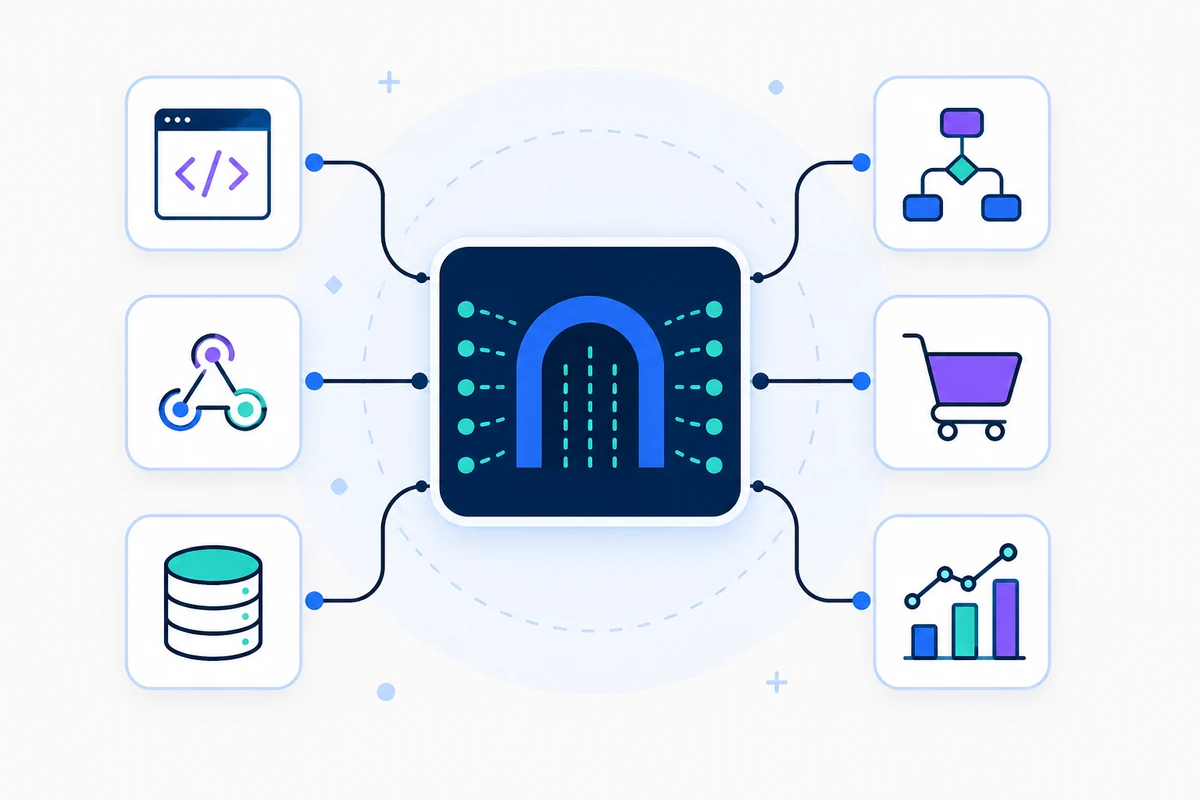
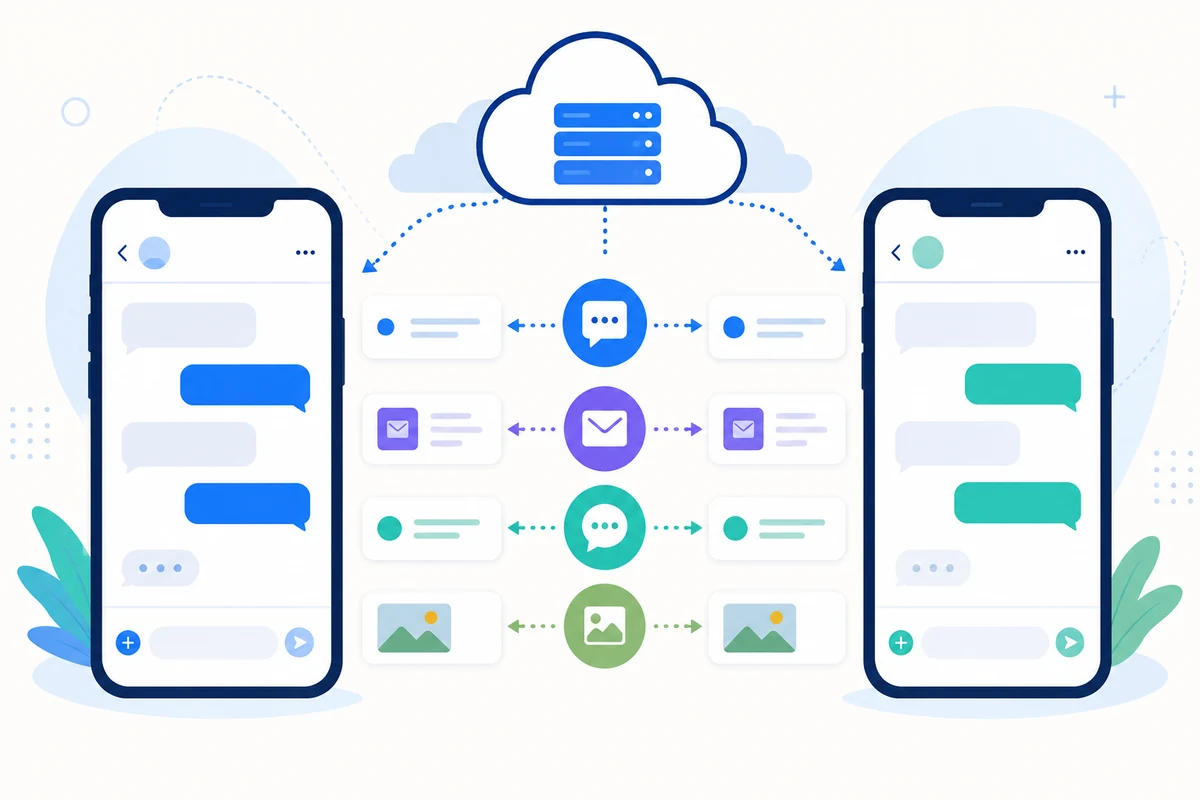
AI SMS replies can now use information from your own connected APIs. Give ChatGPT or Claude access to the approved data it needs to answer questions about prices, availability, order status or other information from your business systems.
Create an API connection in the SMSMobileAPI dashboard, configure and test its endpoints, then attach it to one or more AI reply modes. For each connection, explain when the AI should call it and what the returned information is for. Only modes and connected mobiles you authorize can use that integration.
Replies can be sent automatically from your own mobile or held for human approval. If you need help creating a connection, use the integration help form in the dashboard.
Android 6.1.0.12 Preview: Approve AI SMS Replies From Your Phone
Human approval for AI-generated SMS replies is coming directly to the SMSMobileAPI Android app. When a reply mode requires approval, you can review the incoming SMS and the proposed answer on your phone before anything is sent.
What the new Android approval inbox lets you do:
- Open a notification directly on the reply that needs your decision.
- Read the incoming SMS, edit the proposed answer, then approve and send it from your connected mobile and its own SIM and phone number.
- Refuse a reply with a reason that helps improve future suggestions for your account, or archive it without sending.
- Apply one decision to all pending replies when you need to clear the queue quickly.
- See a saved contact name above the number when you optionally allow local contact lookup. Contact names are not sent to the server.
- Choose whether approval notifications are shown and whether the approval inbox opens first when you launch the app.
- See new pending replies appear automatically while the inbox is open, with a visible highlight, without losing edits already made to other drafts.
In human-approval mode, a suggested reply is not sent until you approve it. The mobile must stay connected and incoming-SMS synchronization must be enabled.
Rollout status: this feature is ready in the signed Android 6.1.0.12 build. It has not yet been published on Google Play; the current store version does not include this mobile approval inbox.
Claude Is Now Available for AI-Powered SMS Replies
Claude by Anthropic can now power SMSMobileAPI's automatic replies to incoming SMS. Your replies are sent from your own connected Android mobile and phone number.
Create a named AI reply mode, add your own Anthropic API key, choose a supported Claude model, and define the instructions, schedule, signature and numbers to exclude. Assign the mode to the mobile that should use it. Each contact keeps a separate conversation history for that mobile and reply mode.
Choose automatic sending or human approval. The approval queue, reply logs and credit tracking work with Claude as they do with ChatGPT. You can assign different AI providers to different mobiles through separate reply modes.
To receive and answer messages, incoming-SMS synchronization must be enabled in the SMSMobileAPI mobile app, and the phone must remain connected.
AutoReply AI Brings Managed ChatGPT Replies to Incoming SMS
AutoReply AI is now available to every SMSMobileAPI account, making it possible to answer incoming SMS with contextual ChatGPT-powered replies sent through your own connected Android mobile, SIM and phone number.
What is new:
- Create multiple named AI reply modes with their own instructions, tone, selected AI model, schedule and optional SMS signature.
- Assign a different reply mode to each connected mobile, identified by its name and device reference.
- Let replies be sent automatically or require human approval before sending.
- Approve, archive or refuse suggested replies, and add a private refusal reason to improve future replies for the account.
- Keep an isolated conversation memory for each contact number, connected mobile and assigned reply mode.
- Choose the days and hours when automatic replies are allowed, or keep them active at all times.
- Exclude named phone numbers, service senders and short numbers that must never receive an automatic reply.
- Confirm that incoming-SMS synchronization is enabled on the connected Android mobile before activating the automation.
- Use the SMSMobileAPI-managed AI connection or a supported personal provider key.
- Review replies, decisions, delivery status, token usage and customer-visible charges in dedicated logs.
- Control the service globally and separately for every connected mobile.
The base platform charge is $0.005 for each generated reply. The connected Android mobile must remain online, and incoming-SMS synchronization must be enabled in the SMSMobileAPI app.
Official SMSMobileAPI OpenAPI Specification Is Now Available
The official SMSMobileAPI OpenAPI specification is now publicly available.
Developers can use this machine-readable definition to explore the API, understand request and response formats, import endpoints into compatible API tools, and generate client code more quickly.
The public specification contains safe placeholders only. Use your own SMSMobileAPI account API key when authenticating requests, and never publish a real credential in a public workspace or repository.
You can now control access to each SMS API endpoint individually from Dashboard > My API Key. Keep only the operations you need enabled, or pause all SMS API access instantly, for even stronger account security.
SMSMobileAPI for Odoo 17 Is Now Available on Odoo Apps
The new SMSMobileAPI integration for Odoo 17 is now officially available on Odoo Apps.
Connect Odoo to your own Android mobile, SIM card and phone number. Your team can now:
- Send SMS directly from Odoo contacts, invoices, quotations, sales orders and payment reminders.
- Synchronize received SMS with the matching Odoo contact.
- Keep missed, incoming and outgoing call activity in the customer timeline.
- Work from a shared SMS inbox with assignments, priorities, internal notes and archives.
- Turn an SMS or missed call into an opportunity, task, callback, quotation or support ticket.
An SMSMobileAPI account and the official Android mobile application are required. SMS messages are sent through your connected mobile, using its SIM card and phone number.
New Security Feature: Two-Factor Authentication (2FA)
We've enhanced your account security!
You can now enable **Two-Factor Authentication (2FA) with Google Authenticator** directly from the **Security Center** in your dashboard.
✅ Add an extra layer of protection to your account.
✅ Secure your login with a one-time verification code.
✅ Easily enable or disable 2FA from your Security Center.
We're updating our services to provide a more focused and powerful experience!
**Email-related features are no longer supported by SMSMobileAPI.** These functionalities are now handled by **MailBridgeAPI**, our dedicated platform for email management, optimization, and automation.
**🚀 Why MailBridgeAPI?**
MailBridgeAPI is specifically designed to help you:
- 📥 **Manage** your email accounts more efficiently.
- ⚡ **Optimize** email workflows and productivity.
- 🤖 **Automate** email tasks and responses.
- 🔗 **Integrate** email management into your existing tools and workflows.
**What does this mean for SMSMobileAPI?**
SMSMobileAPI will continue focusing on its core features, including SMS, WhatsApp, and mobile call management.
SMSMobileAPI Is Now Officially Approved on the Pipedrive Marketplace!
You can now connect your Pipedrive account to SMSMobileAPI and manage your mobile communications directly from your CRM.
**What's available?**
- 📱 **Send SMS** directly from Pipedrive using your own mobile phone.
- 💬 **Receive SMS** and sync incoming messages with Pipedrive.
- 📞 **Incoming calls** – Automatically sync call logs.
- 📤 **Outgoing calls** – Keep track of your call history.
- 📵 **Missed calls** – Never lose track of missed calls in your CRM.
No external SMS provider required — use your own mobile phone and SIM card!
Confidential Mode: Simpler, Clearer, and More Secure
Version 6.0.4.0 significantly improves SMSMobileAPI’s Confidential Mode, making it easier to use and providing greater control.
- Clearer and better-organized settings.
- Simplified contact and group management.
- Add contacts using a Public GUID or QR code.
- New invitation system with accept and decline options.
- Stronger access protection with biometric authentication.
- More detailed connection activity logs.
- Subscription management directly from the app.
- Visible alert 48 hours before subscription expiration.
- Access protection when the subscription expires.
- Improved stability, controls, and translations.
This update delivers a more professional and intuitive Confidential Mode experience while keeping privacy at the center of every interaction.
The new Workflow Studio API is now available.
Developers can securely manage and monitor their Workflow Studio automations from their own applications, services and integrations.
Available endpoints:
- GET /workflow/list/ — List all workflows associated with the authenticated account.
- POST /workflow/state/ — Activate or pause a workflow.
- POST /workflow/favorite/ — Add or remove a workflow from mobile favorites.
- GET /workflow/logs/ — Retrieve the execution history and action results for a workflow.
Each workflow is identified through its secure public workflow_uuid. Internal database identifiers are never exposed.
Authentication is available through the account API key or an Authorization: Bearer header. Every request is restricted to workflows belonging to the authenticated account.
State and favorite changes are synchronized with the SMSMobileAPI dashboard and mobile application.
Complete documentation, request examples and JSON responses are available here:
SMSMobileAPI Android 6.0.2 — Workflow Studio is now available on mobile
Version 6.0.2 introduces Workflow Studio directly within the SMSMobileAPI mobile app.
You can now:
- Access your workflows without leaving the app.
- Create, edit, and delete automations.
- Quickly activate or deactivate a workflow.
- Review recent executions and their status.
- Add workflows to your favorites for quick access when opening the app.
- Automate actions based on SMS, calls, WhatsApp messages, and other supported events.
For example, you can automatically send an SMS after a missed call, detect a keyword in a received message, or trigger an action only during a specific time period.
Favorite workflows also let you create your own modes—such as Driving, Work, Family, or On-call—and activate them with a single tap from your phone.
This update makes your automations more accessible and allows you to manage your business communications directly from the SMSMobileAPI app.
### Create your own automation workflows directly in SMSMobileAPI
A major new feature is now available: **Workflow Studio**.
You can now visually create automations based on events coming from your mobile devices and communication channels, without writing any code.
The logic is simple:
**WHEN → IF → THEN**
For example:
- When an SMS containing “INFO” is received → automatically send a reply.
- When a call is missed → send an SMS or a notification.
- When a WhatsApp message contains “urgent” → notify a team member.
- When an SMS or WhatsApp message fails to send → automatically send an email.
- When a specific event occurs → send the information to your own application through a webhook.
Workflow Studio currently supports **15 events**, **11 condition types**, and **5 action types**, covering SMS, calls, WhatsApp, email, notifications, and webhooks.
You can also **simulate and test your workflows before activating them**, without actually sending messages, emails, notifications, or webhook requests.
Workflow Studio turns SMSMobileAPI into a complete automation platform connected directly to your mobile devices.
Webhook V2 - Verwandeln Sie jedes mobile Ereignis in eine sofortige Aktion
Wir stellen **Webhook V2** vor, eine wichtige Weiterentwicklung des SMSMobileAPI Webhook-Systems.
Bisher konzentrierten sich Webhooks hauptsächlich auf eingehende SMS-Nachrichten. Mit Webhook V2 wird SMSMobileAPI zu einer kompletten **event-gesteuerten mobilen Kommunikationsplattform**, die es Ihren Anwendungen ermöglicht, automatisch auf SMS, Anrufe, WhatsApp-Nachrichten, Sprachtranskriptionen und E-Mail-Aktivitäten zu reagieren.
Anstatt den API wiederholt zu überprüfen, ob sich etwas geändert hat, kann Ihre Anwendung jetzt automatisch strukturierte HTTPS-Ereignisse erhalten, sobald die unterstützte Aktivität auftritt.
### 15 Webhook-Events
Webhook V2 führt präzise Ereignisnamen ein, die die wichtigsten Kommunikationskanäle abdecken, die über SMSMobileAPI verfügbar sind.
****SMS**
* `sms.api.submitted` — Eine SMS-Versandanforderung wurde über die API eingereicht. * `sms.sent` — Das angeschlossene Handy bestätigte, dass das SMS gesendet wurde. * `sms.failed` — Eine SMS-Sendeoperation ist fehlgeschlagen. * `sms.received` — Ein neues eingehendes SMS wurde synchronisiert. * `sms.mobile.sent` — Ein SMS wurde manuell vom angeschlossenen Mobilgerät gesendet.
**Anrufe**
* `call.missed` – Ein verpasster Anruf wurde erkannt. * `call.incoming` — Ein eingehender Anruf wurde synchronisiert. * `call.outgoing` — Ein ausgehender Anruf wurde synchronisiert.
****WhatsApp**
* `whatsapp.submitted` — Ein WhatsApp-Versandauftrag wurde erstellt. * `whatsapp.sent` — Eine WhatsApp-Nachricht wurde erfolgreich gesendet. * `whatsapp.failed` – Ein WhatsApp-Sendevorgang ist fehlgeschlagen. * `whatsapp.received` — Eine neue WhatsApp-Nachricht wurde abgerufen. * `whatsapp.voice.transcribed` — Eine WhatsApp Sprachnachricht wurde in Text umgewandelt.
**E-Mail****
* `email.sent` — Eine E-Mail-Versandanforderung wurde erstellt. * `email.received` — Eine angeschlossene Mailbox hat eine neue E-Mail erhalten.
### Mehrere Webhook-Ziele
Sie sind nicht mehr auf einen einzigen Webhook-Endpunkt beschränkt.
Webhook V2 ermöglicht es Ihnen, **mehrere unabhängige Ziele** zu erstellen und genau zu entscheiden, welche Ereignisse jedes Ziel erhalten soll.
Sie können beispielsweise senden:
* Eingehende SMS und WhatsApp Nachrichten an Ihre CRM. * Verpasste Anrufe an Ihr Kunden-Support-System. * Fehlgeschlagene Lieferungen von SMS und WhatsApp an Ihre Überwachungsplattform. * Kommunikationsereignisse zu Ihrem Analysesystem. * Ausgewählte Ereignisse für Ihre eigene Automatisierung oder AI Workflow.
Jedes Ziel ist unabhängig voneinander.
### Selektives Ereignis-Routing
Jedes Webhook-Ziel kann nur die Ereignisse abonnieren, die es benötigt.
Dies macht Integrationen sauberer und verhindert, dass Ihre Anwendung unnötige Ereignisse erhält.
Ein CRM konnte nur abonnieren:
`sms.received `call.missed `whatsapp.received
während ein Betriebsüberwachungssystem nur Folgendes abonnieren könnte:
`sms.failed `whatsapp.failed
### Zuverlässige asynchrone Lieferung
Webhook V2 verwendet eine **dauerhafte Lieferwarteschlange**.
Ereignisse werden vor der Lieferung gespeichert und asynchron verarbeitet, was bedeutet, dass Ihr SMSMobileAPI-Workflow nicht warten muss, bis ein Server eines Drittanbieters reagiert.
Wenn ein Ziel langsam oder nicht verfügbar wird, werden andere Ziele oder andere Konten nicht blockiert.
### Automatische Versuchsreihen
Temporäre Endpunktfehler werden automatisch mit progressiven Verzögerungen wiederholt.
Webhook V2 verwendet **at-least-once Lieferung **, so dass ein Ereignis gelegentlich mehr als einmal geliefert werden kann.
Jedes Ereignis enthält daher einen stabilen Ereignis-Kennzeichen, das Ihre Anwendung speichern und als idempotency Schlüssel verwenden kann, um doppelte Verarbeitung zu verhindern.
### Signierte und überprüfbare Webhook-Anfragen
Sicherheit ist ein wichtiger Bestandteil von Webhook V2.
Jede Webhook-Anfrage enthält Informationen, die es Ihrem Server ermöglichen, zu überprüfen, ob die Anfrage tatsächlich von SMSMobileAPI stammt.
SMSMobileAPI kann jetzt automatisch WhatsApp Sprachnachrichten in Text konvertieren, was es noch einfacher macht, eingehende WhatsApp Gespräche in Ihre Workflows und Automatisierungen zu integrieren.
Jede empfangene WhatsApp Sprachnachricht wird automatisch transkribiert und der resultierende Text steht direkt in den Dashboard-Protokollen sowie über die API-Endpunkte zur Verfügung.
Dies ermöglicht es, Sprachnachrichten wie Standard-Textnachrichten zu verarbeiten, so dass Ihr CRM, AI-Assistent, Ihre Automatisierungsplattform oder Ihre benutzerdefinierte Anwendung den Inhalt sofort verstehen und verwenden können, ohne Audiodateien separat verarbeiten zu müssen.
Das SMSMobileAPI Dashboard-Menü wurde neu organisiert, um die Navigation einfacher und intuitiver zu gestalten.
Die Funktionen SMS und WhatsApp sind nun logischer gruppiert, sodass Sie die benötigten Tools leichter finden und Ihre Nachrichten, Einstellungen und zugehörigen Funktionen aus dem Dashboard verwalten können.
Die neue Version des SMSMobileAPI Dashboards enthält nun das komplette Menü und alle verfügbaren Optionen für die Verwaltung von Regeln in Bezug auf empfangene SMS-Nachrichten.
Sie können nun Ihre eingehenden SMS-Regeln direkt über die aktualisierte Dashboard-Schnittstelle erstellen, konfigurieren und verwalten.
Bulk Manager Pro – Mehr Optionen & bessere Stabilität
Bulk Manager Pro wurde mit zusätzlichen Optionen und mehreren Verbesserungen der Gesamtstabilität aktualisiert.
Diese Änderungen erleichtern die Verwaltung großer Messaging-Kampagnen und bieten gleichzeitig eine reibungslosere und zuverlässigere Benutzererfahrung bei der Verarbeitung von Massen-SMS-Operationen.
Wir haben das WhatsApp-Empfangssystem aktualisiert, um eine bessere Gesamtstabilität zu bieten, unabhängig von Ihrem geografischen Standort.
Eingehende WhatsApp-Nachrichten können weiterhin sowohl über das SMSMobileAPI Dashboard als auch über API abgerufen werden, was eine verbesserte Zuverlässigkeit und eine konsistentere Synchronisierung in verschiedenen Regionen ermöglicht.
SMSMobileAPI-AssistentOnline · Antworten aus unserer Dokumentation
Bevor wir beginnen
Sagen Sie uns, mit wem wir sprechen. Ihre Daten bleiben an dieses private Support-Gespräch gebunden.
Hallo! Ich kann Ihnen bei der Auswahl der richtigen SMSMobileAPI-Funktion, Integration oder des richtigen API-Endpunkts helfen. Was möchten Sie erstellen?
✦KI-Antworten basierend auf der SMSMobileAPI-Dokumentation