Mensagens e chamadas. Tudo num só lugar.Explorar o Centro de Comunicação
PLATAFORMAArquitetura API-firstEmparelhamento seguro do dispositivoVisibilidade da entregaControlo multidispositivosDocumentação versionada
← Voltar ao blog

· 4 min de leitura

Scheduling SMS Reminders for Client Appointments

In today's fast-paced world, managing appointments effectively is crucial for maintaining client relationships and minimizing no-shows. Many professionals struggle with the task of reminding clients about their upcoming appointments in a timely and efficient manner. Manual remin…
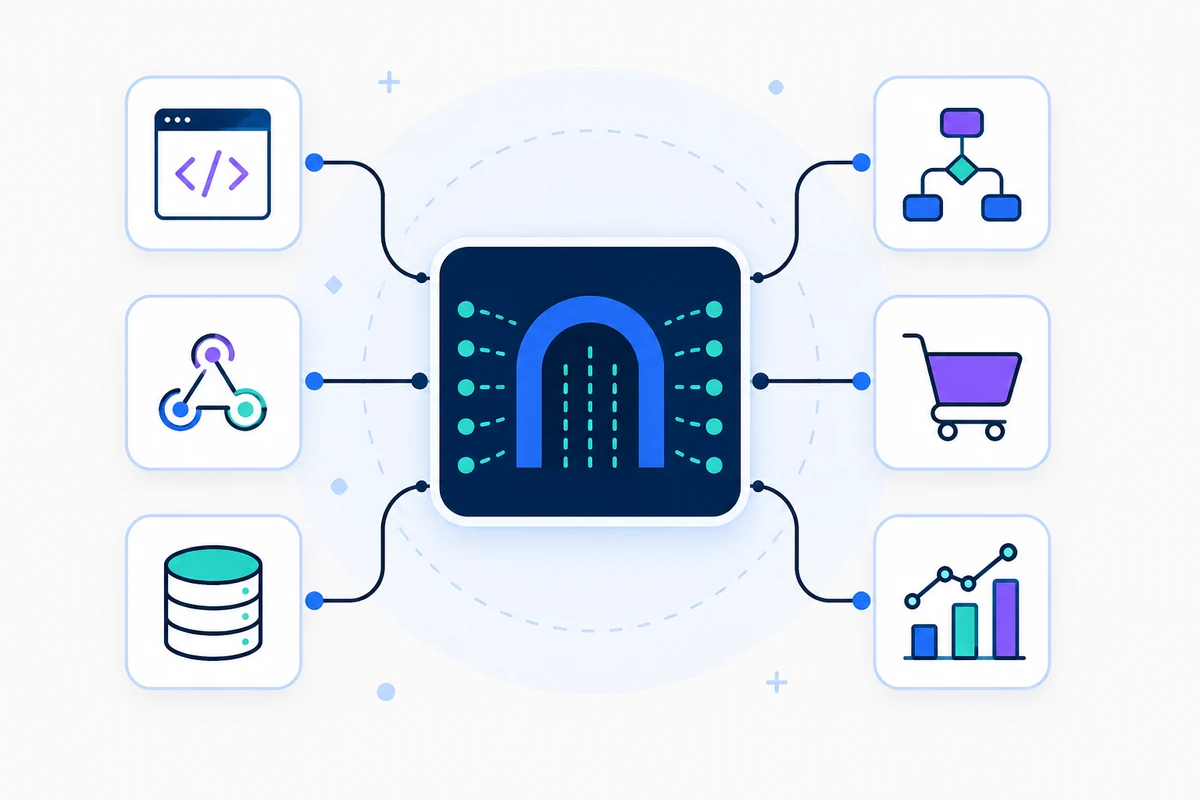
Um gateway de API central conectando código, webhooks, aplicativos e bancos de dados
API e ferramentas de desenvolvedor
In today's fast-paced world, managing appointments effectively is crucial for maintaining client relationships and minimizing no-shows. Many professionals struggle with the task of reminding clients about their upcoming appointments in a timely and efficient manner. Manual reminders can be time-consuming and often lead to missed opportunities, as clients forget or overlook their scheduled meetings. Fortunately, SMSMobileAPI offers a powerful solution that allows you to automate SMS reminders right from your connected mobile device, ensuring that your clients are always informed. ### Understanding the Challenge Many professionals, such as health practitioners, beauty salon owners, and freelancers, face the challenge of ensuring that clients remember their appointments. The traditional methods of sending reminders—whether via email or phone calls—can be inefficient and may not reach clients effectively. Moreover, clients often prefer the immediacy of SMS communication. This is where SMSMobileAPI comes into play, providing a streamlined process for sending reminders directly from your mobile phone. ### Step-by-Step Guide to Automate SMS Reminders Here’s how you can set up SMS reminders using SMSMobileAPI: #### Step 1: Connect Your Mobile Device To get started, you need to connect your Android or iPhone to the SMSMobileAPI platform. This process is straightforward and requires just a few steps: 1. **Download the SMSMobileAPI App**: Install the app on your smartphone from the Google Play Store or Apple App Store. 2. **Create an Account**: Sign up on the SMSMobileAPI website and log in to your account. 3. **Link Your Mobile**: Follow the prompts to connect your mobile device to your SMSMobileAPI dashboard. This allows you to send and receive messages using your existing phone number. #### Step 2: Integrate with Google Calendar Once your mobile is connected, the next step is to integrate your Google Calendar for seamless appointment management: 1. **Access the Dashboard**: Log in to your SMSMobileAPI dashboard. 2. **Navigate to Integrations**: Find the integration settings and select Google Calendar. 3. **Authorize Access**: Allow SMSMobileAPI to access your calendar, enabling it to pull appointment details automatically. #### Step 3: Set Up SMS Reminders With your mobile connected and Google Calendar integrated, you can now set up SMS reminders: 1. **Create a Reminder Template**: Go to the SMS reminder section in your dashboard and create a template for your reminders. You can use dynamic keywords like [event_date], [event_start], [event_end], and [location] to personalize your messages. For example: ``` "Hi [Client Name]! Just a reminder about your appointment on [event_date] at [event_start]. It will take place at [location]. Looking forward to seeing you!" ``` 2. **Schedule the Reminders**: Choose when you want the reminders to be sent. You can set reminders to be sent automatically—1, 2, or even 3 days before the appointment. 3. **Activate the Reminders**: Once everything is set, activate the reminders. SMSMobileAPI will handle the rest, sending messages from your mobile number. ### The Limits of SMS Reminders While SMS reminders are incredibly effective, there are some limitations to consider: - **Network Coverage**: Ensure that your mobile device has good network coverage to send and receive messages without interruptions. - **Message Length**: SMS messages are limited to 160 characters. Longer messages may be split, which could affect clarity. - **Client Preferences**: Some clients may prefer other forms of communication. It’s important to gauge their preferences beforehand. ### How SMSMobileAPI Enhances Your Workflow By using SMSMobileAPI, you can streamline your appointment management process significantly. Here’s how the workflow enhances your operations: - **Fully Automated**: Once set up, the SMS reminders are sent automatically, saving you time and effort. - **Personalized Communication**: Each reminder is personalized with client-specific details, improving engagement and reducing no-shows. - **Real-Time Responses**: When clients reply, their messages are sent directly to your phone, allowing for real-time communication without needing to check multiple platforms. - **Cost-Effective**: SMS reminders utilize your existing mobile plan, eliminating extra costs associated with third-party services. ### Conclusion Automating SMS reminders for client appointments is an effective way to enhance your communication strategy and reduce no-shows. By integrating SMSMobileAPI with your mobile device and Google Calendar, you can ensure that clients receive timely reminders that come from your personal number, fostering a more professional relationship. To get started with automating your SMS reminders, visit our [documentation](https://smsmobileapi.com/documentations-api-smsmobileapi/) for detailed instructions on setting up your account and integrating your mobile device. Take the first step towards more efficient appointment management today!

Coloque-o em prática

Ligue o seu primeiro telefone hoje.

Comece gratuitamente →