iPhone SMS Gateway
iPhone SMS Gateway for teams evaluating iOS mobile workflows
Use SMSMobileAPI with iPhone where iOS permits mobile messaging workflows, dashboard visibility and API-connected communication operations.
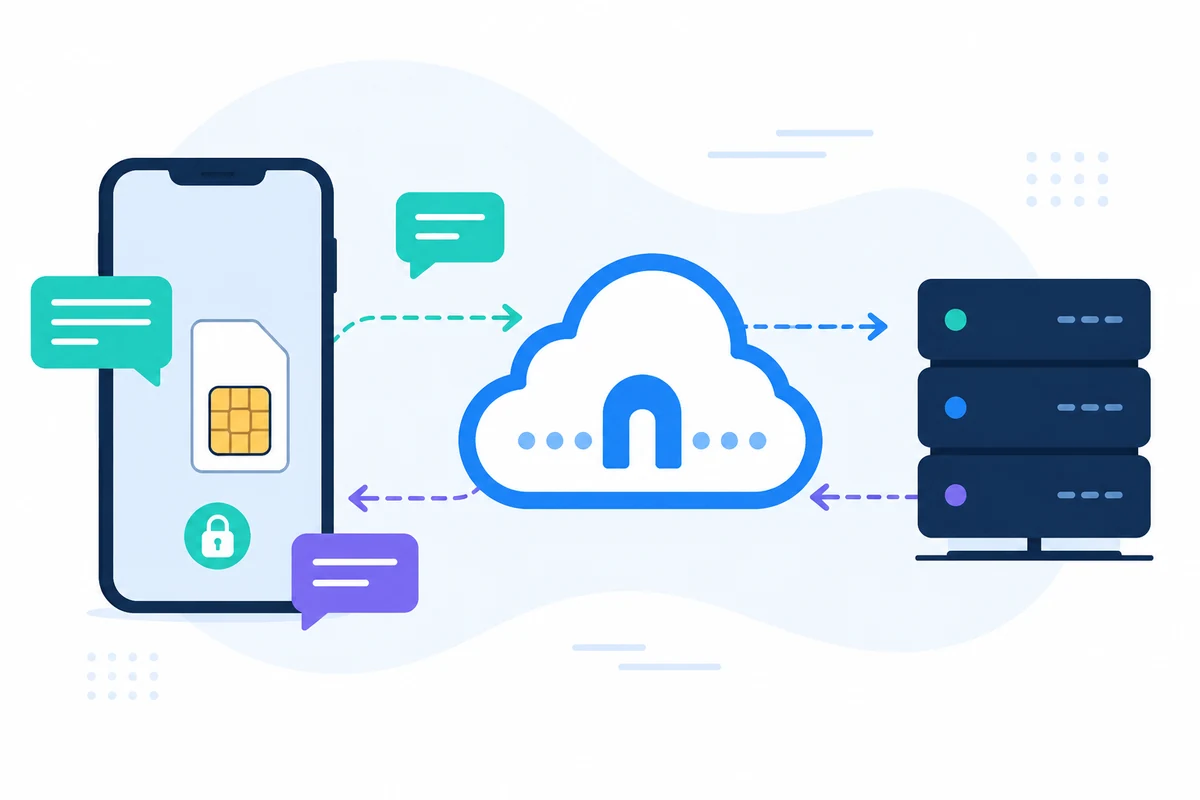
SMSMobileAPI connects your own mobile device to a professional dashboard and REST API. The mobile app creates the secure bridge between the phone, the dashboard and your software, so teams can send SMS, receive SMS, review call events and keep operational history centralized.
- Use your own mobile number and SIM where the workflow requires it
- Connect one or several phones to the same account
- Keep SMS, call events, logs and device status visible in the dashboard
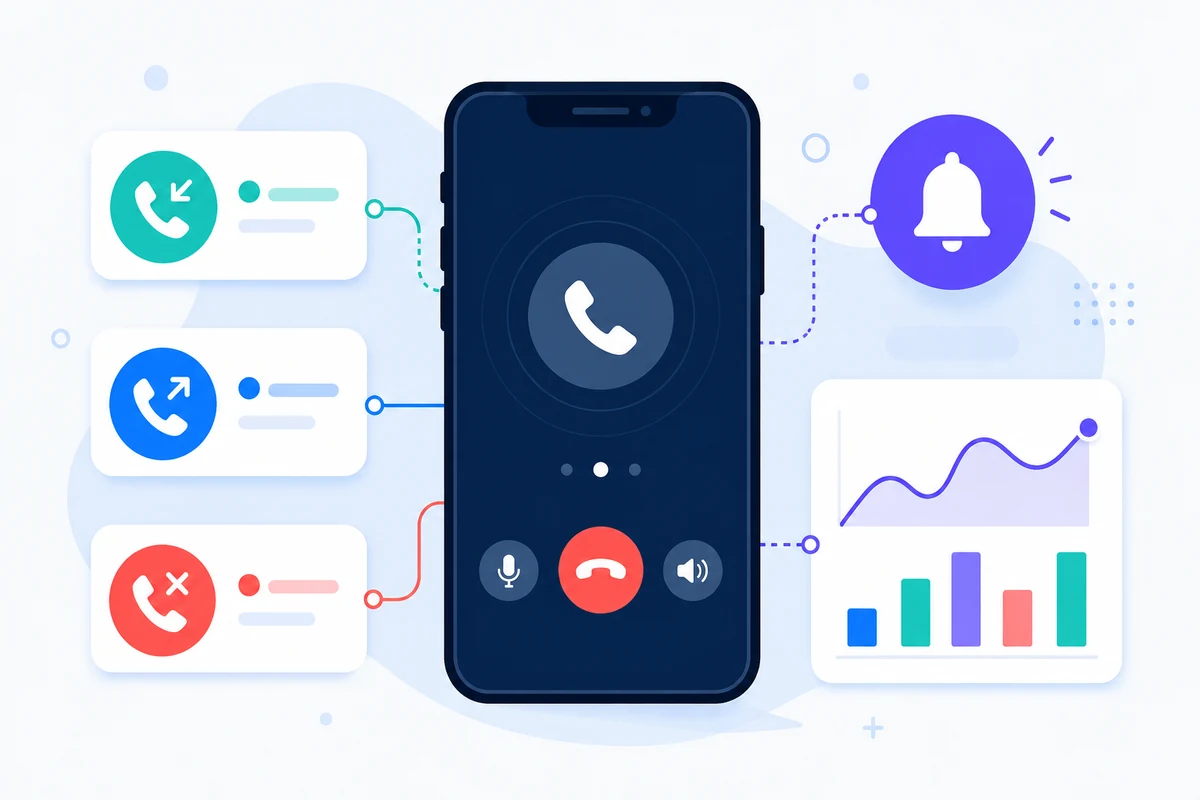
- Represent received SMS, sent SMS, incoming calls, outgoing calls and missed calls on a detailed period-based mobile activity timeline
- Integrate through documented REST endpoints, SDKs, plugins or no-code tools
- Keep pricing questions directed to the pricing page instead of hard-coding amounts

Why this iPhone SMS Gateway approach is different

IOS APP
Use the official iPhone app
The app connects the iPhone experience to SMSMobileAPI features supported by iOS.

SECURE ACCESS
Keep account pairing controlled
The dashboard and API remain protected by account authentication and mobile pairing.

VISIBILITY
Centralize supported events
Available SMSMobileAPI activity is organized through the dashboard and documentation.

PLATFORM LIMITS
Design around iOS rules
iOS applies stricter background and SMS permissions than Android, so workflows should be checked before production.
Example API request
The exact endpoint depends on the feature you use. A basic sending workflow authenticates the request with your API key, then SMSMobileAPI routes the action to the connected mobile app.
curl 'https://api.smsmobileapi.com/sendsms/?recipients=12345678910&message=Hello&apikey=YOUR_API_KEY'{"result":{"error":0,"sent":"1","note":"sent by mobile"}}常问问题
Is iPhone identical to Android for SMS gateway use?
No. iOS restricts some background SMS capabilities, so Android is usually preferred for the broadest gateway automation.
Can I still use SMSMobileAPI with iPhone?
Yes, for supported workflows and account operations available through the official iOS app.
Where are the apps?
Use the official download page and App Store links provided by SMSMobileAPI.
下一步
Build the workflow with your own connected mobile infrastructure.
Start with the relevant documentation, then test with one connected mobile before scaling to a full fleet.
官方移动应用程序
电话、仪表板和ZQQ8Z之间的安全桥
SMS and call operations pass through the official SMSMobileAPI app installed on your connected phone. The app securely pairs the device with your account, synchronizes authorized events and links the mobile network to the dashboard and REST API.
- 通过Google Play和App Store官方上市发布签名的版本
- Google和苹果平台审查、签署和发行控制
- 安全设备对接、ZQQX11XZS运输以及经认证的ZQX8ZZ接入
- 仅为您启用的移动特性所需的权限