In the fast-paced world of business, effective communication can make or break relationships. One of the crucial aspects of maintaining good client relationships is ensuring that important appointments and events are not overlooked. SMS reminders are an effective way to achieve this, but how can you implement them seamlessly using SMSMobileAPI? This guide will walk you through the practical steps to set up SMS reminders using SMSMobileAPI, ensuring your clients never miss an important date.
Understanding the Importance of SMS Reminders
SMS reminders serve as a gentle nudge for your clients, alerting them about upcoming appointments, deadlines, or events. They are particularly useful in industries where no-shows can lead to lost revenue, such as healthcare, beauty services, and consultancy. By sending timely reminders, you not only enhance client satisfaction but also improve your operational efficiency.
Setting Up SMS Reminders with SMSMobileAPI
Now that we understand the significance of SMS reminders, let’s delve into the practical steps for setting them up using SMSMobileAPI.
Passo 1: Collegare il dispositivo mobile
The first step is to connect your Android or iPhone to the SMSMobileAPI platform. This allows the system to send SMS messages directly from your existing mobile number, ensuring that your clients recognize your messages.
- Download the SMSMobileAPI app from the respective app store.
- Follow the instructions to log in and connect your mobile device.
- Ensure your SIM card is active and has sufficient balance for sending SMS.
Step 2: Access the Dashboard
Once your mobile is connected, navigate to the SMSMobileAPI dashboard. This user-friendly interface will be your command center for managing SMS reminders.
- Log in to your account.
- Familiarize yourself with the dashboard layout to locate features like message scheduling and contact management.
Passo 3: Crea il tuo SMS Modello di supporto
Next, you’ll want to craft a message template that will be personalized for each recipient. SMSMobileAPI allows you to incorporate dynamic fields that will automatically populate with individual client details.
Example Message Template:
"Hi [client_name]! Just a reminder about your appointment on [event_date] at [event_start]. Looking forward to seeing you!"
In the above example, replace [client_name], [event_date], and [event_start] with the appropriate dynamic keywords supported by SMSMobileAPI. This ensures each message feels personalized and relevant to the recipient.
Passaggio 4: Pianifica i tuoi promemoria
With your template ready, it’s time to schedule the SMS reminders. You can automate this process to save time and ensure consistency.
- Navigate to the "Schedule SMS" section of the dashboard.
- Select the time frame (e.g., 1 day, 2 days before the event) for when you want the reminders to be sent.
- Upload your contact list or select individual clients from your saved contacts.
- Confirm the message template and schedule the reminders.
Passo 5: Monitorare le risposte
One of the key advantages of using SMSMobileAPI is that replies from your clients are sent directly to your mobile device. This allows you to maintain a personal touch in your communications.
- Ensure notifications are enabled on your mobile device to receive replies promptly.
- Monitor responses and engage with your clients as needed.
Limitazioni di considerare
While SMS reminders are an effective tool, there are some limitations to keep in mind:
- Character Limit: SMS messages are limited to 160 characters. Be concise.
- Time Zone Differences: Ensure you account for different time zones if you have clients in various locations.
- Connectivity Issues: Messages will only be sent if your mobile device is connected to a network.
SMSMobileAPI Flusso di lavoro
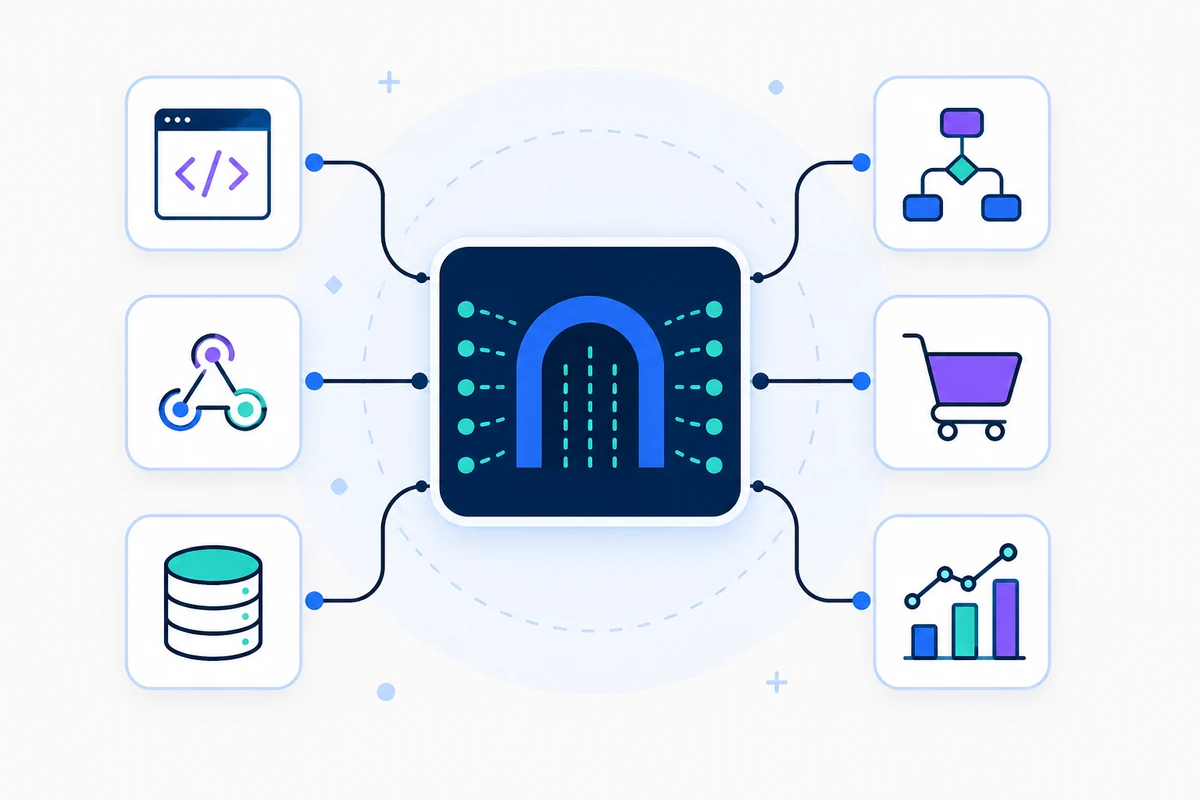
Integrating SMS reminders into your workflow using SMSMobileAPI can streamline your communication processes. Here’s a quick overview of how it fits into your operations:
- Client Booking: When a client books an appointment, their details are captured in your system.
- Template Creation: Use dynamic message personalization to create SMS templates.
- Automated Scheduling: Schedule SMS reminders based on client preferences and appointment timings.
- Engagement: Respond to client replies directly through your mobile, ensuring a seamless communication experience.
Prossimi passi
Now that you have a comprehensive understanding of how to set up SMS reminders using SMSMobileAPI, you can enhance your client communication strategy. To get started, visit our Getting Started page for a detailed overview of the setup process.
