
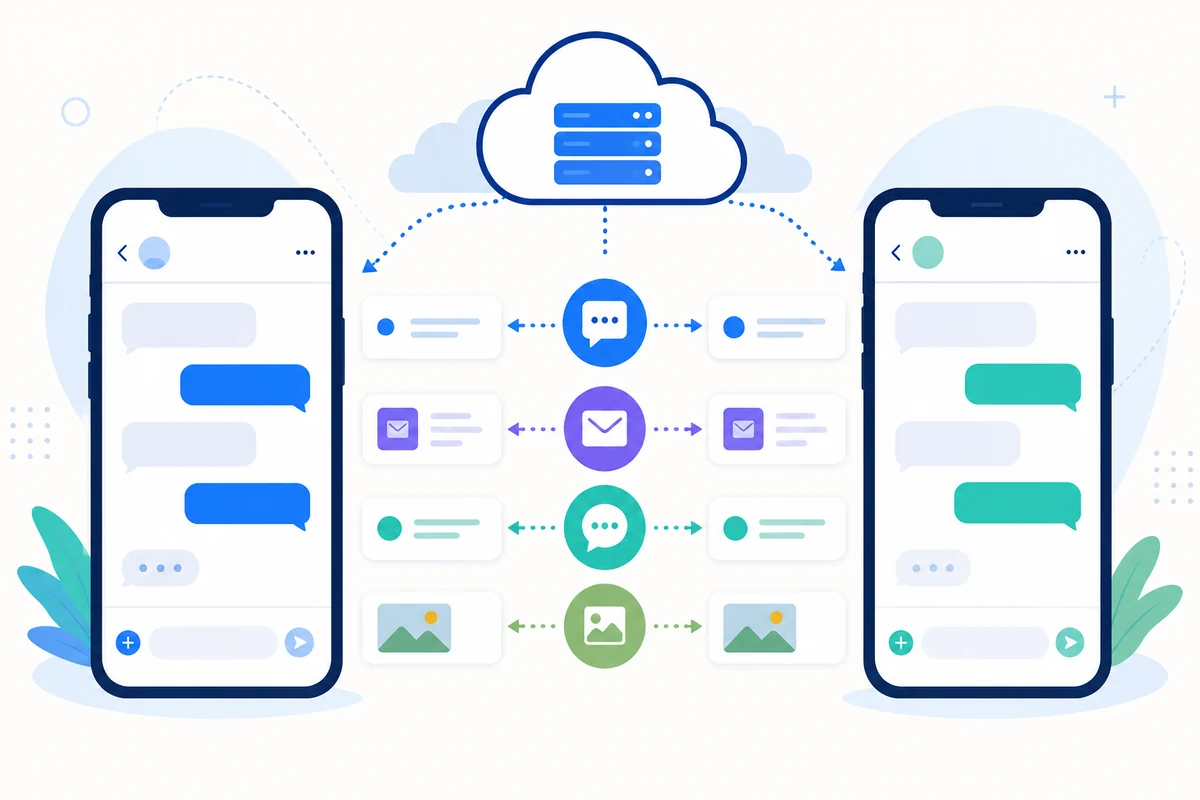
How to Link WhatsApp to SMS Mobile API
Follow this step-by-step guide to securely and easily link your WhatsApp account to SMS Mobile API. This process is free and ensures that your messages can be seamlessly sent and managed through the API. With just a few taps, you'll connect your WhatsApp account and unlock the power of automated communication.Each step is illustrated below to help you complete the process without hassle.
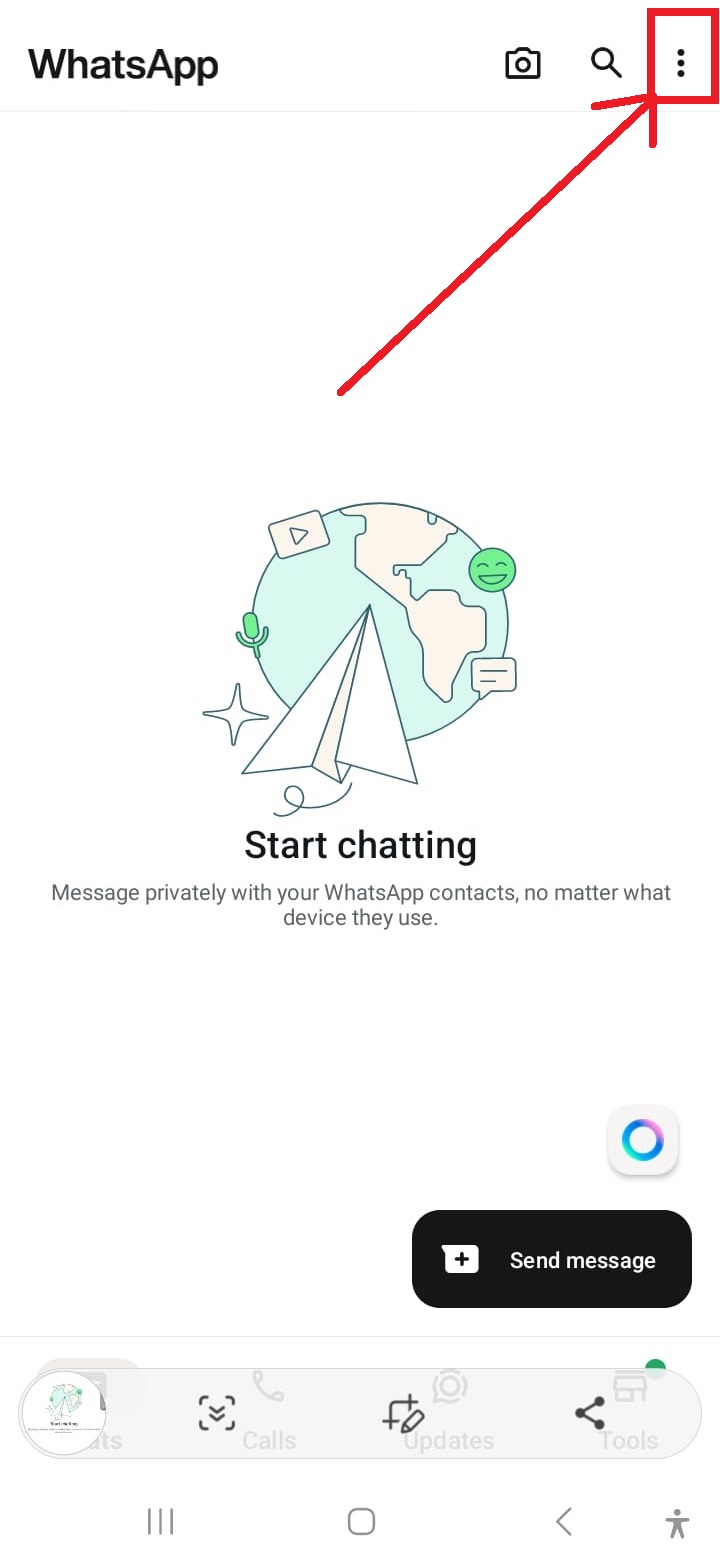
Open WhatsApp Settings
Tap the three dots in the top-right corner of the WhatsApp interface to access the settings menu.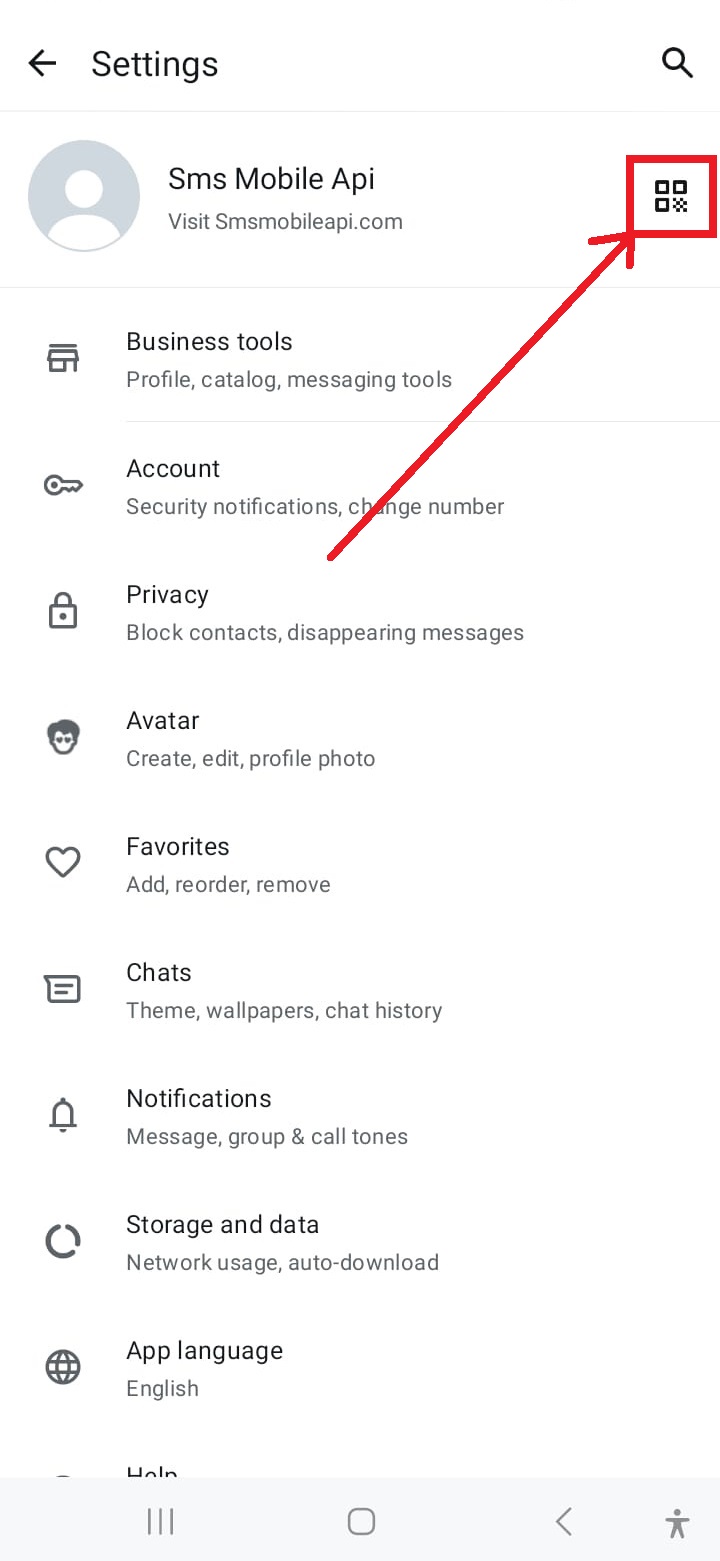
Access QR Code Scanner
Tap the QR code icon at the top-right corner of the settings screen to start the linking process.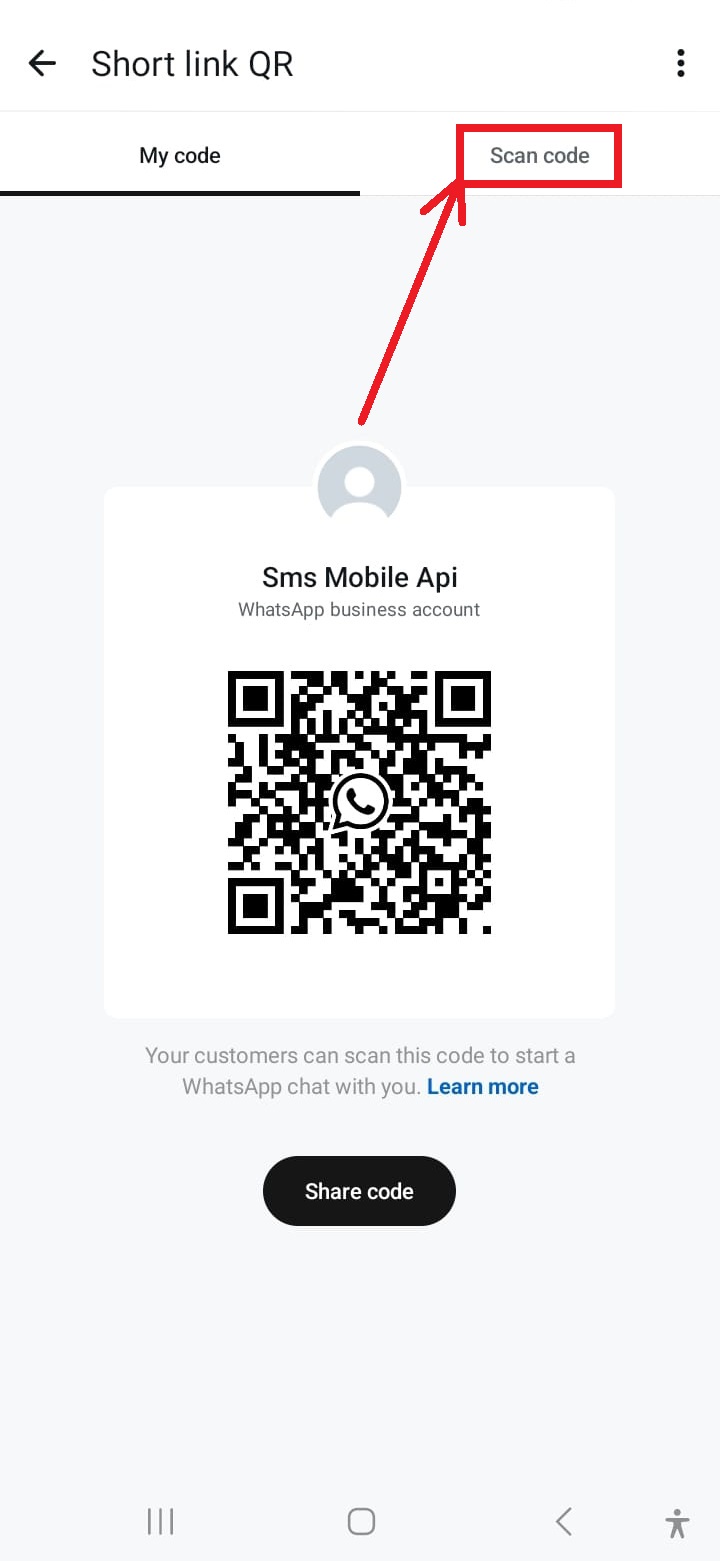
Activate the Camera for Scanning
Tap the "Scan QR Code" option from the menu to activate your phone's camera for scanning.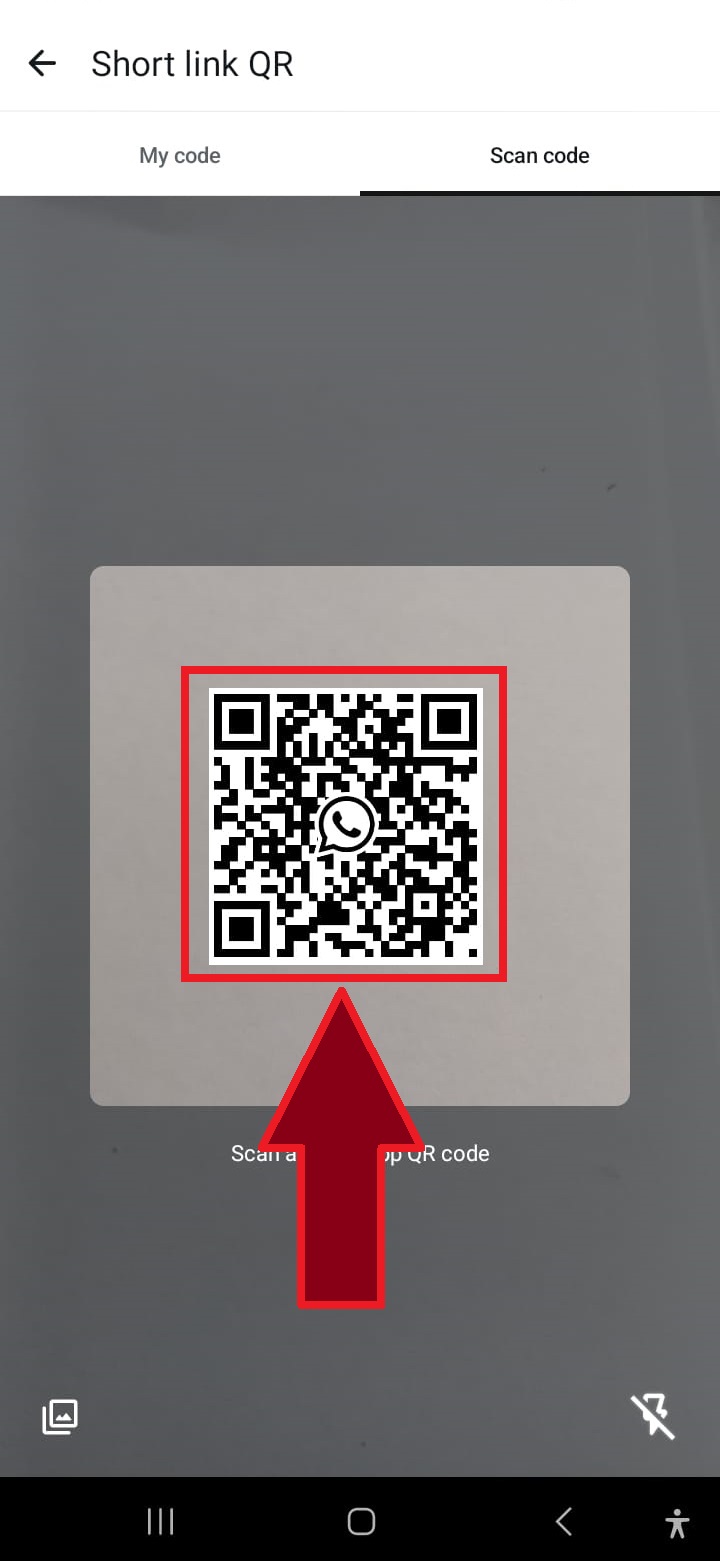
Scan the QR Code
Point your phone's camera at the QR code displayed on the website to connect WhatsApp to the SMSMobileAPI.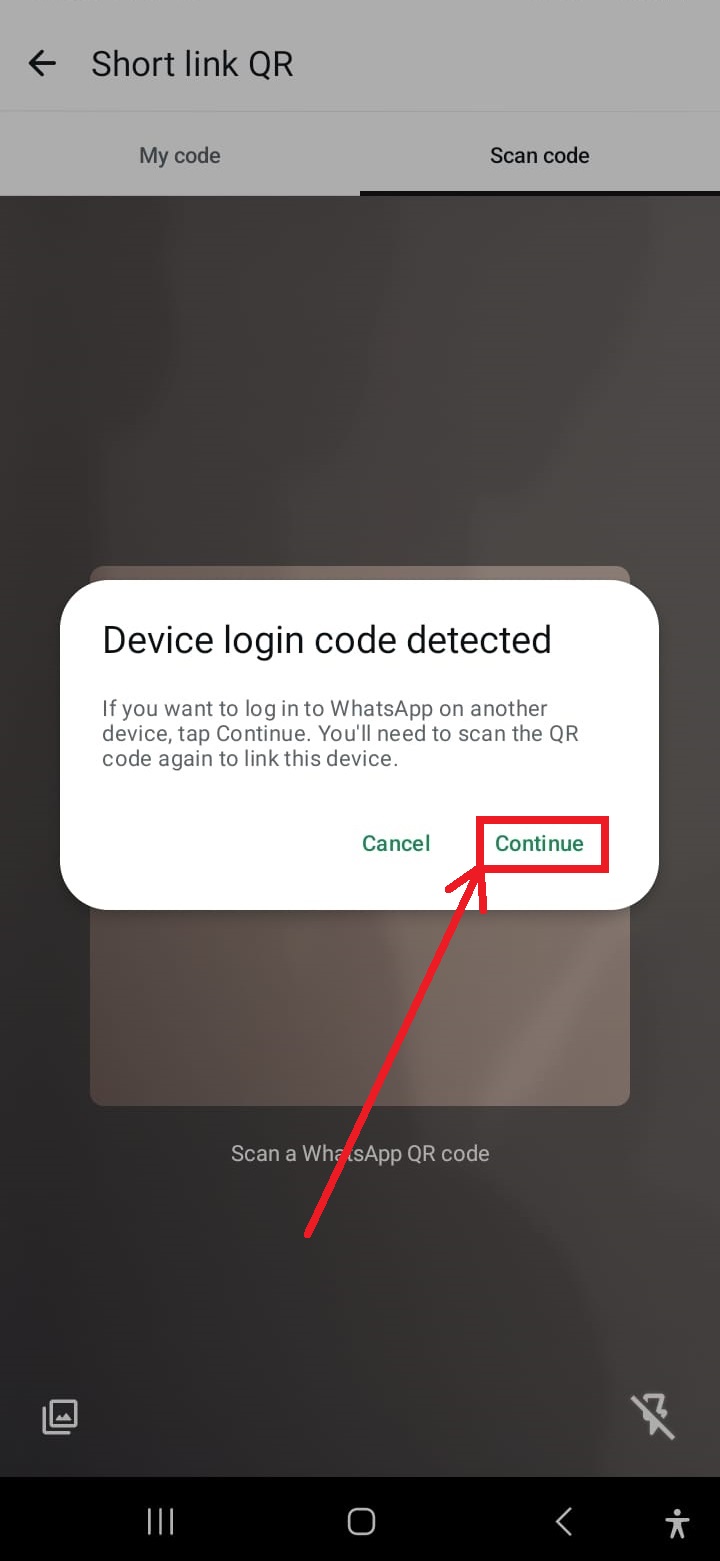
Click "Continue" if Prompted
If prompted to restart the operation, tap "Continue" to proceed with the QR code scanning.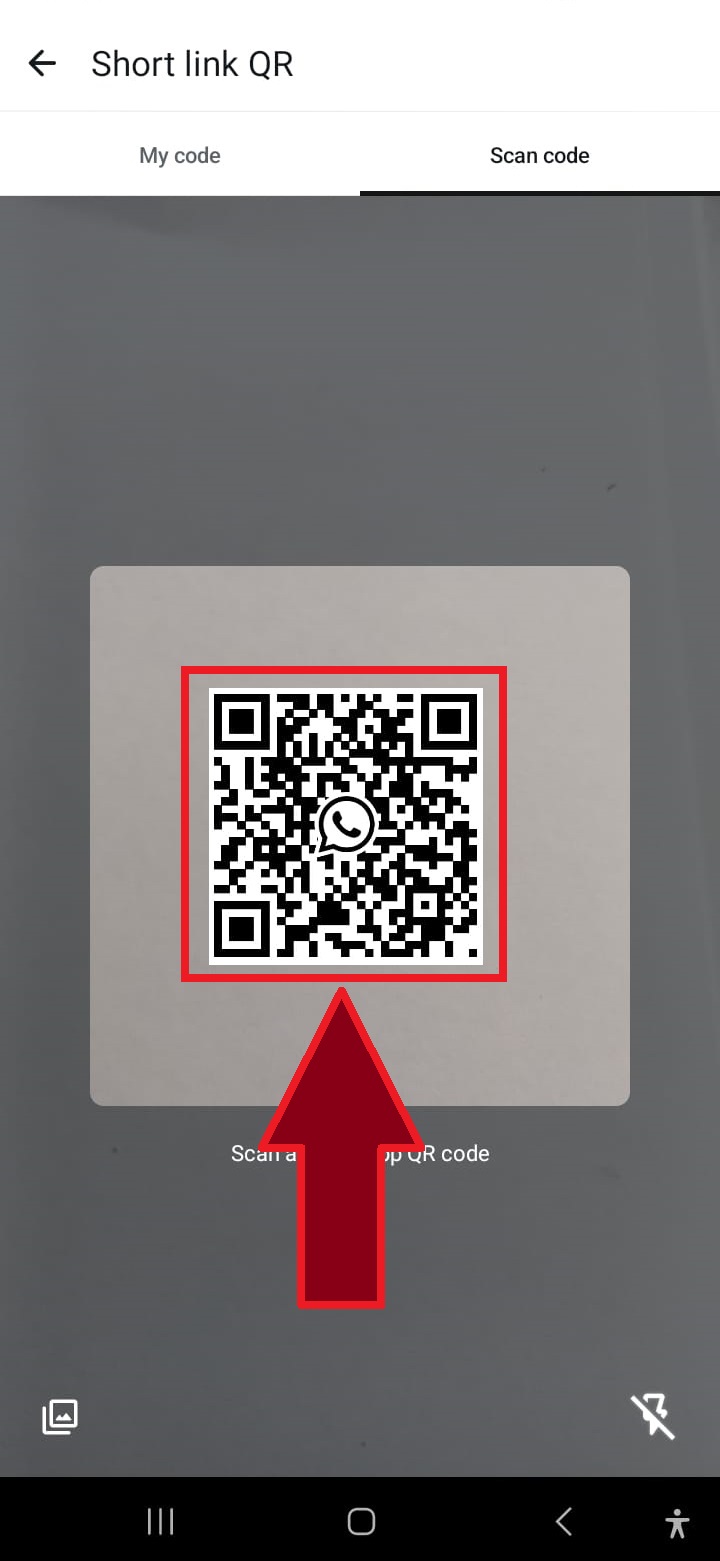
Scan the QR Code Again if Necessary
In some cases, a second QR code scan may be required to complete the process. Simply repeat the scan.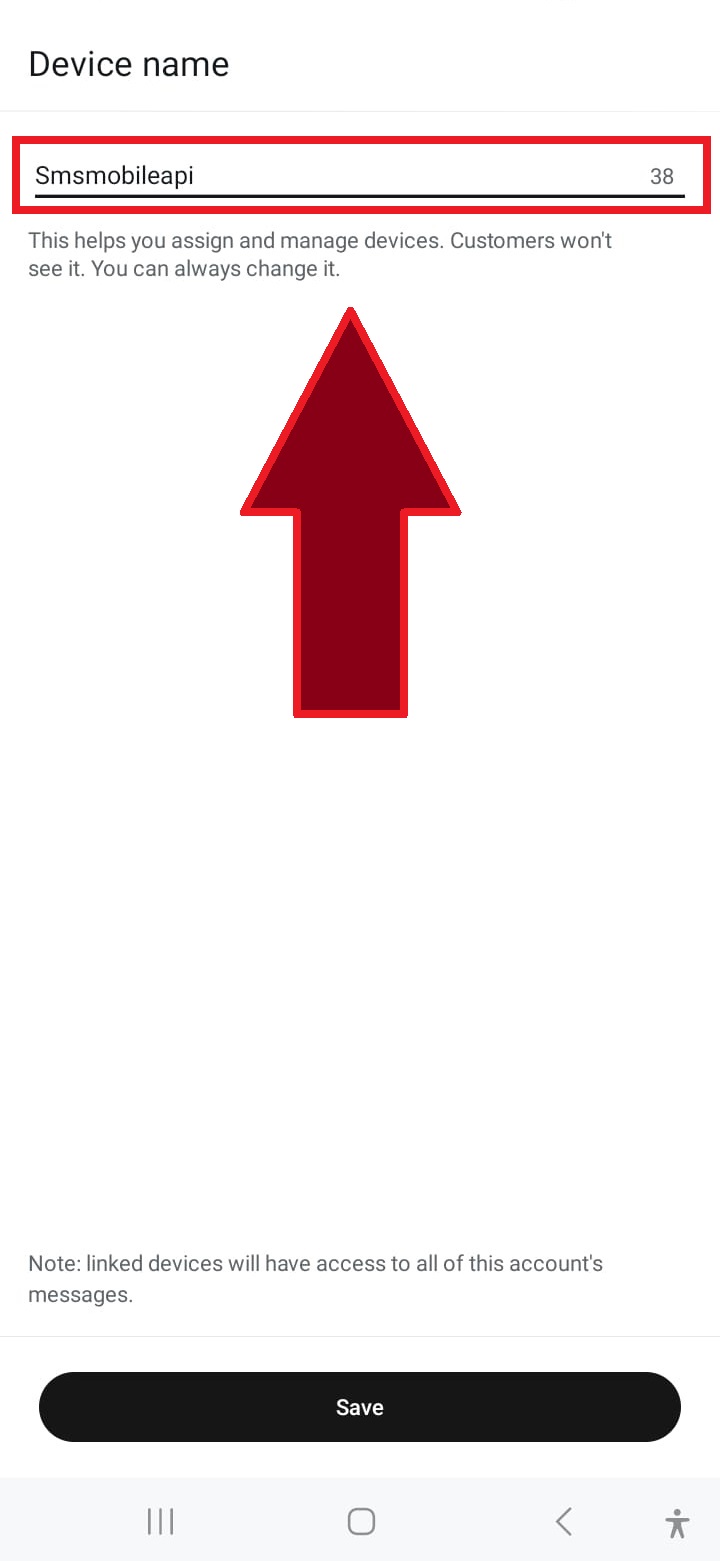
Name the Connection
Enter a name for the connection, such as "SMSMobileAPI," or choose a custom name to identify it.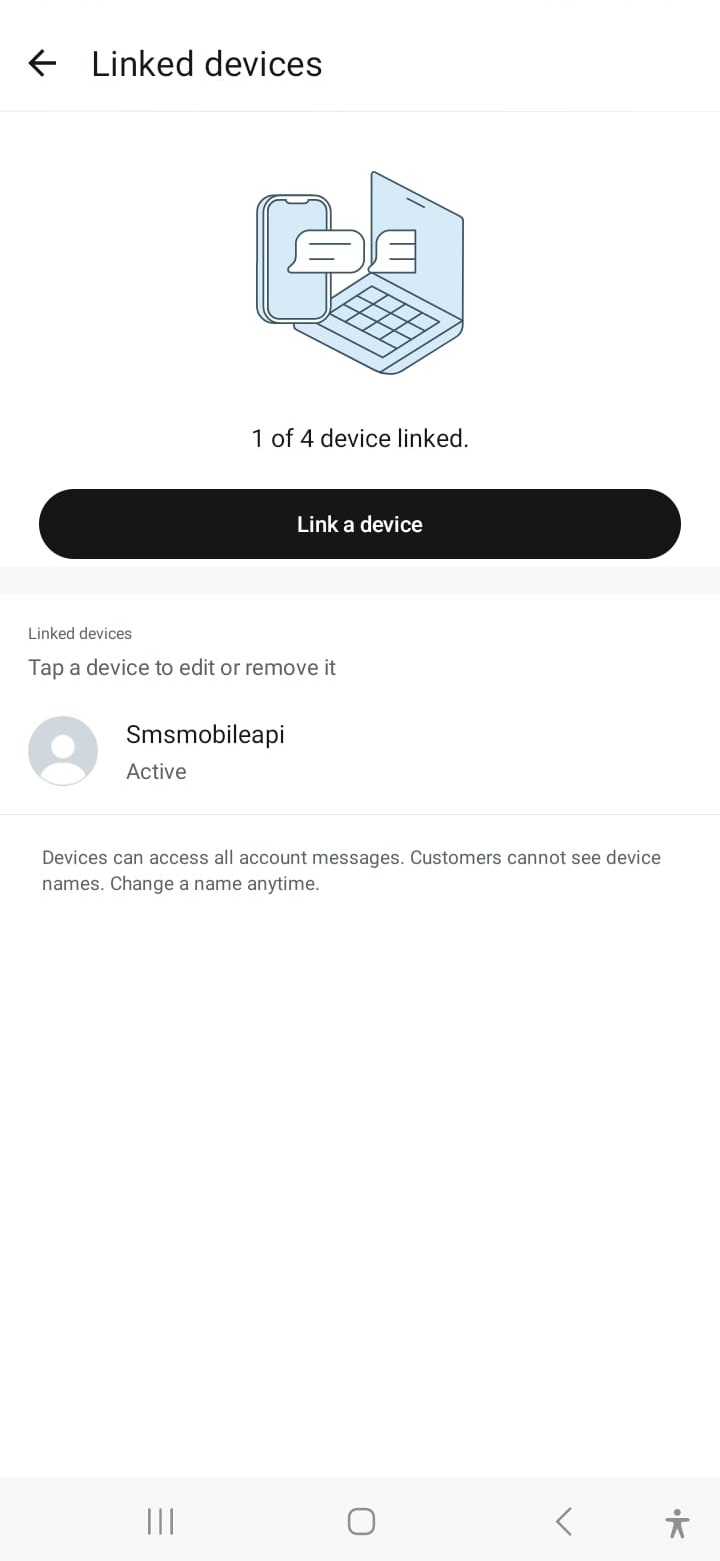
Connection Successful
Once connected, your WhatsApp account is linked, allowing you to send messages via the SMSMobileAPI seamlessly.When communication is confirmed, you can use our API to send WhatsApp messages directly from your own system using simple HTTP requests. Our API is compatible with PHP, web services, WooCommerce, Shopify, Zapier, Python, and many other platforms. We provide an easy-to-use API request that allows seamless integration with your WhatsApp account.

Official mobile application
The secure bridge between your phone, dashboard and API.
SMS and call operations pass through the official SMSMobileAPI app installed on your connected phone. The app securely pairs the device with your account, synchronizes authorized events and links the mobile network to the dashboard and REST API.
1Mobile appPairs the phone and its SIM
2Encrypted linkAuthenticates and protects data in transit
3Dashboard & APIControls workflows and activity
- Signed releases distributed through the official Google Play and Apple App Store listings
- Google and Apple platform review, signing and distribution controls
- Secure device pairing, HTTPS transport and authenticated API access
- Only the permissions required for the mobile features you enable


