
Automate order lifecycle messages
Start from the event or action your team already uses.

Commerce
Store integrationUse SMSMobileAPI with Shopify to notify customers when an order is created, paid, fulfilled or updated. Your connected phone becomes the delivery gateway while Shopify remains the source of commerce events.


What the connection unlocks
A focused integration surface, connected to the same authenticated API, device routing and operational visibility used across SMSMobileAPI.
Start from the event or action your team already uses.
Map the business context into a useful, timely message.
Route the operation through your connected SMSMobileAPI environment.
Review the result and keep the workflow observable.

Official mobile application
SMS and call operations pass through the official SMSMobileAPI app installed on your connected phone. The app securely pairs the device with your account, synchronizes authorized events and links the mobile network to the dashboard and REST API.


Connection flow
Shopify provides the business trigger or developer interface. SMSMobileAPI authenticates and routes the request. Your connected device or configured channel completes the communication operation.
A business event, workflow action or explicit request starts the process.
Authentication, payload validation, routing and activity tracking remain centralized.
The selected connected channel performs the operation and returns a result.
Built for practical work
Connect the trigger, map the message context and keep the resulting activity visible in the SMSMobileAPI workflow.
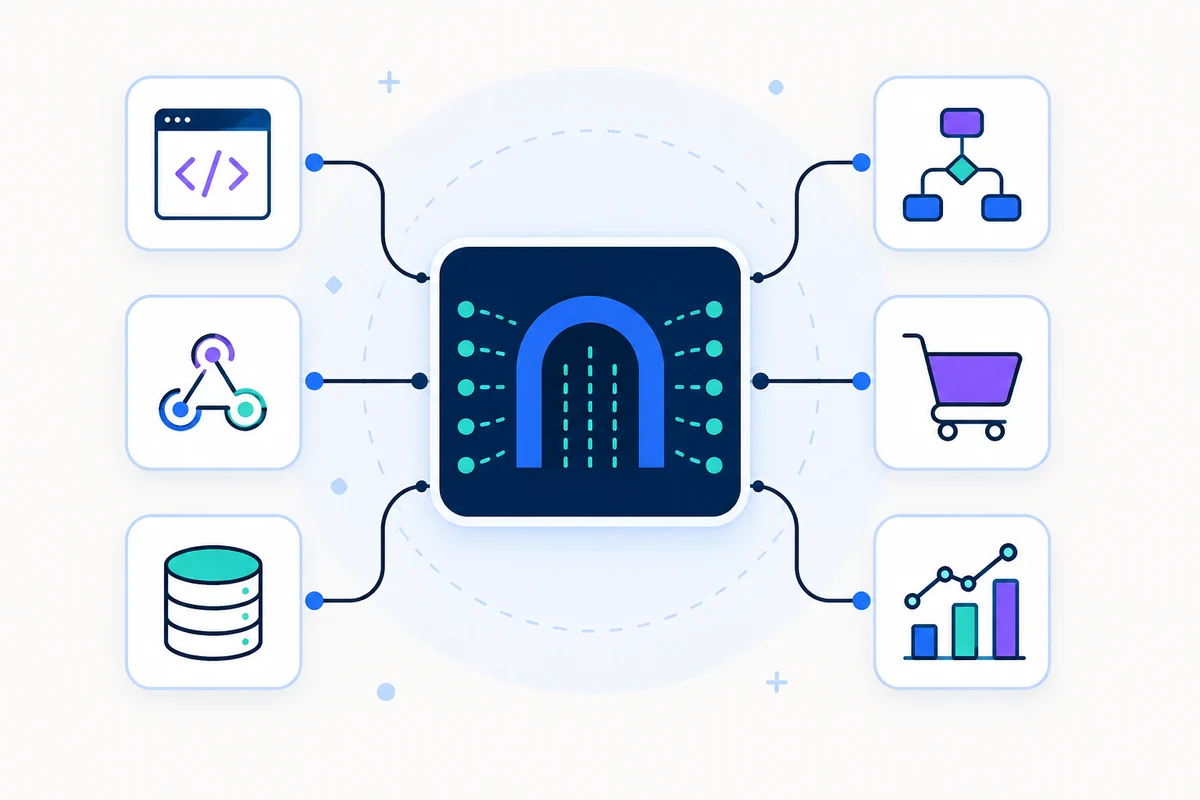
Connect the trigger, map the message context and keep the resulting activity visible in the SMSMobileAPI workflow.
Connect the trigger, map the message context and keep the resulting activity visible in the SMSMobileAPI workflow.
Connect the trigger, map the message context and keep the resulting activity visible in the SMSMobileAPI workflow.
Implementation path
Use a non-production recipient and controlled data while configuring the integration. Never place a production API key in browser code, screenshots or public repositories.
Validate an API key safely →Complete this step, verify the result, then continue to the next part of the connection.
Complete this step, verify the result, then continue to the next part of the connection.
Complete this step, verify the result, then continue to the next part of the connection.
Complete this step, verify the result, then continue to the next part of the connection.
See the workflow
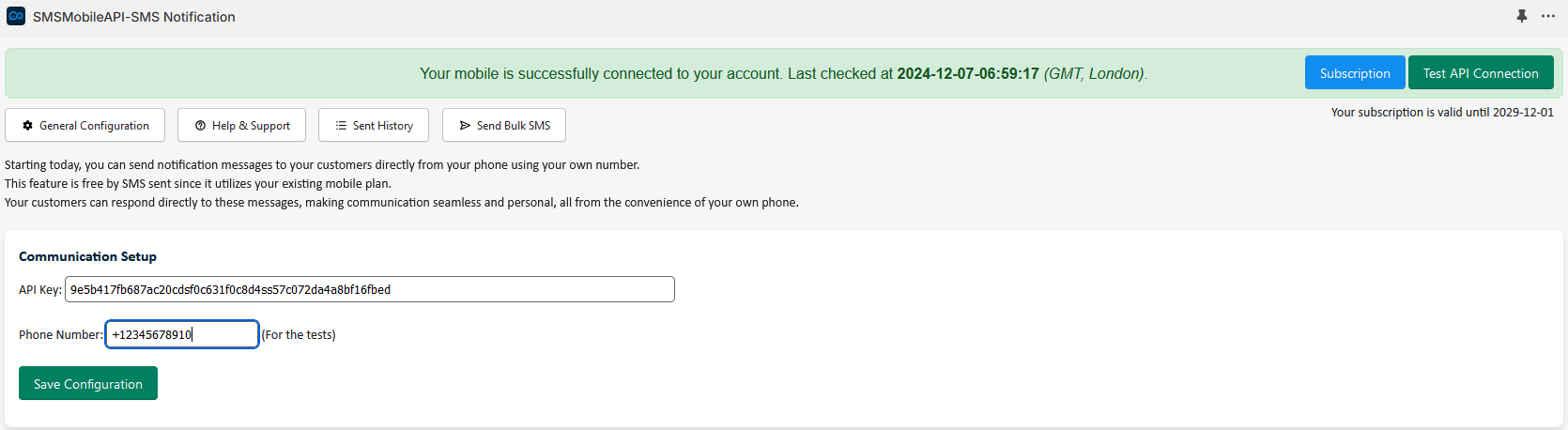
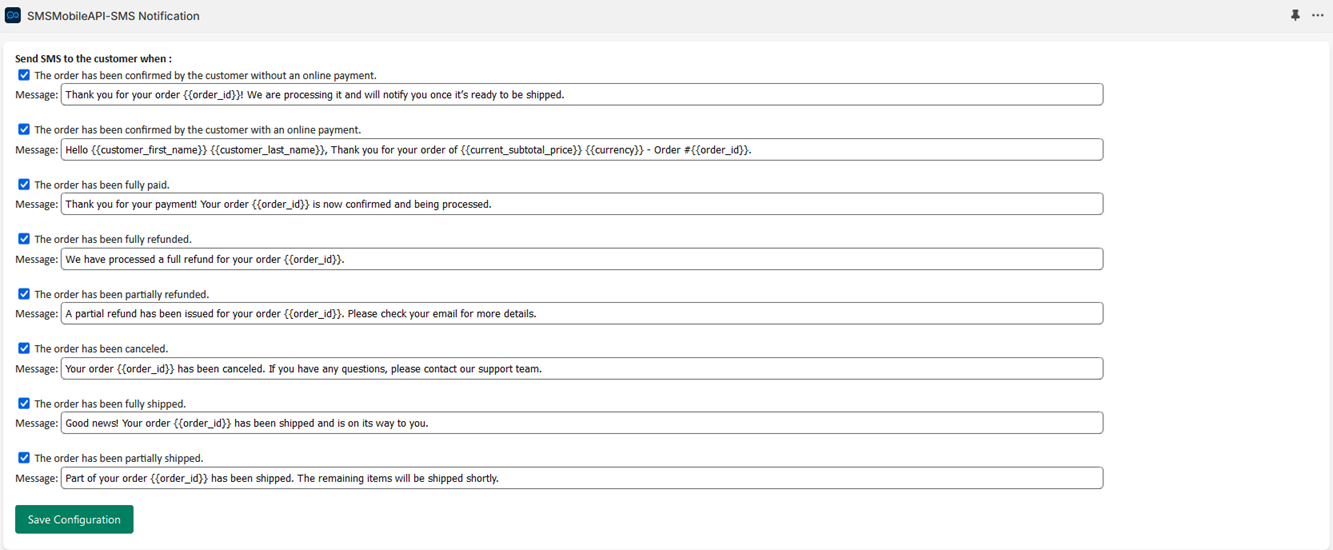
Visual references from the existing SMSMobileAPI integration experience help teams recognize the relevant setup and messaging surfaces.
Keep exploring
Turn every order event into a timely customer message.
Explore integration → Automation & CRM
Connect Zapier to your real mobile phones for SMS, notifications and call-event automation.
Explore integration → Commerce
Bring mobile messaging into Odoo business processes.
Explore integration →Ready to connect?
Create an account, connect a phone and validate the first workflow with a three-day free trial.

Tell us who we are speaking with. Your details stay attached to this private support conversation.