In today's fast-paced environment, keeping track of appointments and deadlines can be a daunting task. Many businesses and professionals struggle with ensuring that their clients are reminded of important meetings, appointments, or deadlines. This is where SMS reminders come into play, providing an effective way to communicate with clients directly. However, implementing an SMS reminder system can seem complex, especially for those without technical knowledge. In this guide, we will walk you through the practical steps to set up SMS reminders using SMSMobileAPI.
Problemi Anlamak
When managing appointments or meetings, it's crucial to ensure that clients are reminded in a timely manner. Missed appointments can lead to lost revenue and frustrated clients. Traditional methods like emails or phone calls can be ineffective, as they may not reach clients in time or may be overlooked. SMS reminders, on the other hand, are more immediate and have higher open rates. However, many professionals find it challenging to set up an automated SMS reminder system, especially if they lack technical expertise.
Steps to Set Up SMS Reminders
Using SMSMobileAPI, you can easily set up SMS reminders that are sent directly from your mobile device. Here’s how to do it:
1. Connect Your Mobile Device
- SMSMobileAPI uygulamanızı Android veya iPhone'inize indirmek için başlayın.
- Follow the on-screen instructions to connect your mobile device to the SMSMobileAPI dashboard.
- Ensure that your mobile device has an active SIM card and phone number, as SMS will be sent from this number.
2. Access the Dashboard
- Log in to your SMSMobileAPI account and navigate to the dashboard.
- Familiarize yourself with the user interface, where you can manage your SMS settings and schedule reminders.
3. Integrate with Google Calendar
- To automate SMS reminders, integrate your Google Calendar with SMSMobileAPI. This can be done directly through the dashboard.
- Grant necessary permissions for SMSMobileAPI to access your calendar events.
4. Create SMS Templates
- In the dashboard, navigate to the SMS Templates section.
- Create a template for your SMS reminders. Utilize dynamic keywords such as
[event_date],[event_start],[location], and others to personalize each message automatically. - For example, your template could read: "Hi! Just a quick reminder for your appointment on
[event_date]at[event_start]. The meeting will take place at[location]."
5. Schedule SMS Reminders
- Return to your Google Calendar and select the event you wish to send reminders for.
- In the event settings, look for the option to schedule SMS reminders.
- Set the time frame for when the reminder should be sent (e.g., 1 day or 2 hours before the event).
- Choose your SMS template to ensure that the correct message is sent automatically.
6. Test the System
- Before relying on the system for all your appointments, conduct a test run.
- Create a test event in your Google Calendar and check if the SMS reminder is sent correctly.
- Make any necessary adjustments to your SMS template or scheduling settings based on the test results.
Limitleri dikkate almak için
While SMS reminders can significantly improve client communication, there are some limitations to be aware of:
- Mobile Network Dependency: SMS reminders rely on the mobile network. Ensure that your device has a stable connection to avoid missed messages.
- Message Length: SMS messages have a character limit (typically 160 characters). Keep your messages concise to avoid truncation.
- Time Zone Differences: If you have clients in different time zones, be mindful of scheduling reminders at appropriate times.
İlgili SMSMobileAPI Workflow
Once your SMS reminder system is set up, the workflow is straightforward:
- When an event is created in your Google Calendar, it will trigger the SMS reminder based on the scheduled time.
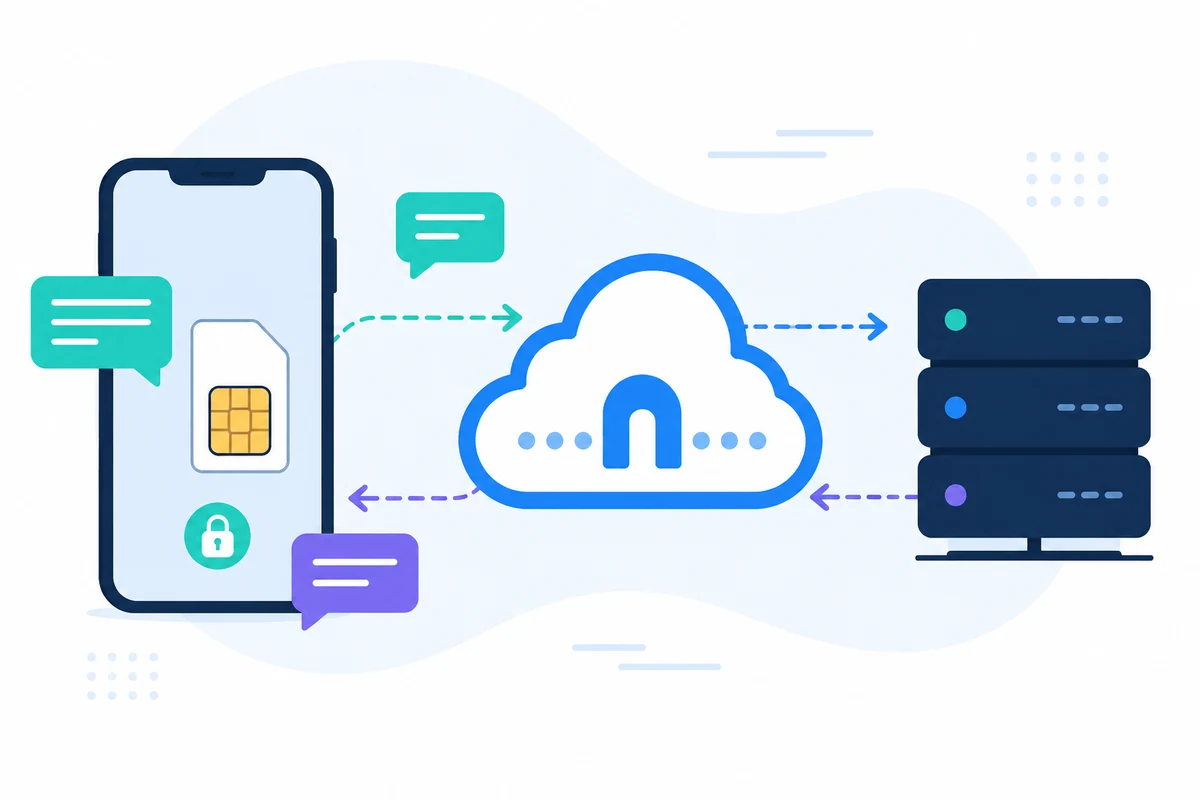
- The personalized SMS reminder is sent from your mobile device using your existing number, ensuring that clients recognize the sender.
- Clients can reply directly to the SMS, and their responses will be synchronized back to your mobile, allowing for seamless communication.
By following these steps, you can effectively implement SMS reminders using SMSMobileAPI, enhancing your client communication and reducing no-shows or missed appointments.
Sonraki Adımlar
To get started with SMS reminders, visit our getting started page for more information on setting up your account and connecting your mobile device.