
Skicka SMS via API
Skicka SMS från API för mjukvaruutvecklare
Skicka SMS via en REST API medan meddelandet levereras av din egen anslutna mobiltelefon och mobilnummer.
SMSMobileAPI ansluter din egen mobilenhet till en professionell instrumentpanel och REST API. Den mobila appen skapar den säkra broen mellan telefonen, instrumentpanelen och din programvara, så lag kan skicka SMS, ta emot SMS, granska samtalshändelser och hålla operativ historia centraliserad.
- Använd ditt eget mobilnummer och SIM där arbetsflödet kräver det
- Anslut en eller flera telefoner till samma konto
- Håll SMS, ring händelser, loggar och enhet status synlig i instrumentbrädan
- Representanten fick SMS, skickade SMS, inkommande samtal, utgående samtal och missade samtal på en detaljerad periodbaserad mobil aktivitetstidslinje
- Integrera genom dokumenterade REST-endpoints, SDKs, plugins eller verktyg utan kod
- Håll prissättning frågor riktade till prissättningen sida i stället för hårdkodningsbelopp
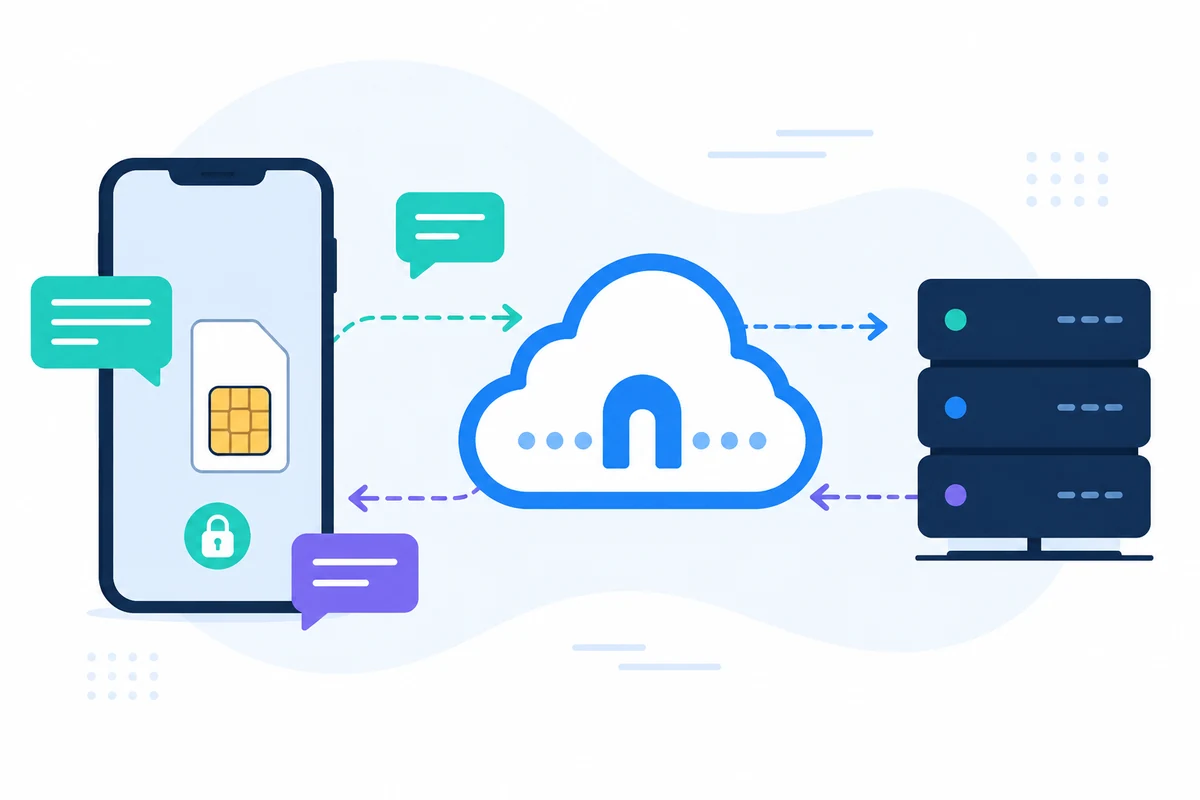
Varför denna Skicka SMS från API tillvägagångssätt är annorlunda
REST
Enkel HTTPS begäran
Använd en dokumenterad slutpunkt och JSON-respons istället för anpassade modemkommandon.

MOBIL LEVERANS
Din anslutna telefon skickar meddelandet
API skapar begäran och den officiella mobilappen hanterar mobilsidan leverans.
LOGGAR
Spåra varje förfrågan
Granska skickade meddelandehistorik, svarsidentifierare och leveranskontext i instrumentpanelen.

INTEGRATIONER
Använd kod, plugins eller verktyg utan kod
Anslut samma API till PHP, Python, Zapier, WooCommerce, Shopify eller din egen backend.
Exempel på API begäran
Den exakta slutpunkten beror på den funktion du använder. Ett grundläggande sändningsarbetsflöde autentiserar begäran med din API-nyckel, sedan SMSMobileAPI rutterar åtgärden till den anslutna mobilappen.
curl 'https://api.smsmobileapi.com/sendsms/?recipients=12345678910&message=Your%20code%20is%204218&apikey=YOUR_API_KEY'{"result":{"error":0,"sent":"1","note":"sent by mobile"}}FAQ
Kan jag skicka SMS från mitt eget nummer?
Ja. Meddelandet skickas av din anslutna mobil, så avsändaridentiteten är knuten till den telefonen och SIM.
Vilket svar ska mitt system lagra?
Lagra den returnerade identifieraren och statusen så att senare loggar och supportkontroller kan korreleras.
Kan jag testa innan produktionen?
Ja. Använd API testverktyg eller steg-för-steg första SMS guide.
Nästa steg
Bygg arbetsflödet med din egen uppkopplade mobilinfrastruktur.
Börja med relevant dokumentation, testa sedan med en ansluten mobil innan du skalar till en full flotta.

Officiell mobilapplikation
Den säkra bron mellan din telefon, instrumentpanel och API.
SMS och samtalsoperationer passerar genom den officiella SMSMobileAPI-appen installerad på din anslutna telefon. Appen parar säkert enheten med ditt konto, synkroniserar auktoriserade händelser och länkar mobilnätet till instrumentpanelen och REST API.
- Signerade releaser som distribueras via de officiella listorna Google Play och Apple App Store
- Google och Apple plattformsgranskning, signering och distributionskontroller
- Säkra enhet parning, HTTPS transport och autentiserad API tillgång
- Endast de behörigheter som krävs för de mobila funktionerna du aktiverar


