
Send Zapier-triggered notifications to one or several connected mobiles
Start from the event or action your team already uses.

Automação e CRM
No-code integrationUse o SMSMobileAPI com Zapier para enviar notificações móveis, enviar SMS pelo seu telefone conectado, processar SMS recebidos e recuperar chamadas perdidas, recebidas e efetuadas de um ou vários telemóveis ligados à mesma conta.
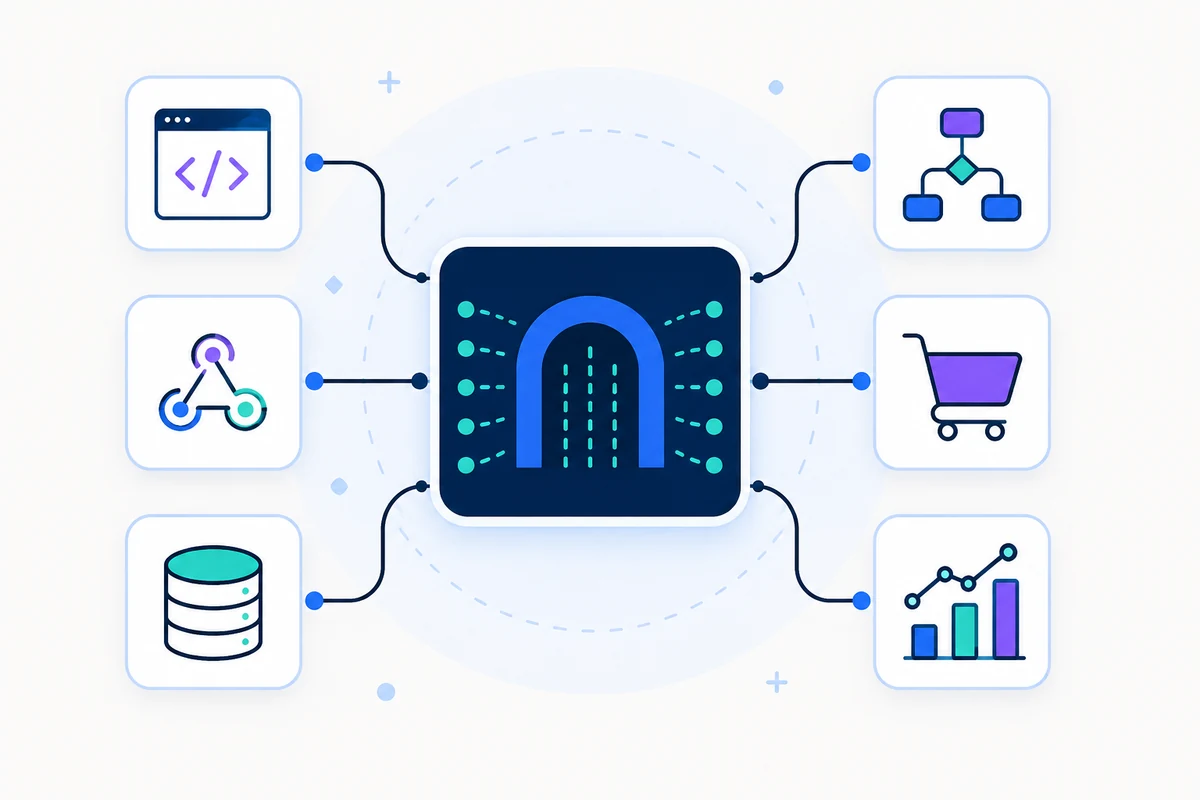

What the connection unlocks
A focused integration surface, connected to the same authenticated API, device routing and operational visibility used across SMSMobileAPI.
Start from the event or action your team already uses.
Map the business context into a useful, timely message.
Route the operation through your connected SMSMobileAPI environment.
Review the result and keep the workflow observable.
Zapier + o seu telemóvel
Zapier is the no-code automation layer. SMSMobileAPI is the secure mobile communication layer. Together, they let a business event from another application trigger an SMS, a mobile notification or a call-event workflow through the phones connected to your SMSMobileAPI account.
Every SMS keeps the same core SMSMobileAPI principle: the message is sent from your own connected mobile phone, using your own mobile number. Your dashboard remains the place where you monitor connected devices, sent SMS, received SMS, notifications and call activity.
A form, CRM, calendar, spreadsheet, e-commerce order or internal tool starts the Zap.
Zapier maps the dynamic fields and calls the SMSMobileAPI action without custom backend code.
The request is authenticated, routed and logged with the same dashboard and API visibility used by the platform.
Your official SMSMobileAPI mobile app links the selected phone to SMS, notification and call workflows.
O que pode automatizar
Use Zapier when the workflow starts in another business application and should end in a real mobile action controlled by SMSMobileAPI.
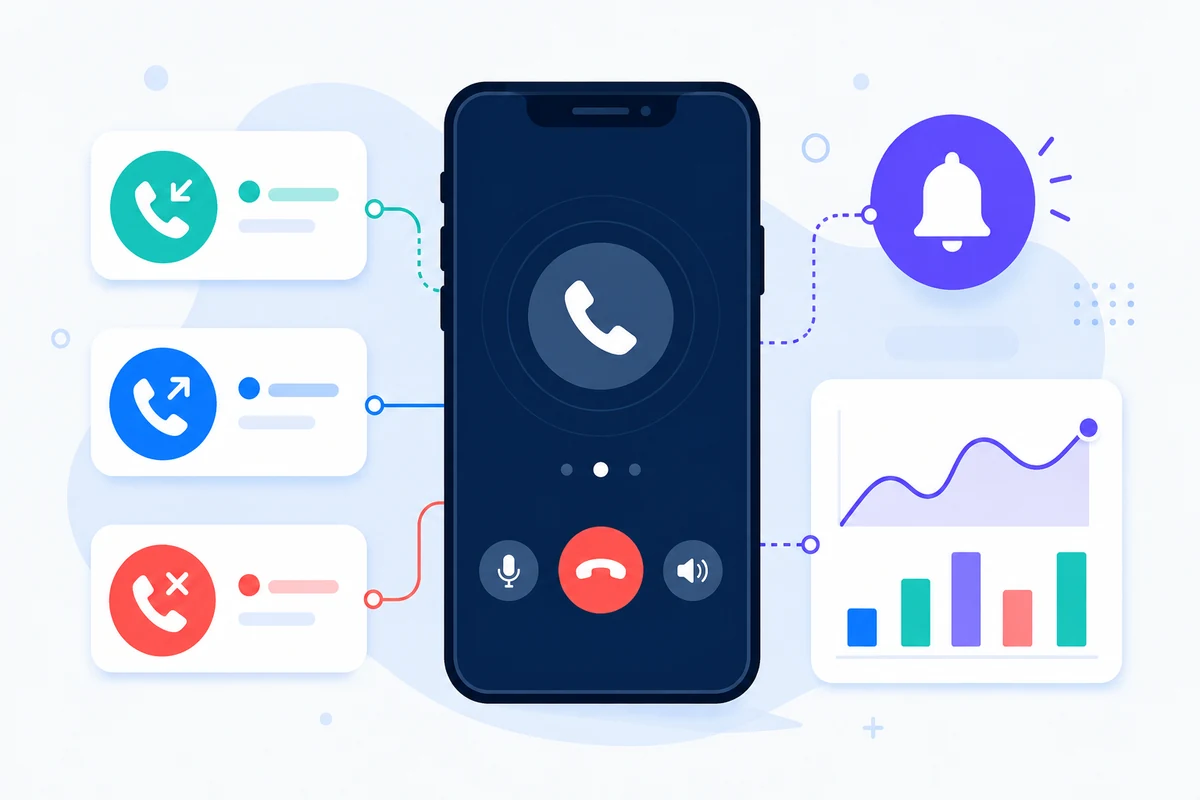
MOBILE NOTIFICATIONS
Send a notification to one mobile or several mobiles connected to the same account when a Zapier trigger detects a new lead, task, order, alert or internal event.
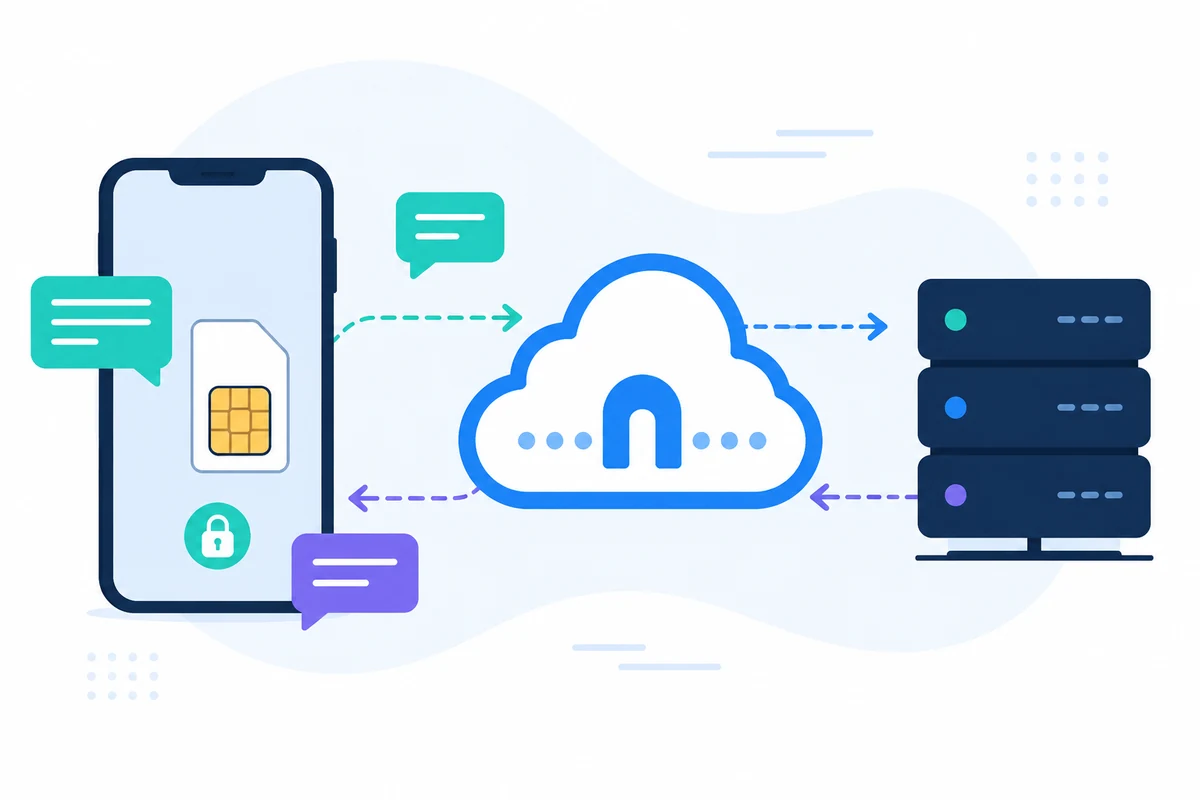
SEND AND RECEIVE SMS
Send SMS from your own connected phone, then use received SMS data in follow-up workflows, CRM updates, support actions, spreadsheets or internal notifications.
CALL EVENTS
Use call activity from one or multiple connected mobiles to feed Zapier workflows, reporting, follow-up tasks, customer records and operational dashboards.
Video guides
Use these walkthroughs to understand the main automation paths before configuring a production workflow.
See how a Zapier trigger can route an automated communication request through SMSMobileAPI.
Use Zapier actions to notify your connected mobile devices from business events.
Bring missed, incoming and outgoing call activity into Zapier workflows and connected business tools.
Why this approach works
Zapier makes the workflow easy to build. SMSMobileAPI keeps the communication layer tied to your connected mobile devices, dashboard logs, API visibility and secure mobile app bridge.

Official mobile application
SMS and call operations pass through the official SMSMobileAPI app installed on your connected phone. The app securely pairs the device with your account, synchronizes authorized events and links the mobile network to the dashboard and REST API.


Connection flow
Zapier provides the business trigger or developer interface. SMSMobileAPI authenticates and routes the request. Your connected device or configured channel completes the communication operation.
A business event, workflow action or explicit request starts the process.
Authentication, payload validation, routing and activity tracking remain centralized.
The selected connected channel performs the operation and returns a result.
Built for practical work
Connect the trigger, map the message context and keep the resulting activity visible in the SMSMobileAPI workflow.
Connect the trigger, map the message context and keep the resulting activity visible in the SMSMobileAPI workflow.
Connect the trigger, map the message context and keep the resulting activity visible in the SMSMobileAPI workflow.
Connect the trigger, map the message context and keep the resulting activity visible in the SMSMobileAPI workflow.
Connect the trigger, map the message context and keep the resulting activity visible in the SMSMobileAPI workflow.
Implementation path
Use a non-production recipient and controlled data while configuring the integration. Never place a production API key in browser code, screenshots or public repositories.
Validate an API key safely →Complete this step, verify the result, then continue to the next part of the connection.
Complete this step, verify the result, then continue to the next part of the connection.
Complete this step, verify the result, then continue to the next part of the connection.
Complete this step, verify the result, then continue to the next part of the connection.
Complete this step, verify the result, then continue to the next part of the connection.
Keep exploring
Ready to connect?
Create an account, connect a phone and validate the first workflow with a three-day free trial.

Tell us who we are speaking with. Your details stay attached to this private support conversation.