
自动发送状态更新
从事件开始, 或是从您的团队已经使用的动作开始 。
商业
正式插件Connect a WooCommerce store to SMSMobileAPI and send order updates through your own mobile number. Configure the statuses that matter, personalize message templates and keep every notification visible in your SMSMobileAPI activity.
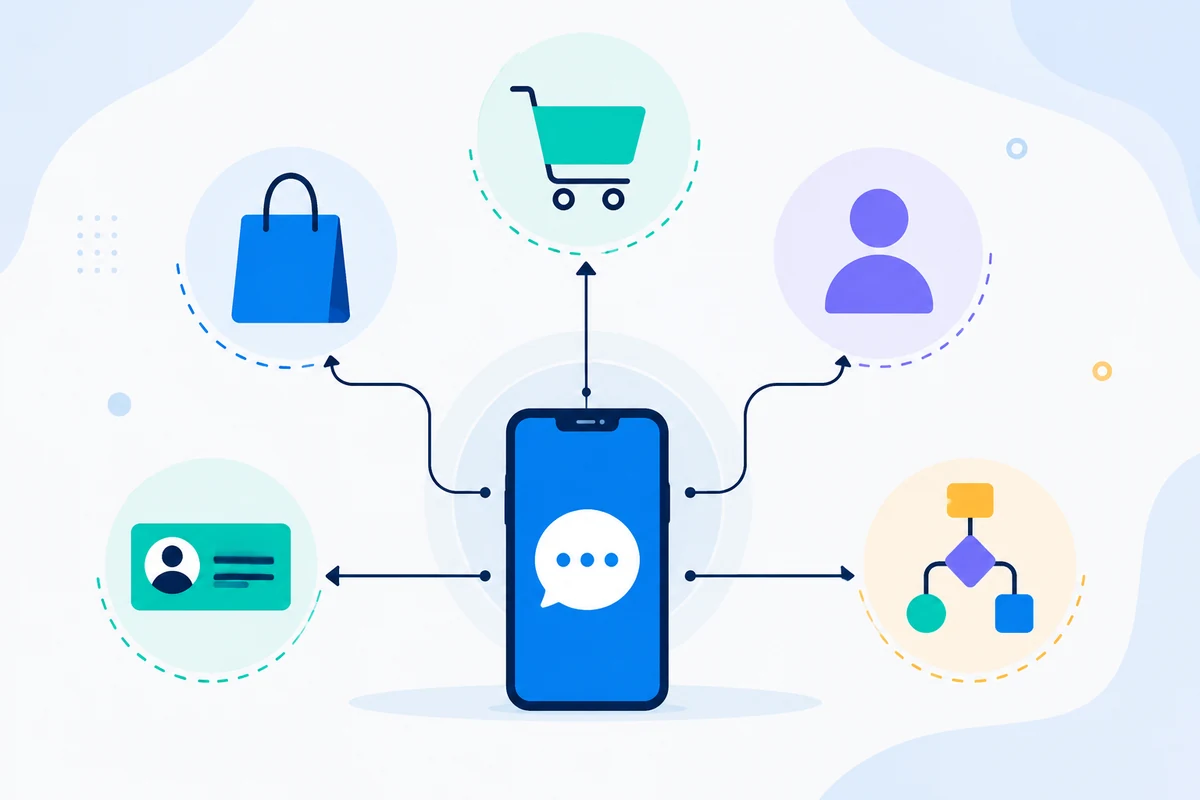

What the connection unlocks
A focused integration surface, connected to the same authenticated API, device routing and operational visibility used across SMSMobileAPI.
从事件开始, 或是从您的团队已经使用的动作开始 。
将业务环境映射成一个有用而及时的信息.
Route the operation through your connected SMSMobileAPI environment.
检查结果,并保持工作流程的可观察性。

官方移动应用程序
SMS and call operations pass through the official SMSMobileAPI app installed on your connected phone. The app securely pairs the device with your account, synchronizes authorized events and links the mobile network to the dashboard and REST API.


连接流
WooCommerce provides the business trigger or developer interface. SMSMobileAPI authenticates and routes the request. Your connected device or configured channel completes the communication operation.
商务活动、工作流程行动或明确要求开始这一进程。
验证、有效载荷验证、路由和活动跟踪仍然集中进行。
选定连接的频道执行操作并返回结果 。
Built for practical work
Connect the trigger, map the message context and keep the resulting activity visible in the SMSMobileAPI workflow.
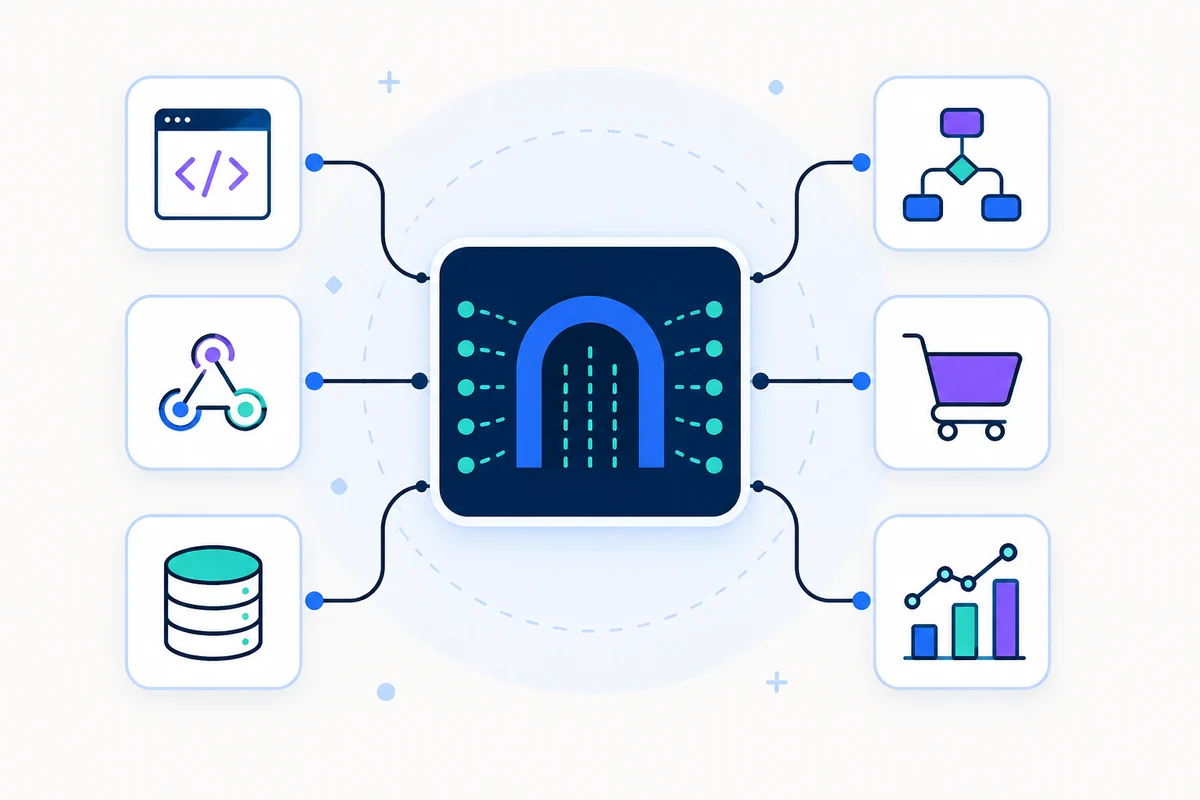
Connect the trigger, map the message context and keep the resulting activity visible in the SMSMobileAPI workflow.
Connect the trigger, map the message context and keep the resulting activity visible in the SMSMobileAPI workflow.
Connect the trigger, map the message context and keep the resulting activity visible in the SMSMobileAPI workflow.
执行路径
Use a non-production recipient and controlled data while configuring the integration. Never place a production API key in browser code, screenshots or public repositories.
Validate an API key safely →完成这一步骤,验证结果,然后继续到连接的下一部分.
完成这一步骤,验证结果,然后继续到连接的下一部分.
完成这一步骤,验证结果,然后继续到连接的下一部分.
完成这一步骤,验证结果,然后继续到连接的下一部分.
参见工作流程
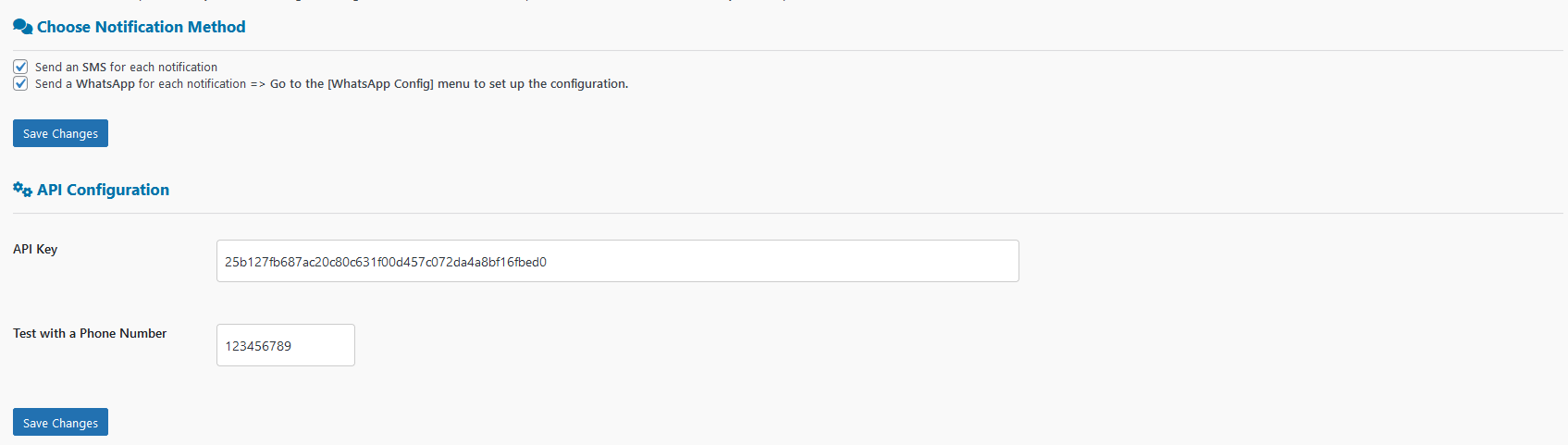
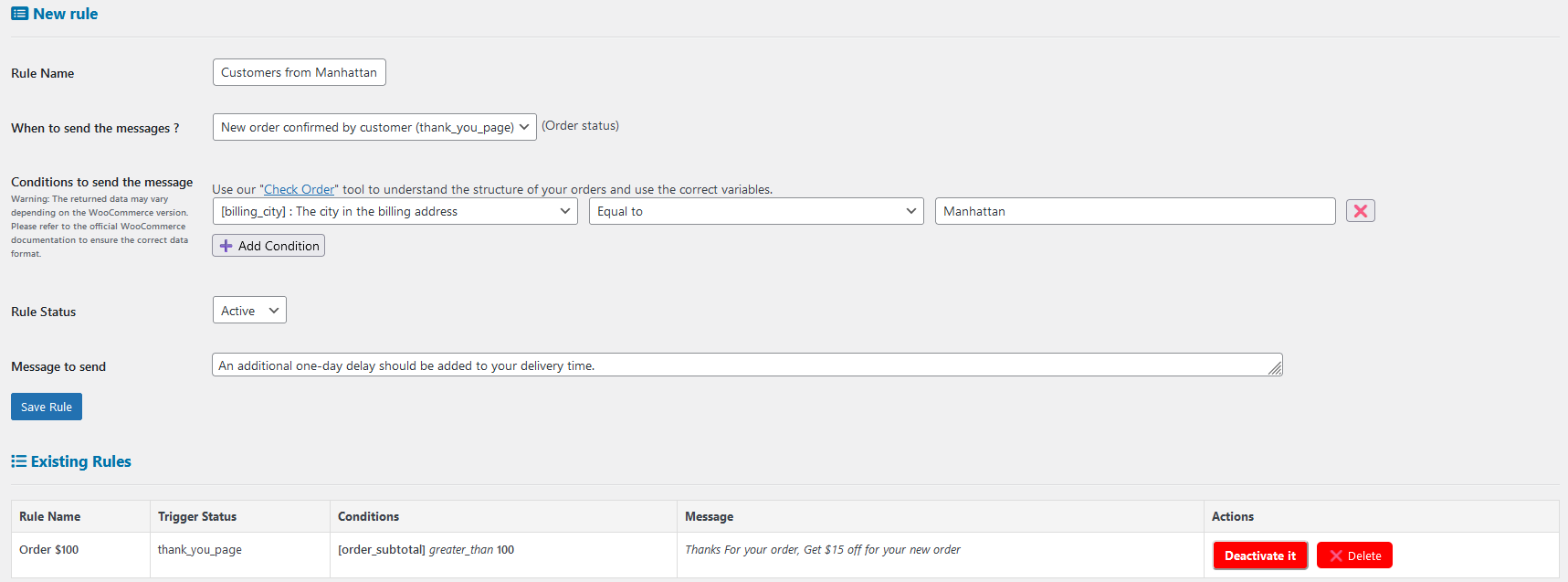
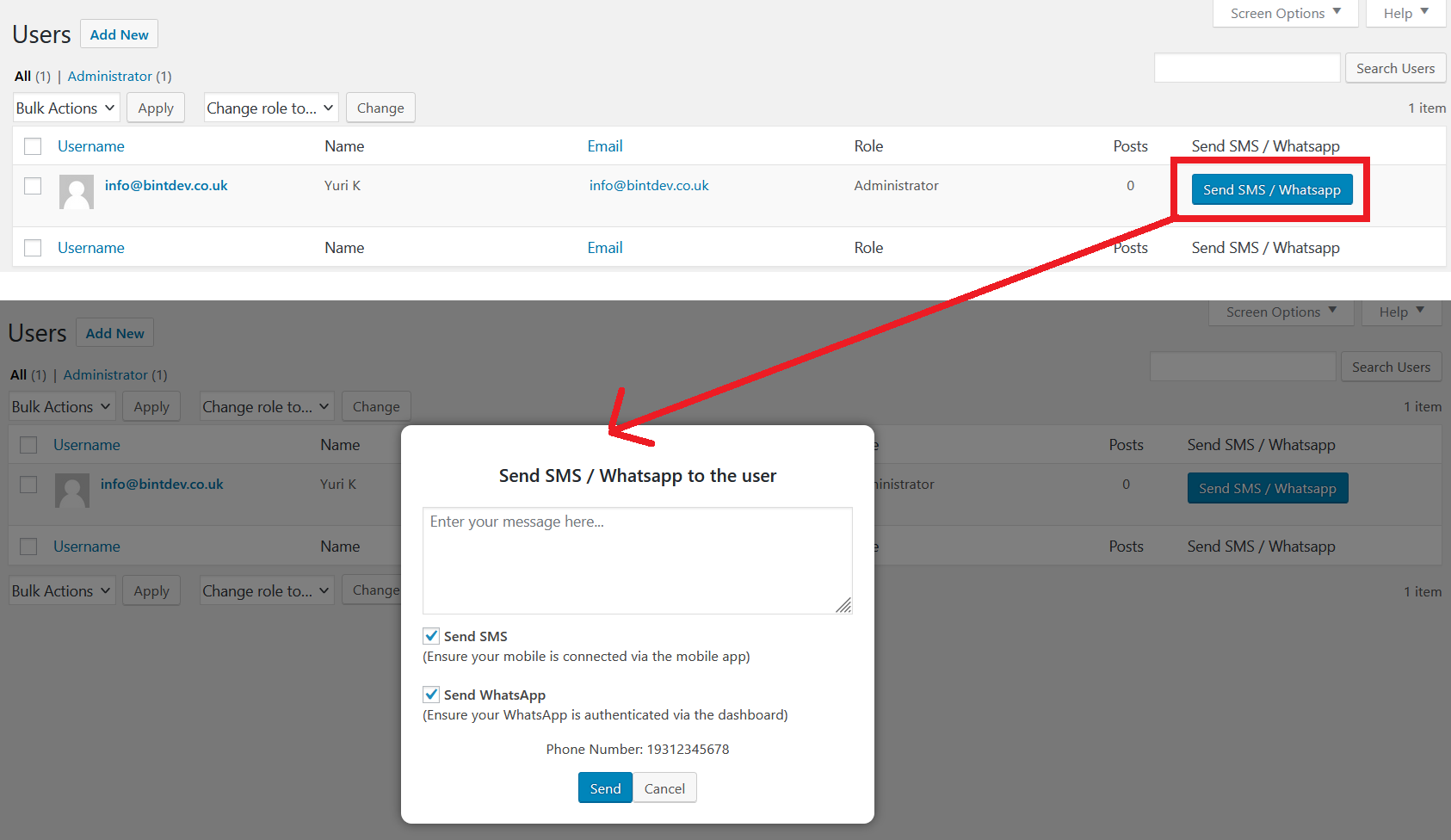
Visual references from the existing SMSMobileAPI integration experience help teams recognize the relevant setup and messaging surfaces.
继续探索

请告诉我们正在与谁交谈。您的详细信息将附加到此私人支持对话中。