
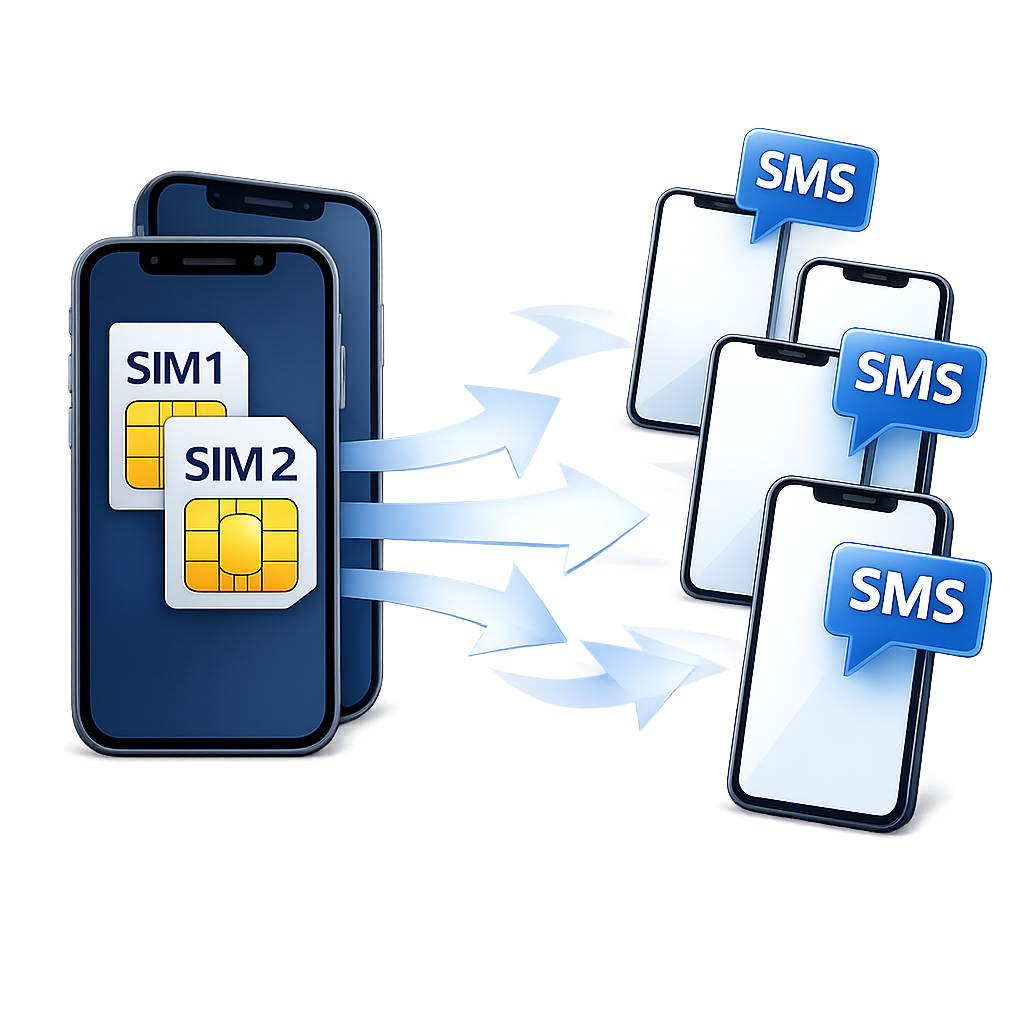
Bulk SMS Campaigns via Your Connected Mobile Gateways
BulkPro is the bulk SMS campaign feature built into SMSMobileAPI. Instead of using a third-party SMS provider, BulkPro sends messages directly from your own connected phone(s) through the SMSMobileAPI mobile app — while the dashboard manages campaign setup, contact groups, load balancing, live progress, and reporting.
Wizard-based setup
A clear flow: Name → Campaign → Groups → Mobiles → Send. Every step is saved, so you can resume a draft later.
Multi-gateway load balancing
Select one or multiple connected phones. BulkPro automatically distributes recipients across gateways to share the workload and improve throughput.
Dual-SIM port routing
If your phone has SIM Port 1 and Port 2 enabled, BulkPro can treat each port as an additional sending channel, allowing smarter distribution and higher capacity.
Live progress
Track queued, processing, sent, and failed counts in real time with the latest logs displayed during sending.
Detailed reporting
Open the campaign report when finished to review per-recipient status, the device response, message IDs, and error details. Includes a Refresh option to update pending rows.
Works with your contact groups
Select one or multiple contact groups and BulkPro can deduplicate recipients by phone number, preventing duplicates across groups.
Automatic management of connected mobiles (SMS Gateways)
SMSMobileAPI automatically manages the mobile phones connected to your account. If you connect one phone or several phones under the same account, they are automatically recognized and available as SMS Gateway devices — no manual device registration needed.

How it works
BulkPro orchestrates the campaign from the dashboard, while the SMSMobileAPI mobile app sends SMS from your phone number.
This gives you the convenience of a bulk campaign tool with the control of your own mobile gateways.
Best practices & compliance
Bulk sending must be done responsibly. SMSMobileAPI helps you run campaigns with your own gateways,
but you remain responsible for compliance with local rules and carrier policies.
- Send only to recipients who explicitly opted in (by default, all contacts are treated as opt-in).
- Provide opt-out instructions where required by local regulations.
- Configure sending speed and delays from the mobile app Settings to respect carrier limits.
- Monitor failed and pending states and investigate errors using the report view.
 English
  French
  German
  Spanish
  Portuguese
  Russian
  Finnish
  Japanese
  Chinese
  Vietnamese
  Dutch
Dutch  Greek
Greek  Arabic
  Danish
  Italian
  Ukrainian